




Liderlik Tablosu
-
Yakup Ç. A.
Yönetim23Puan55.614Toplam İleti -
Cem Boneval
Blogger16Puan16.839Toplam İleti -
Engin Uzunoğlu
Moderatör7Puan6.826Toplam İleti -
Bekir B.
Üye7Puan17.781Toplam İleti



Popüler İçerikler
20-01-2014 tarihinde, tüm alanlarda en yüksek itibara sahip içerik gösteriliyor
-
Avrupa'da sanırım (bildiğim) ilk kez içine giriş yapılıyor.Bunun türkçe meali satışı yaklaşıyor demek oluyor Viyana Otomobil Fuarında - Mondeo - Buyrunuz Heryerde Bulunmaz Bunlar6 puan
-
3 puan
-
3 puan2012 model olması için 2011 2. yarısından sonra almak yeterliydi. 2012 geçiş yılı yani bu araba maksimum 2.5 yıl kullanılmış olması muhtemeldir Bu sebeple 2012 2. yarıda 2013 model satılmadığı için 2012 model araç bolluğu var memlekette 2013 model olması için 2013 üretimli olması gerekiyor. 2014 model olması için 2014 üretimli olması gerekiyor.3 puan
-
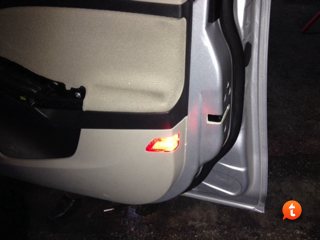
3 puanYanlış anlamayın ama bence gereksiz. Neden derseniz de görünürlük açısından zaten karşıdan gelenler için bir anlamı yok he arkadan gelenler içinse kocaman stoplarda pat pat parlayan sinyaller var bunlar varken dahi sizi görmeyen zaten şoför değildir. Yanınızdaki araç için desem gene çok düşük ihtimal görmesi anca akşam vakitlerinde ki zaten yanınızdan dönecek araca refleks olarak bakıyor ve takip ediyorsunuz onun içinde pek bir esprisi yok. Bu 50TL daha güzel şeylere harcanabilir en basitinden 10-11 litre mazot alır 200km civarıda arabanızla gezersiniz çevrede görünürlüğünüz artar3 puan
-
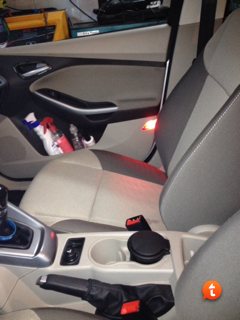
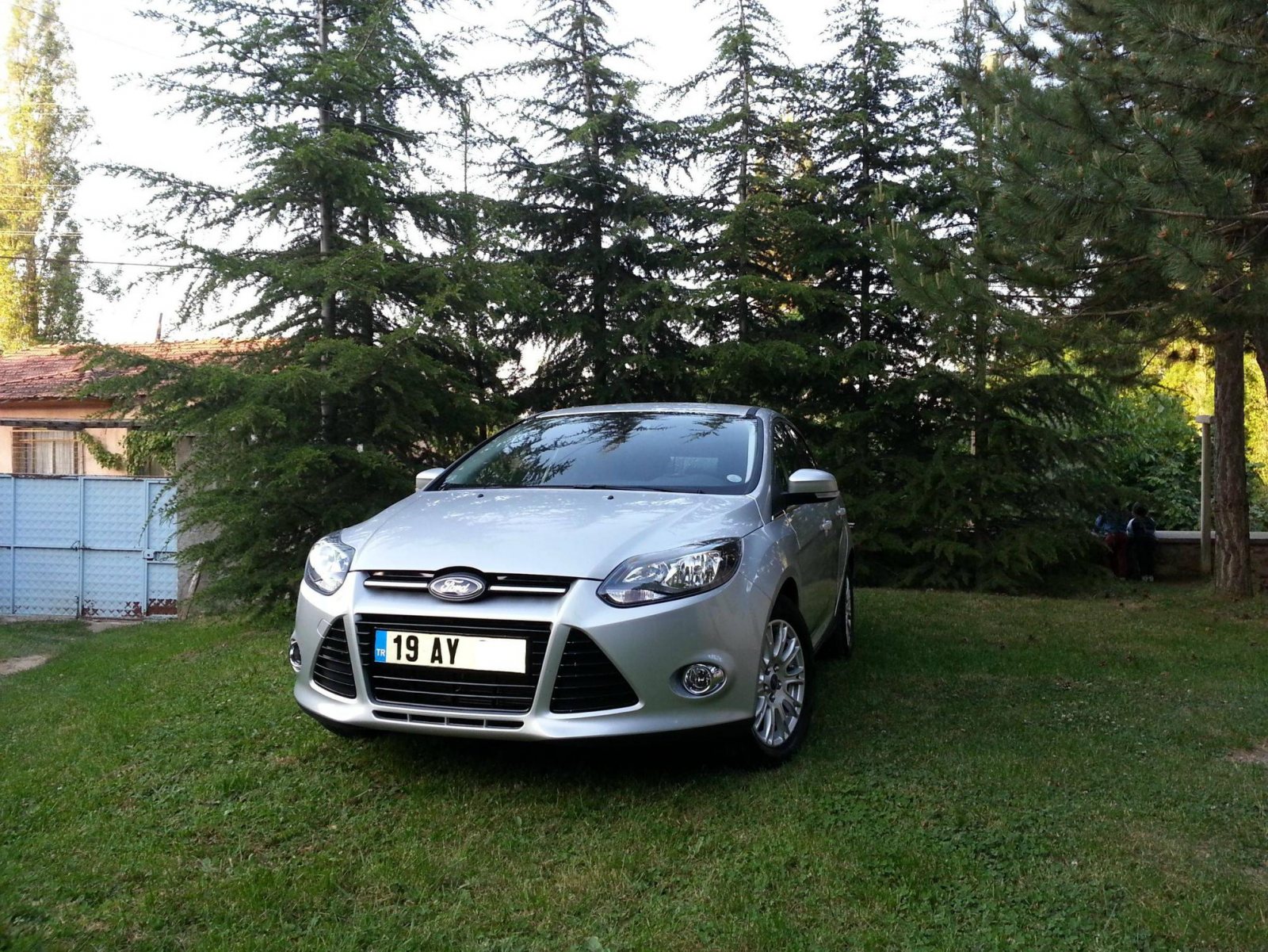
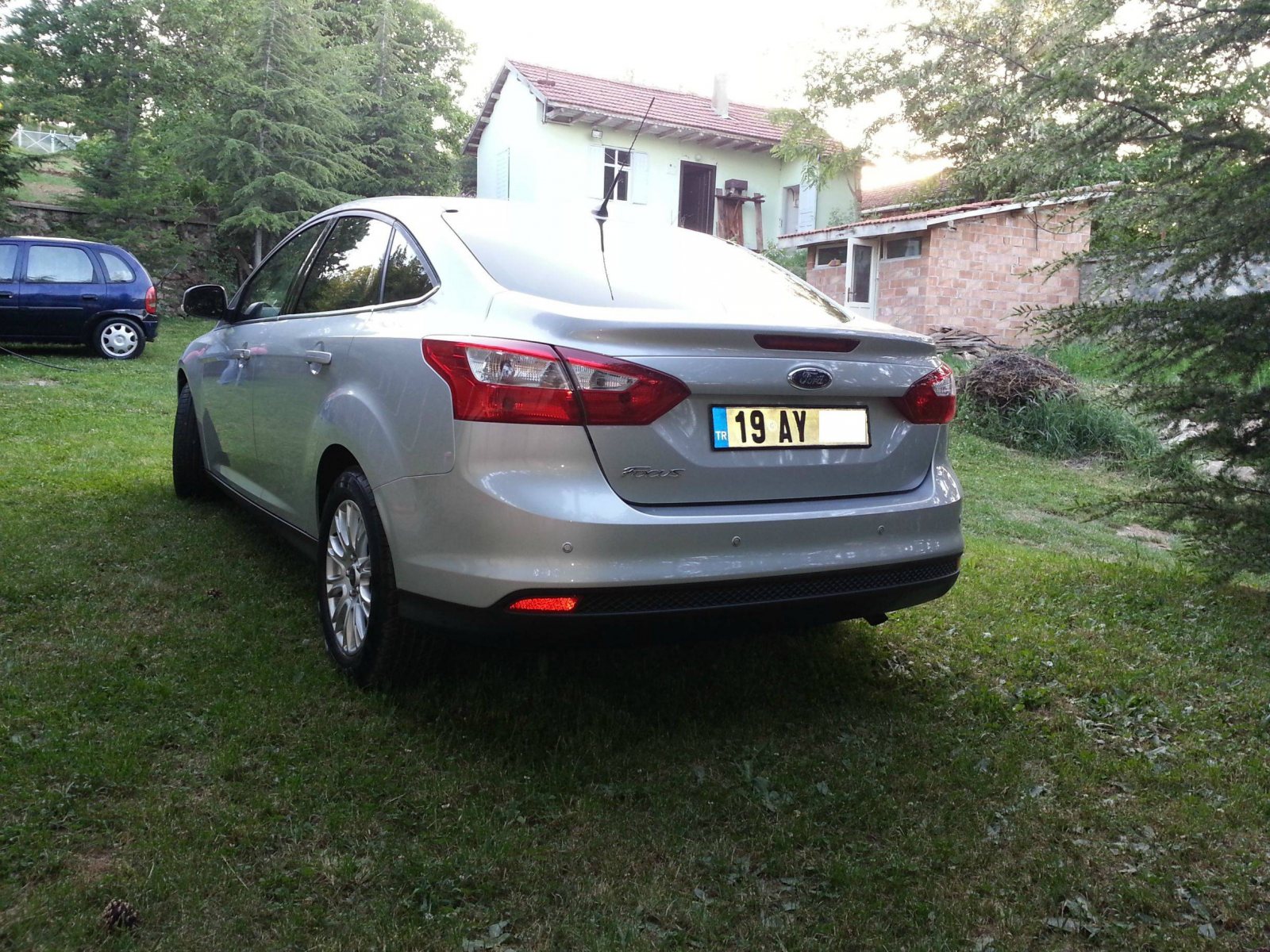
2 puan2 puanArkadaşlar sonunda aracıma kavuştum ve masraflara da başladım... İyi seyirler İphone kamerasıyla ancak bu kadar...
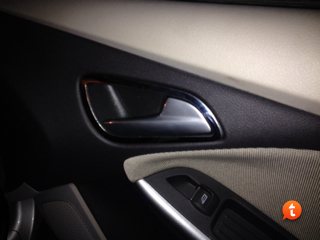
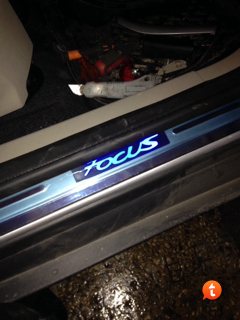
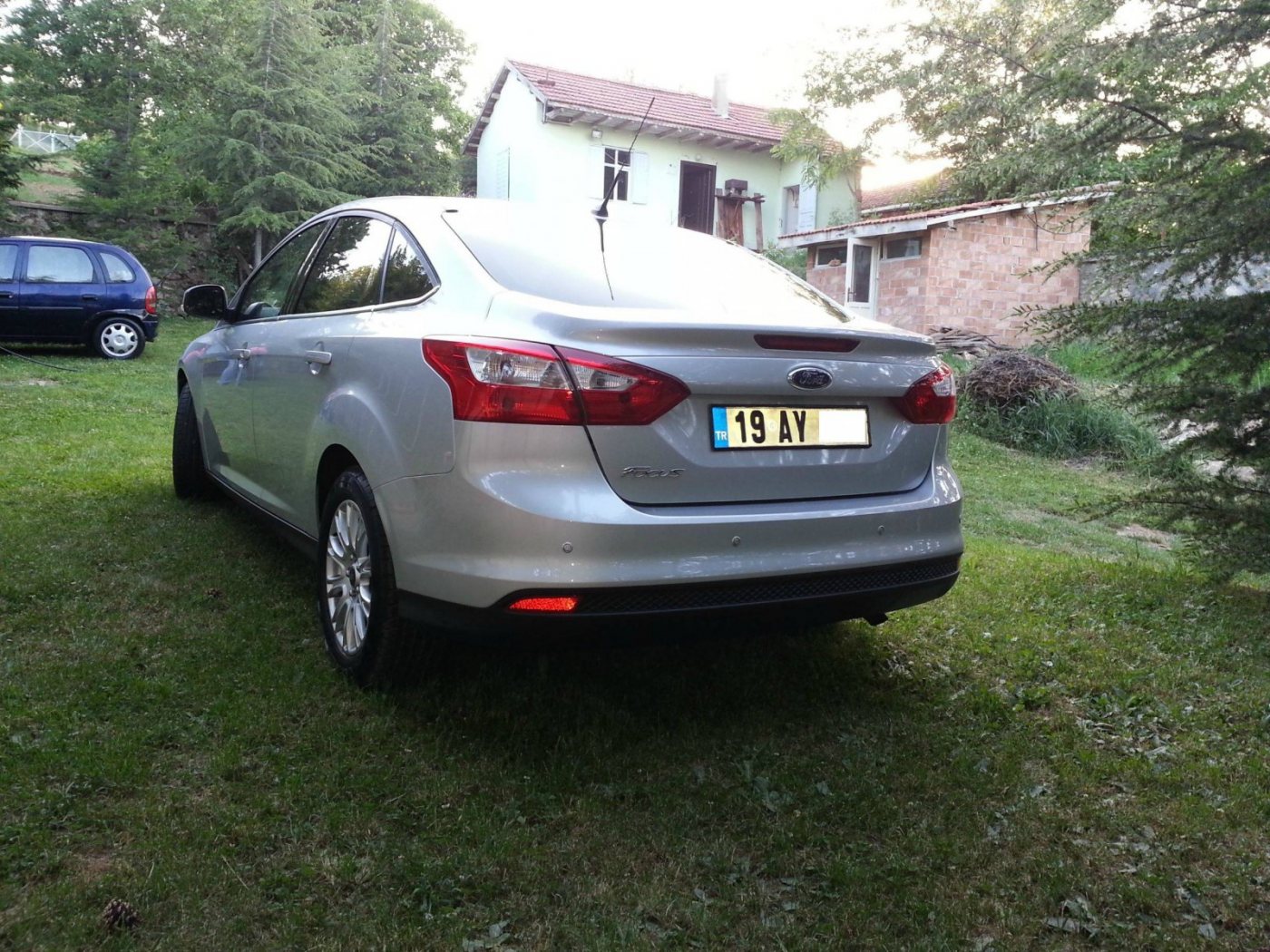
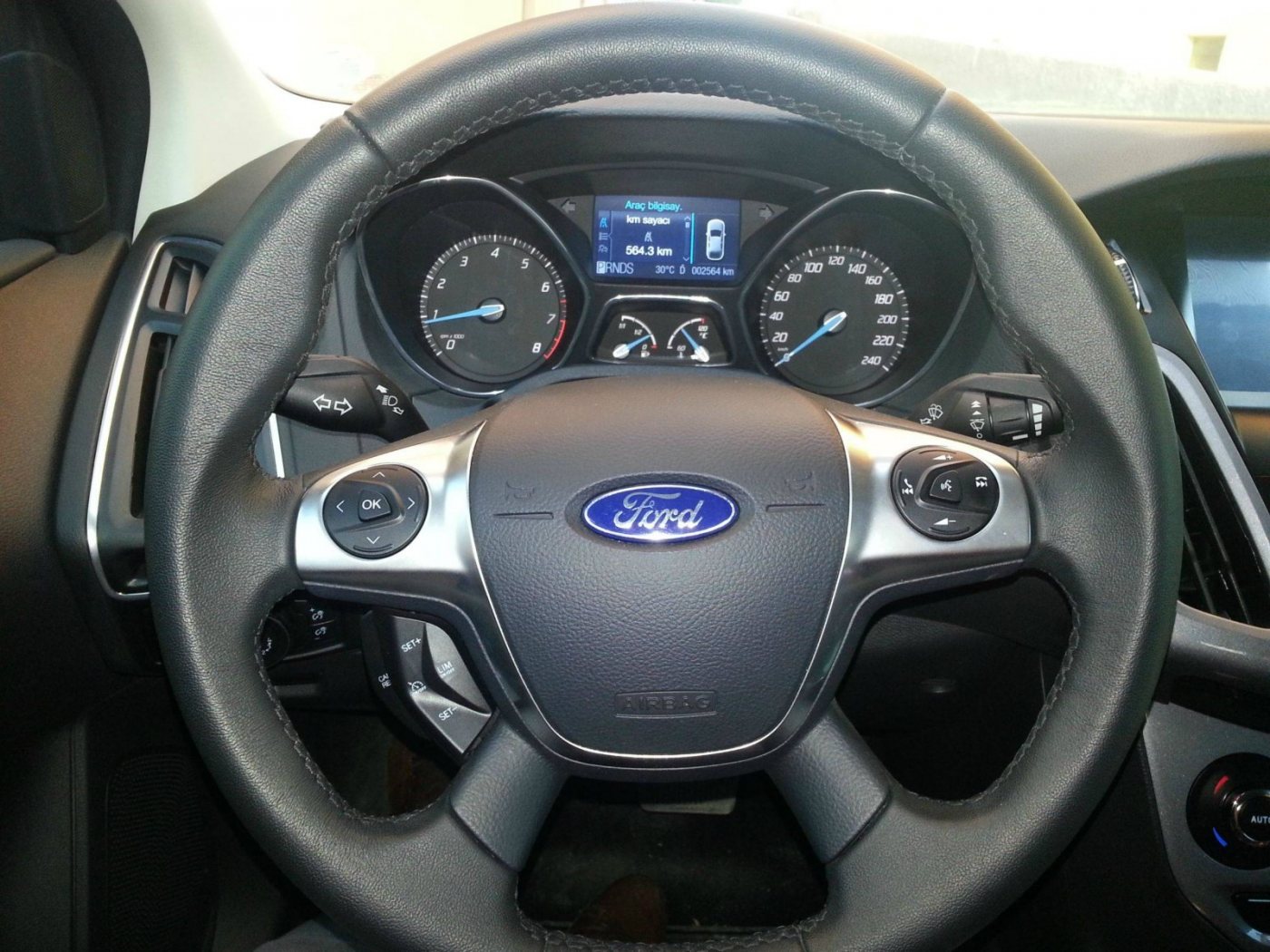
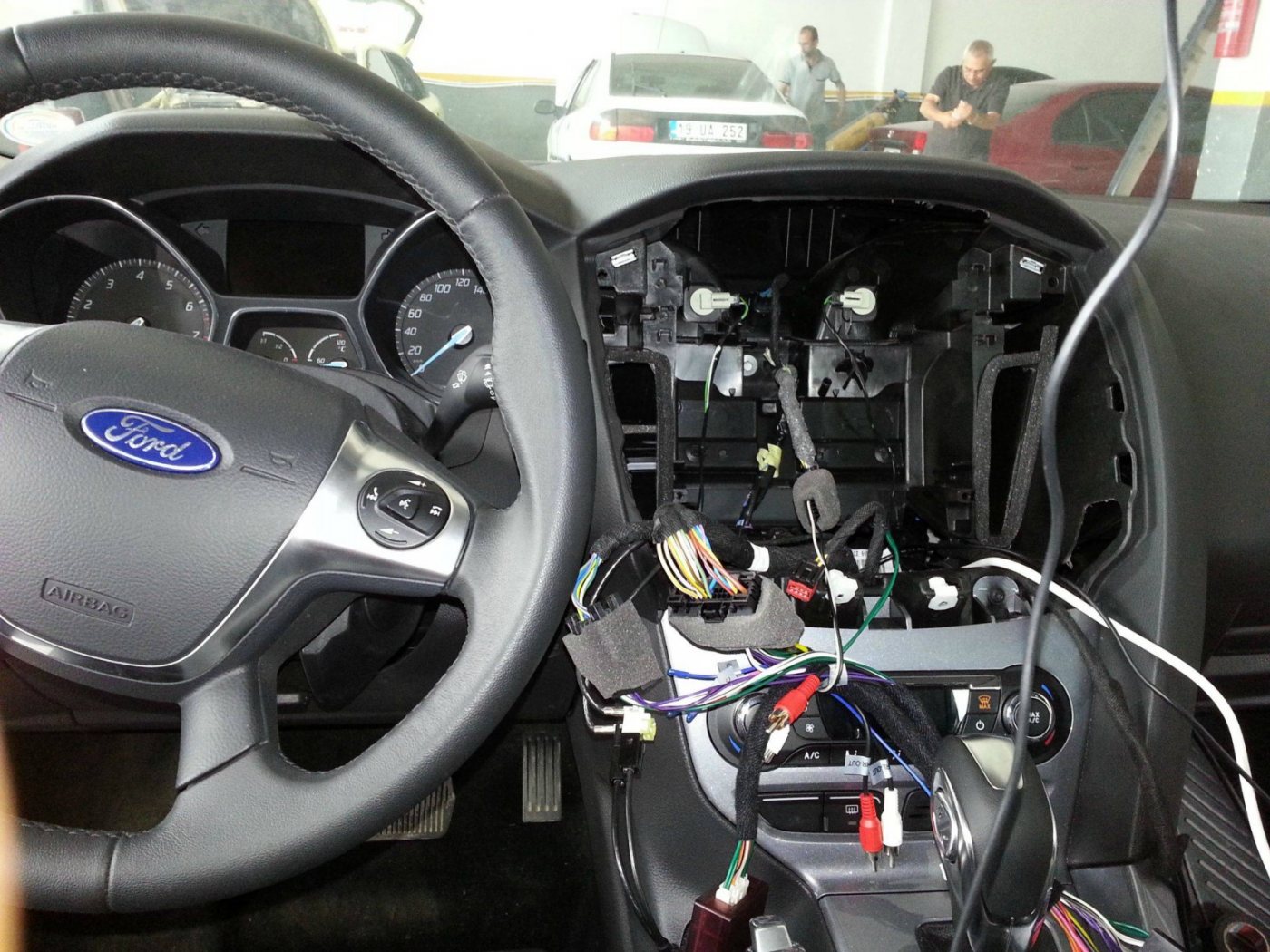
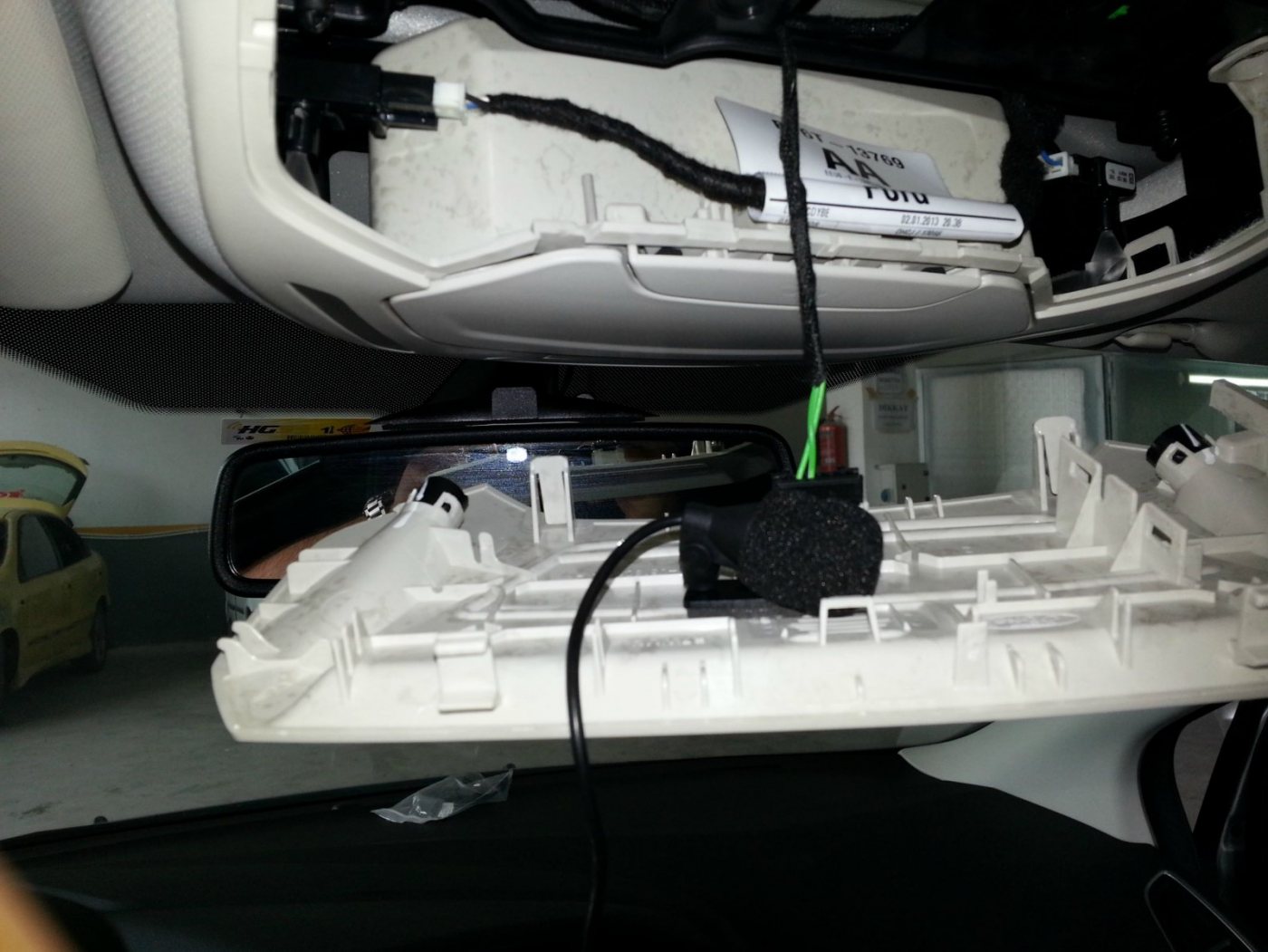
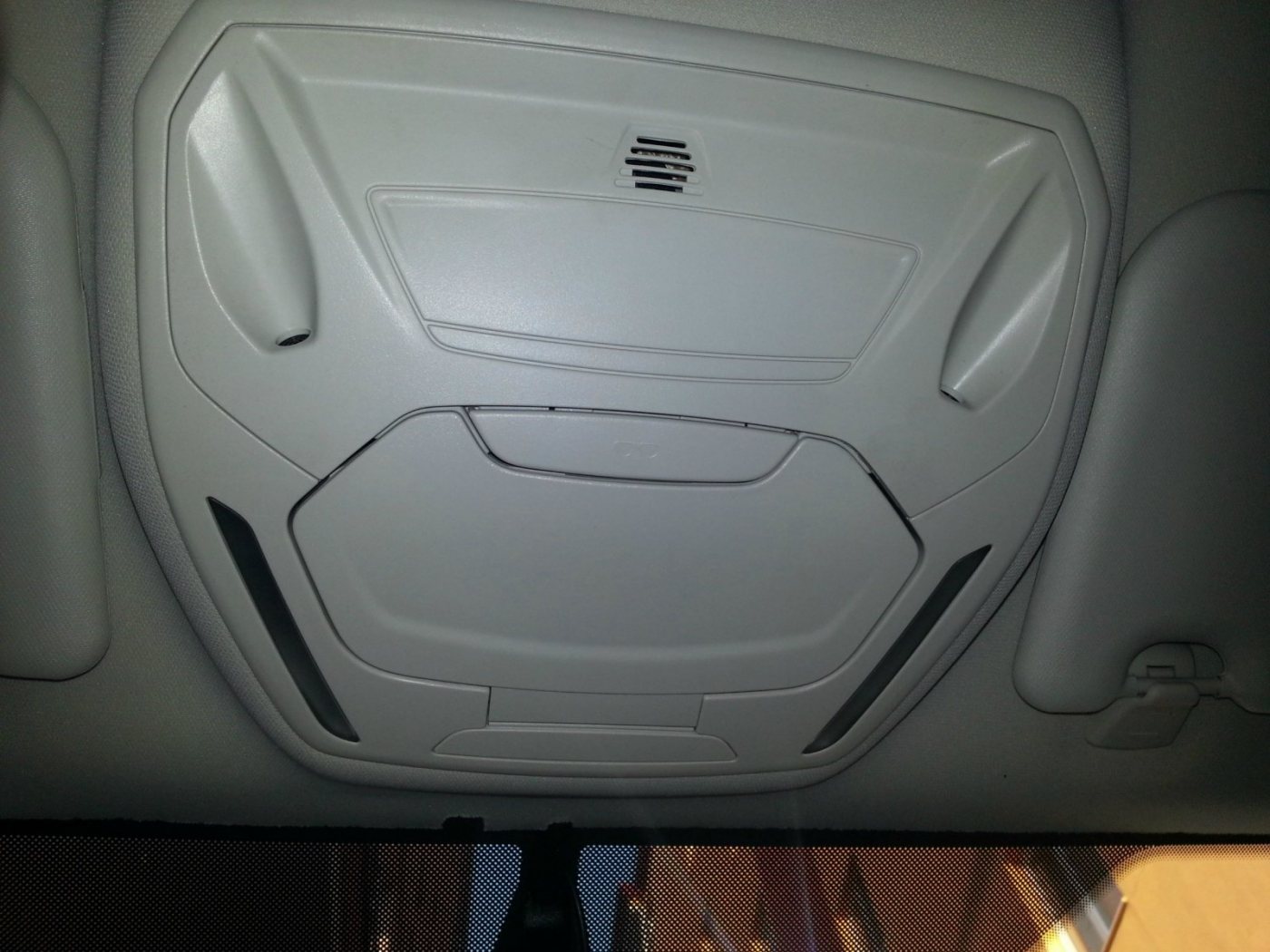
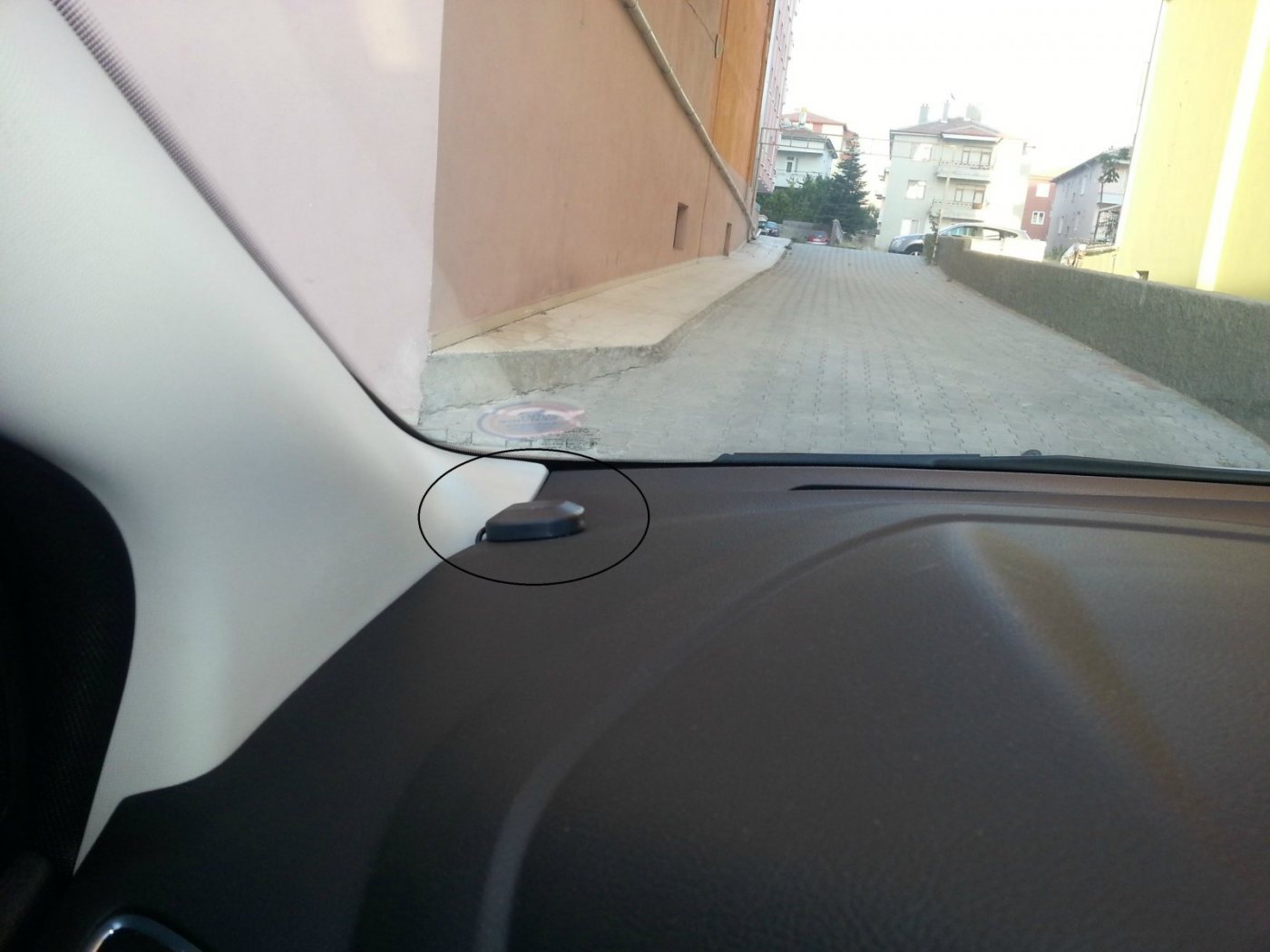
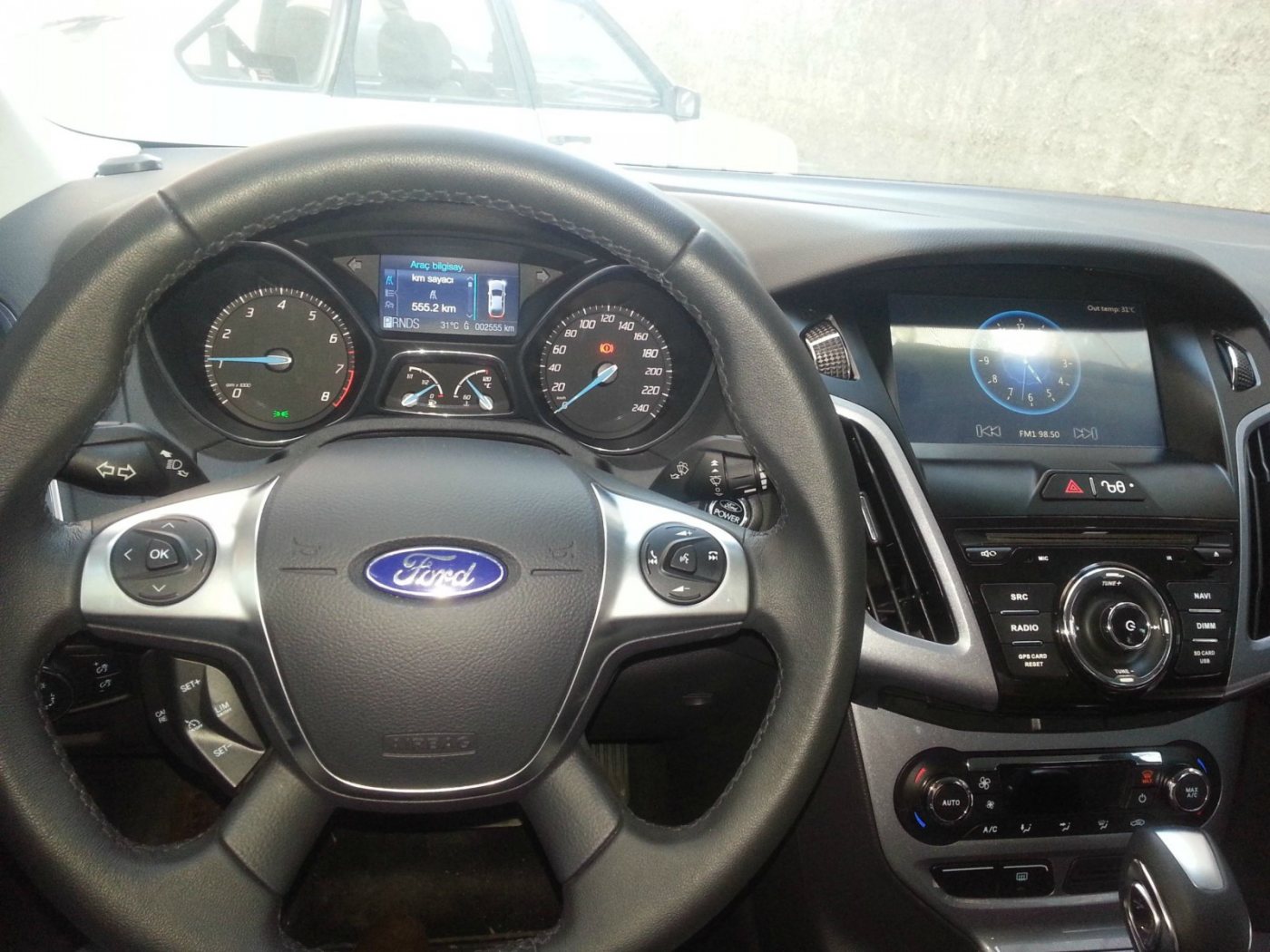
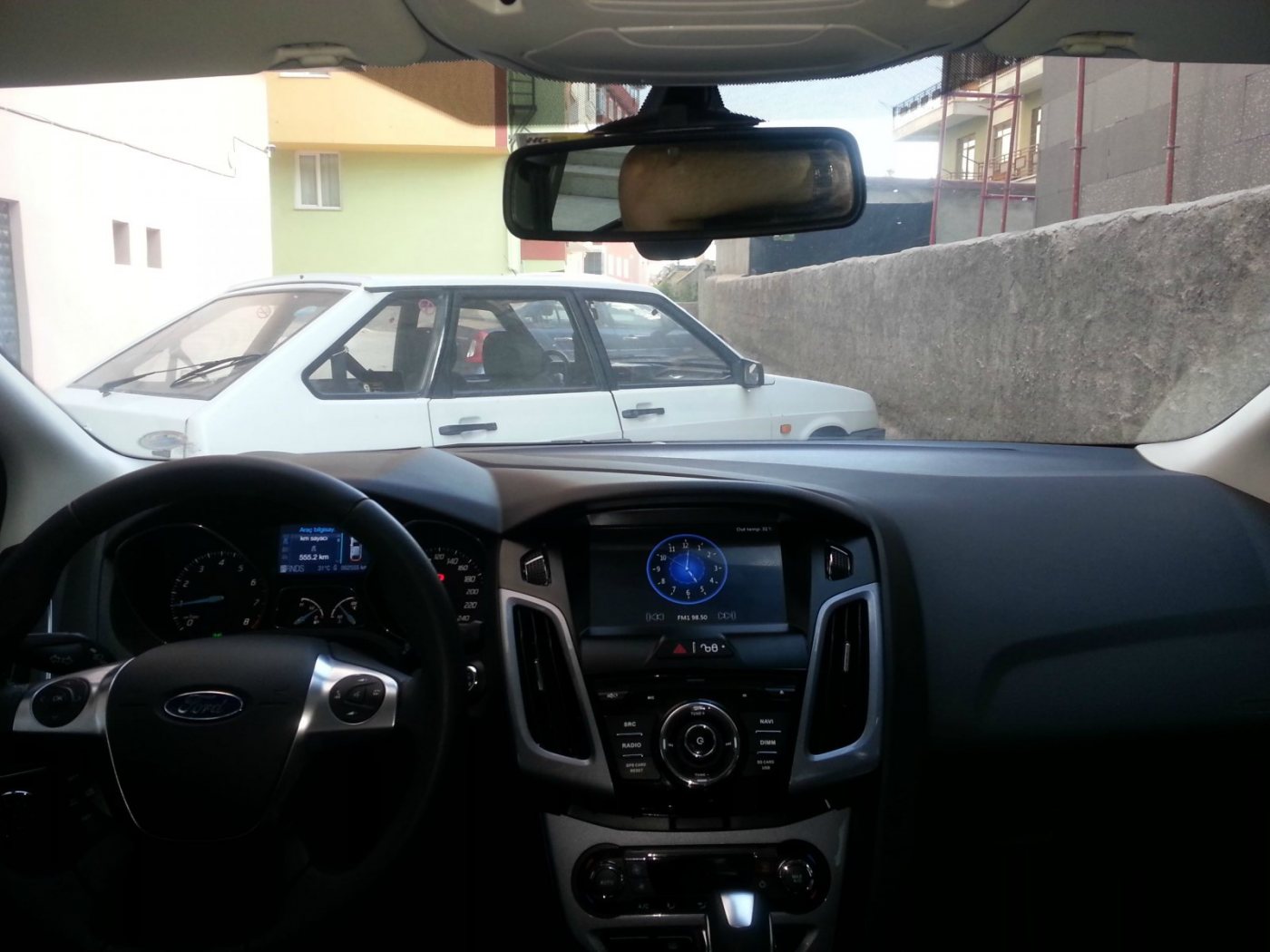
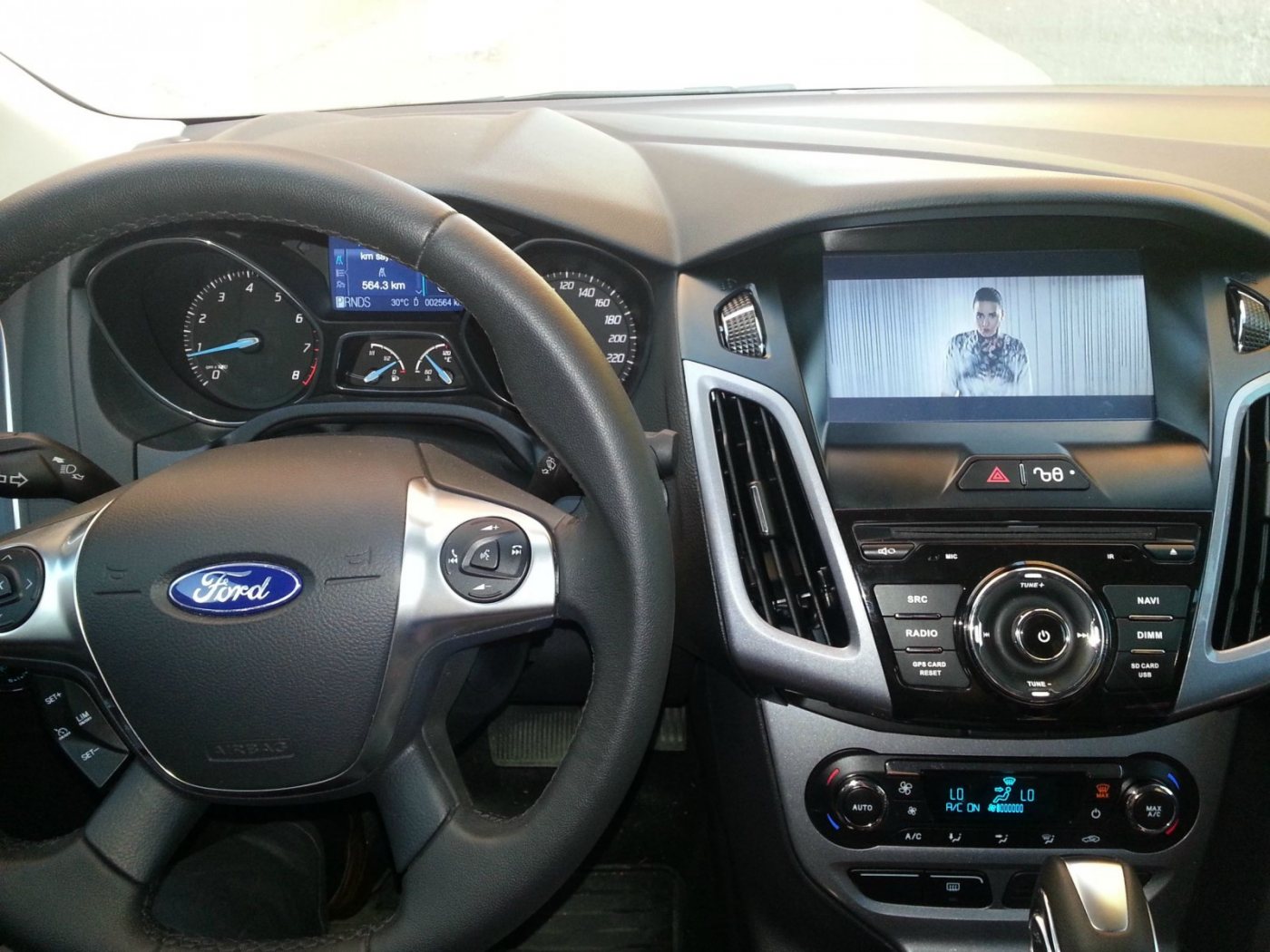
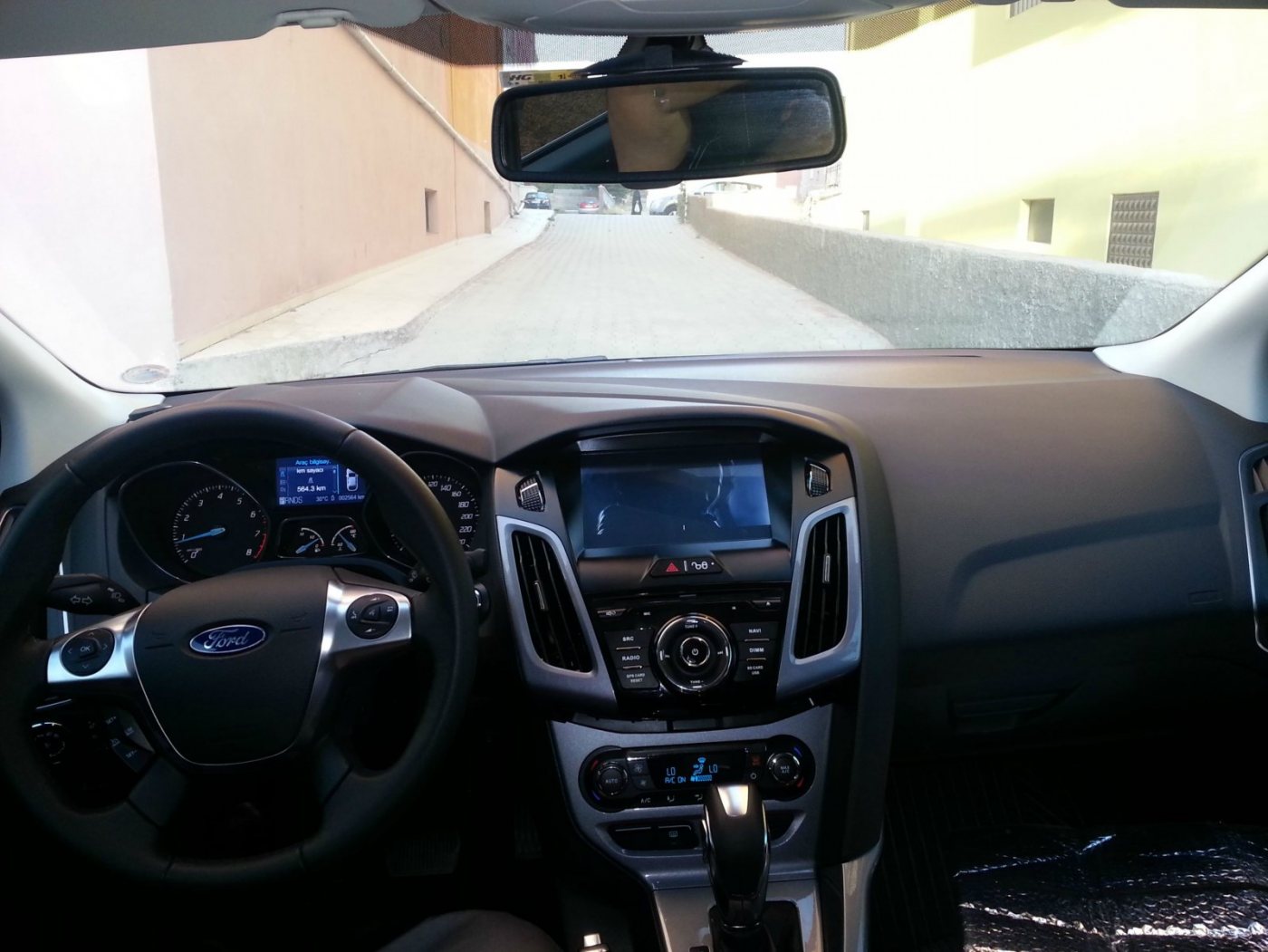
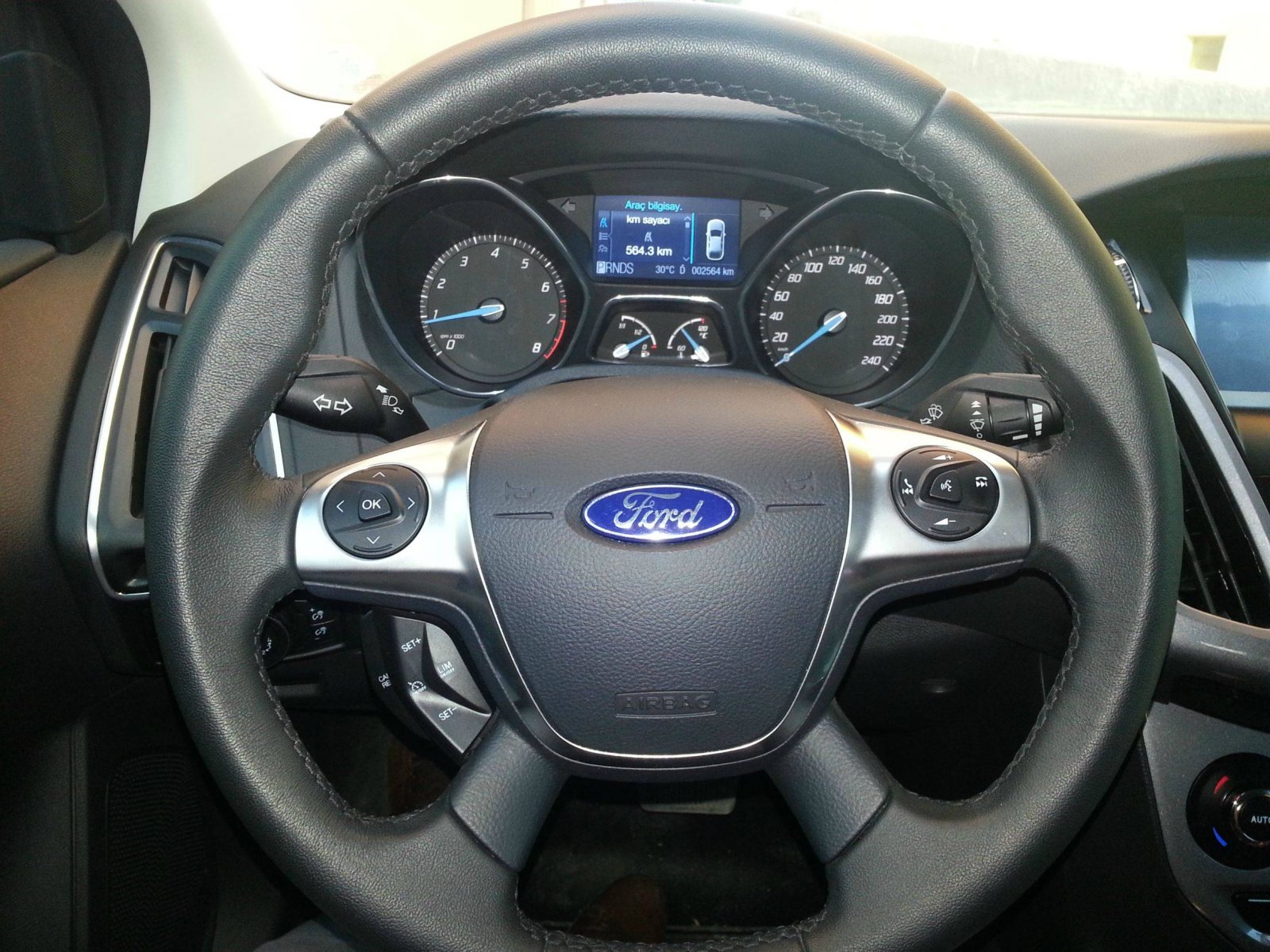
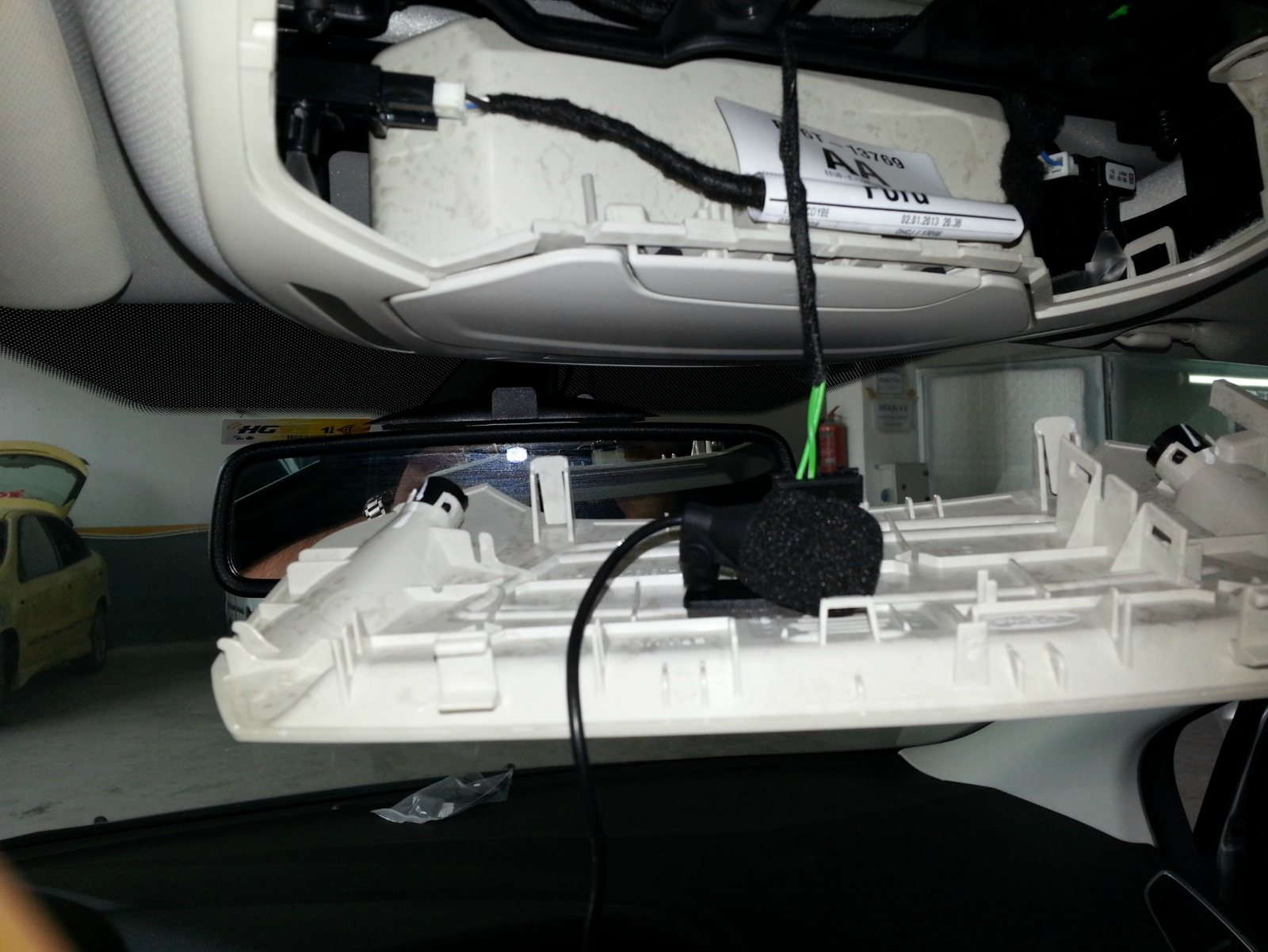
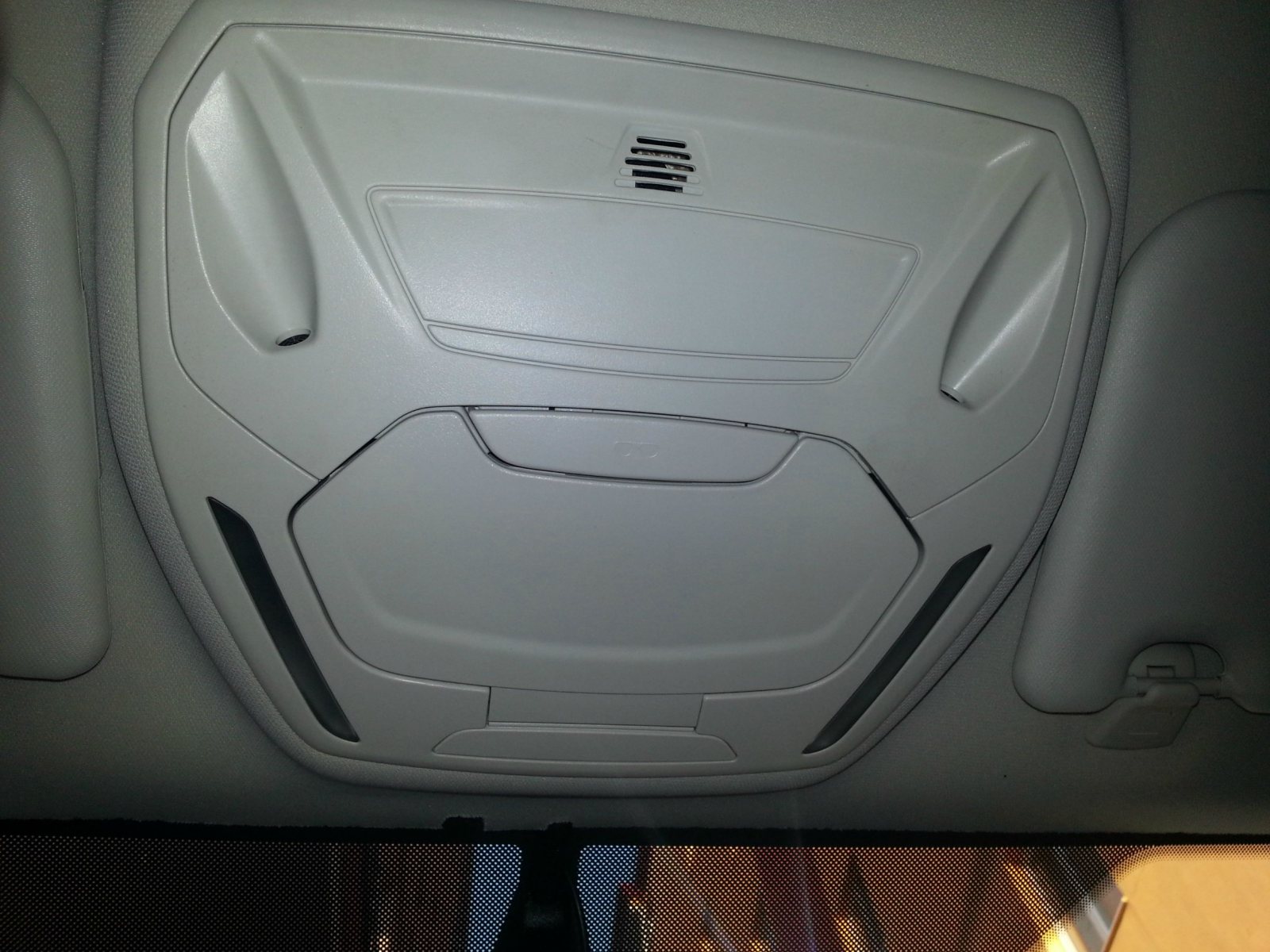
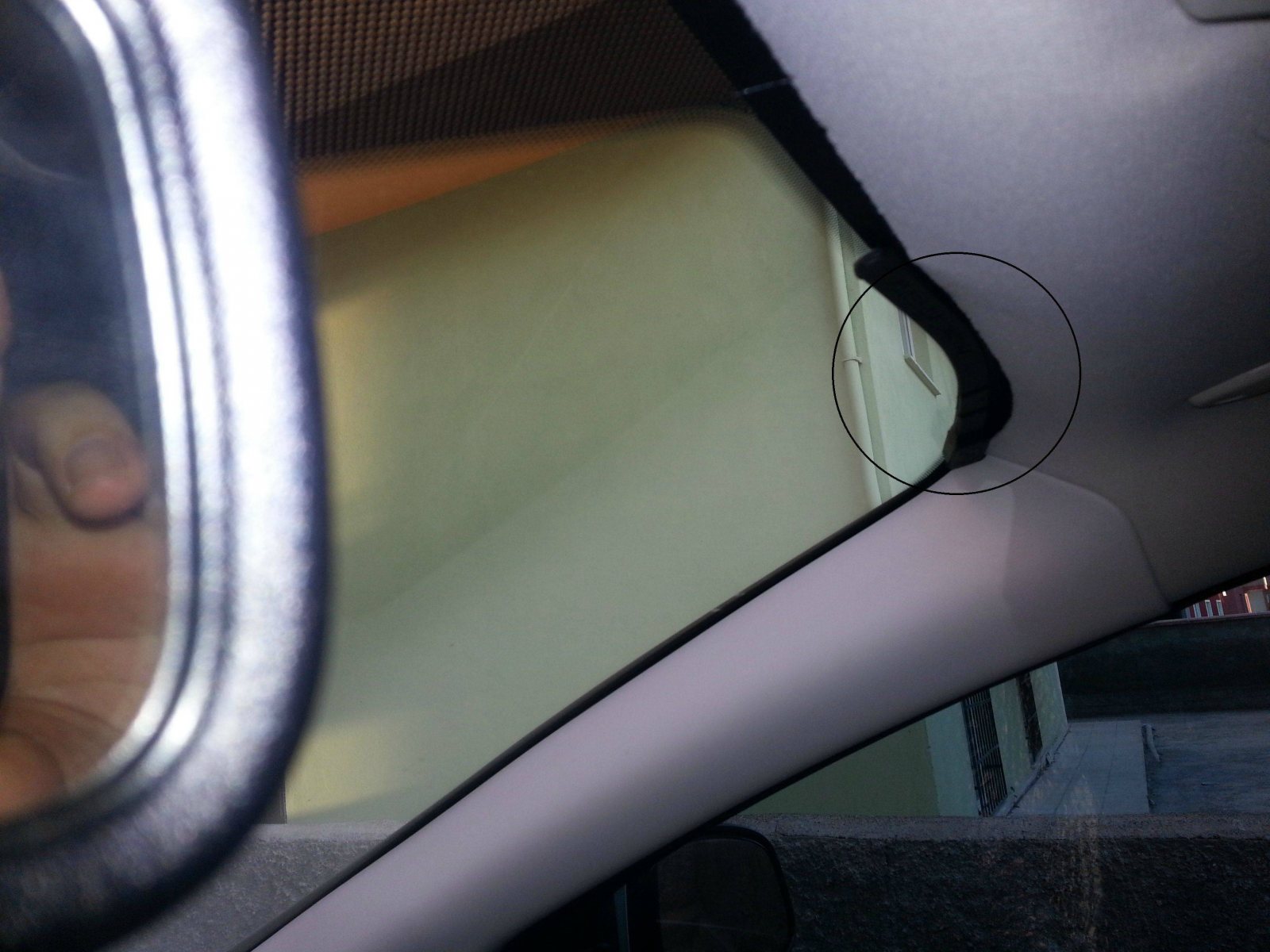
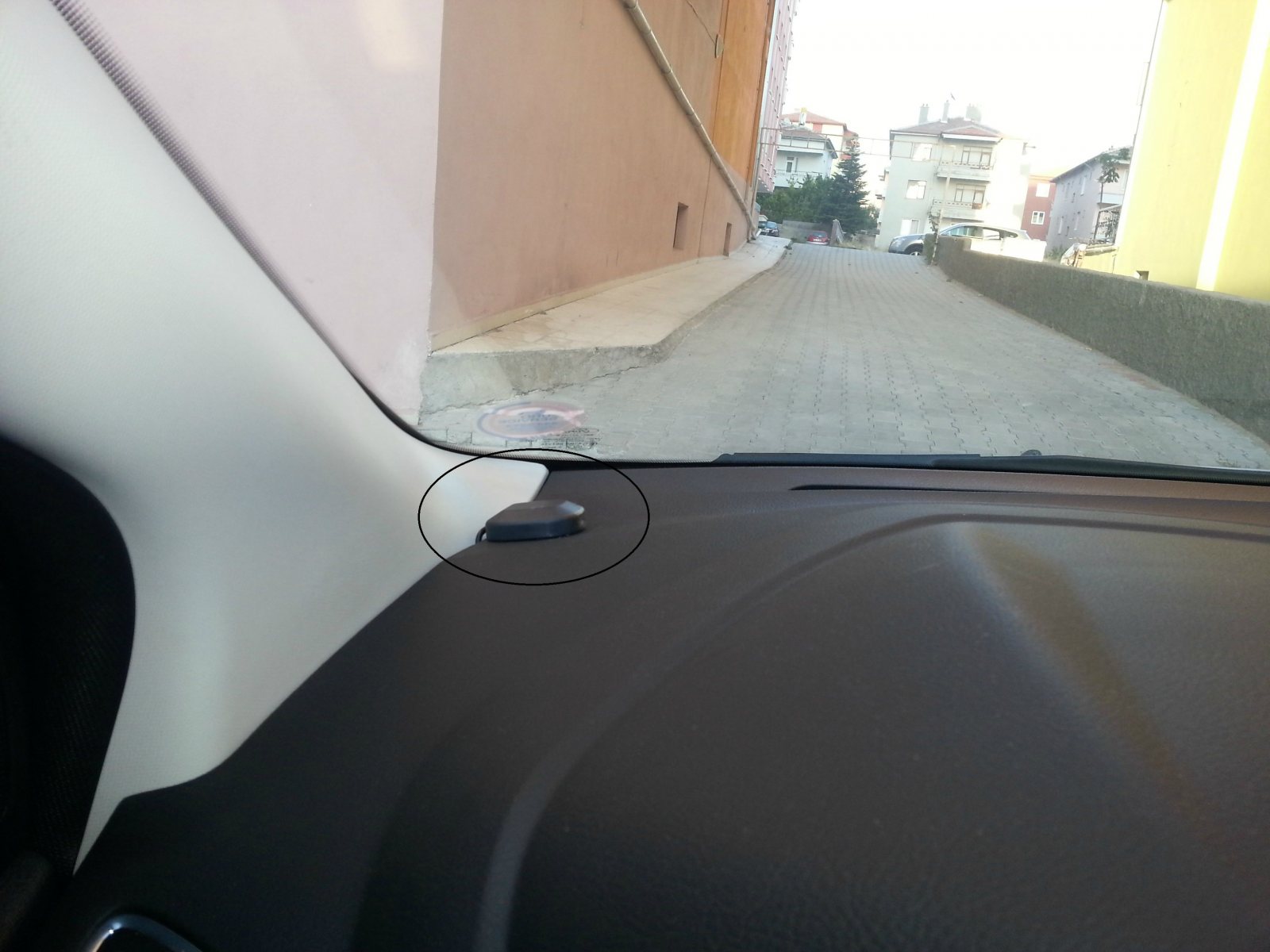
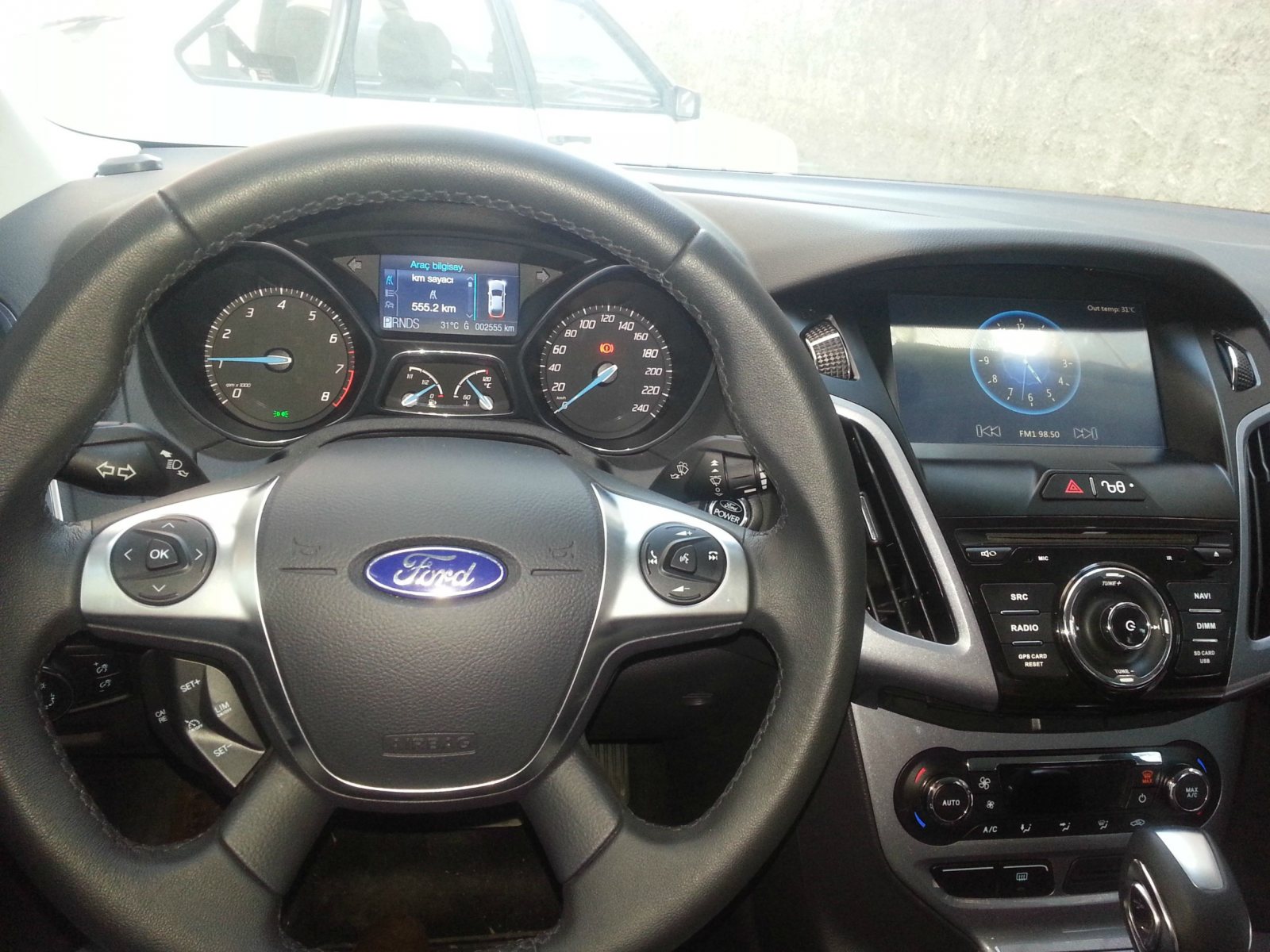
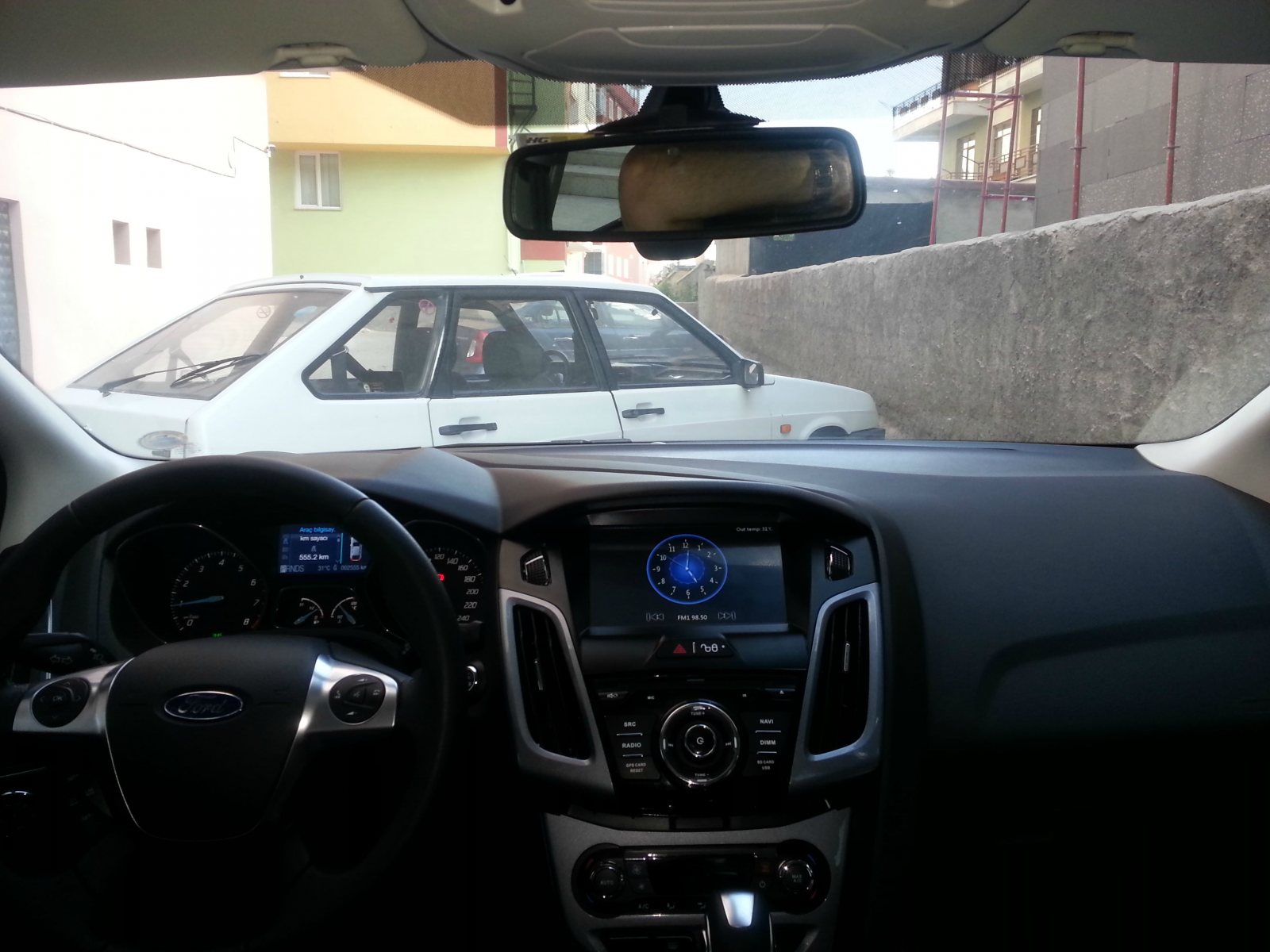
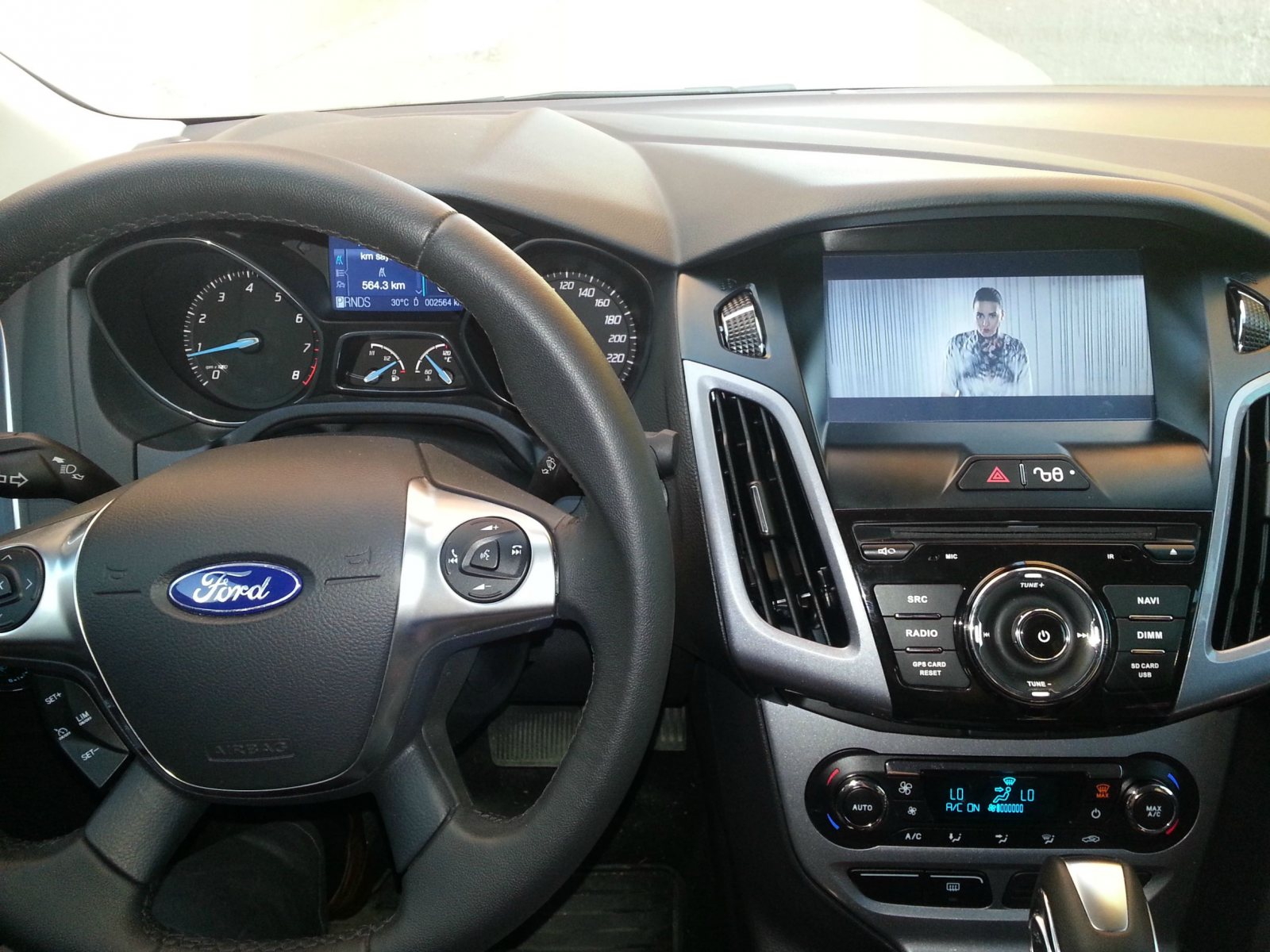
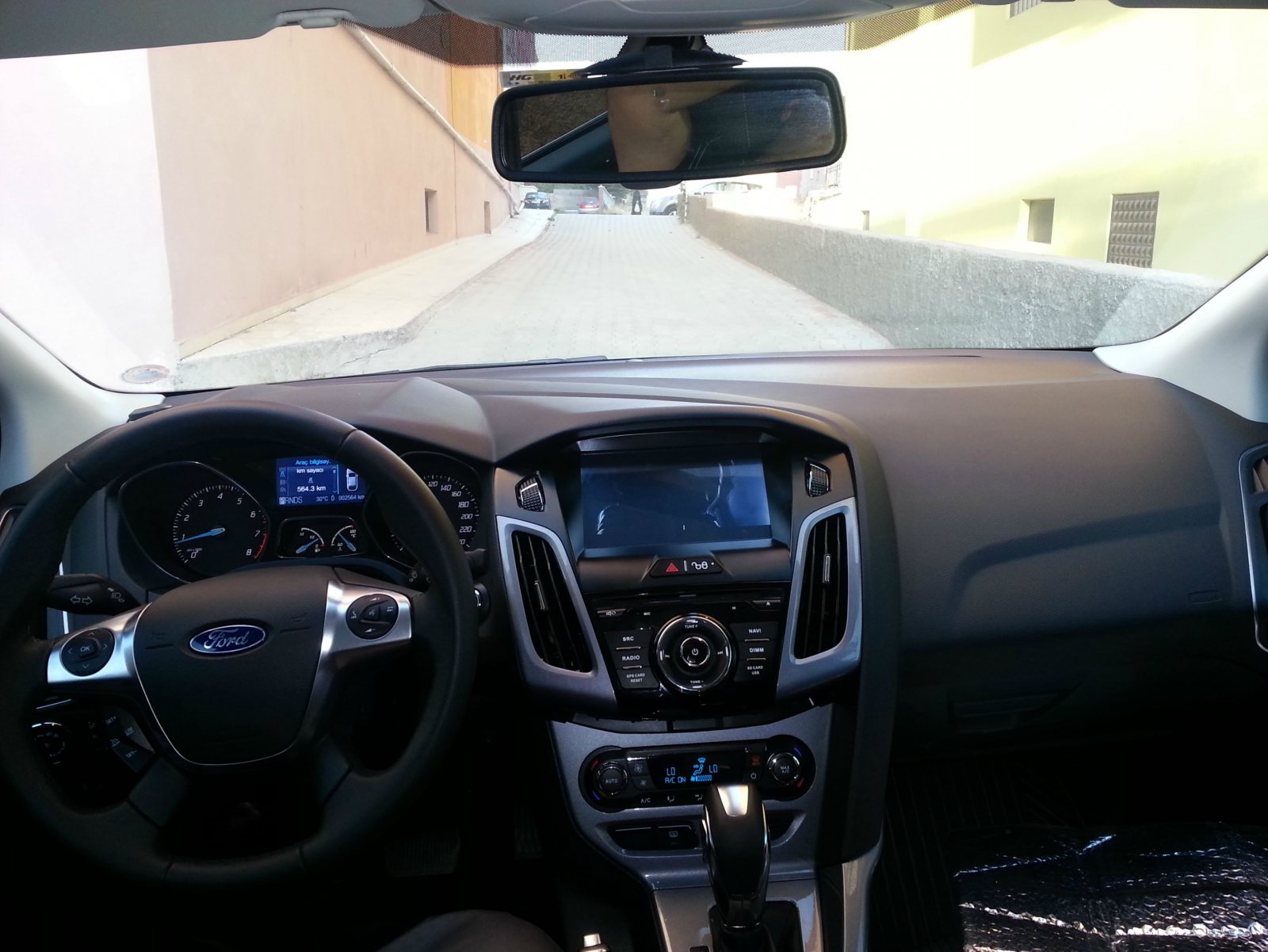
 1 puanSonunda Gösterge Paneli Ve Navimex Multimedia Montajı Yaptırdım Gösterge paneli Ankara dan Çakır oto dan temin edilmiş ve yine şaşmazda bulunan Ford Clinic te ( yetkili servis) montaj yapılmıştır. taktırmak isteyenlere inceleme videosu http://www.youtube.com/watch?v=8VYUO9vDFK4 Araç göğsünün açılması Mikrofonun yerleştirilmesi için Aykut usta dikiz aynasının üstünün çok çirkin duracağını söyleyerek orijinal mikrofonun olduğu yere montaj yaptı ve gerçekten mümkemmel oldu. Montajda tamam Tv antenin montajı Gsm Anteni montajı Multimedia inceleme video su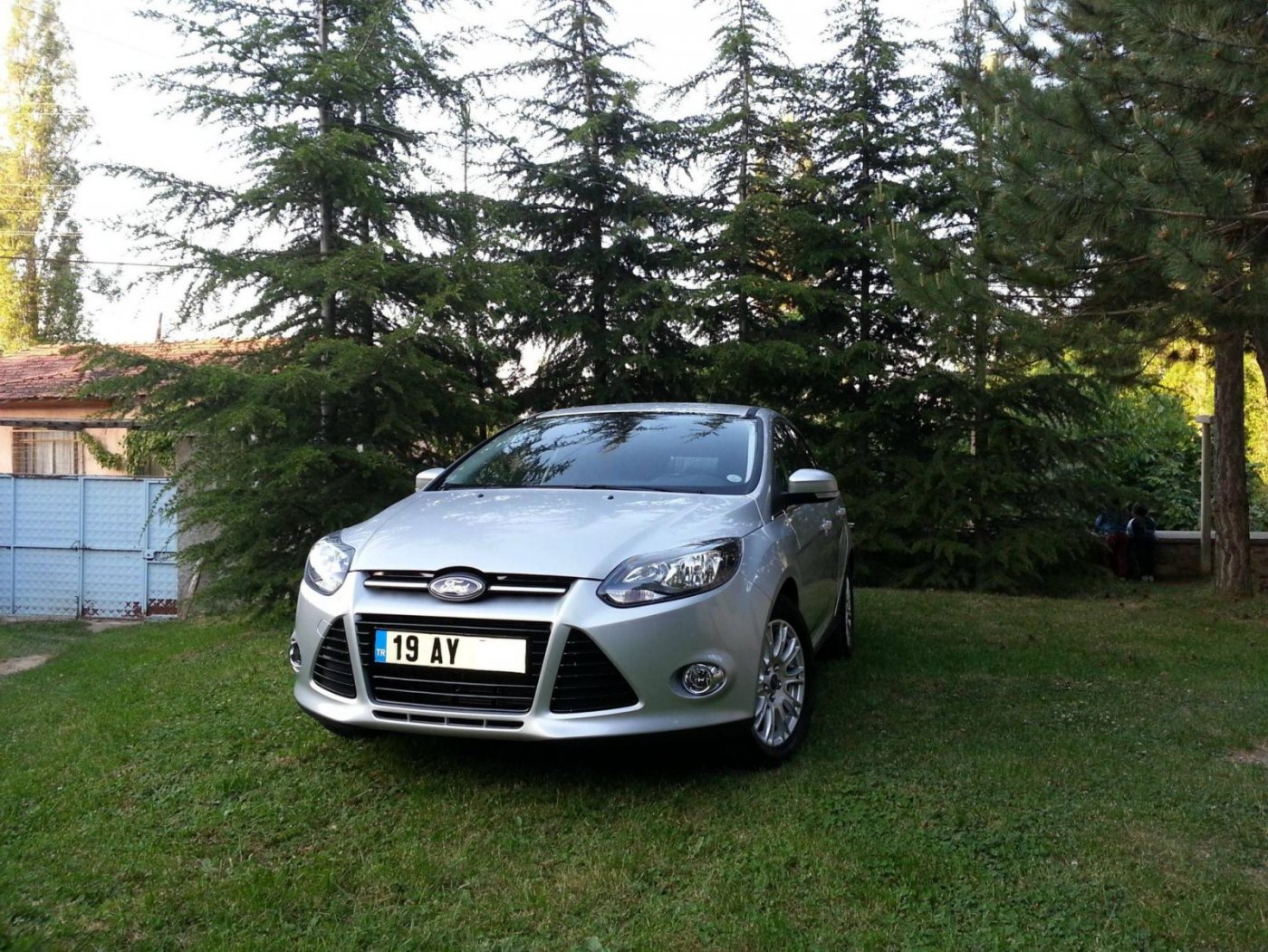

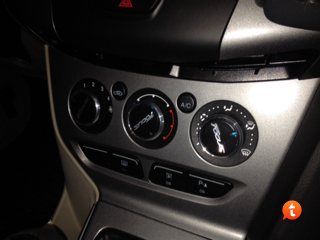
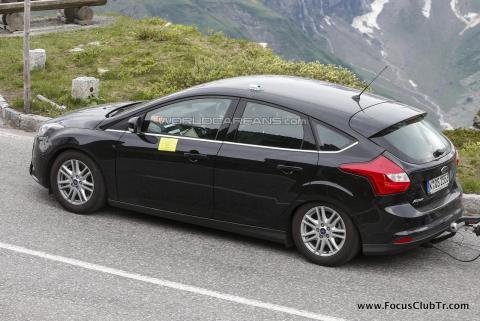
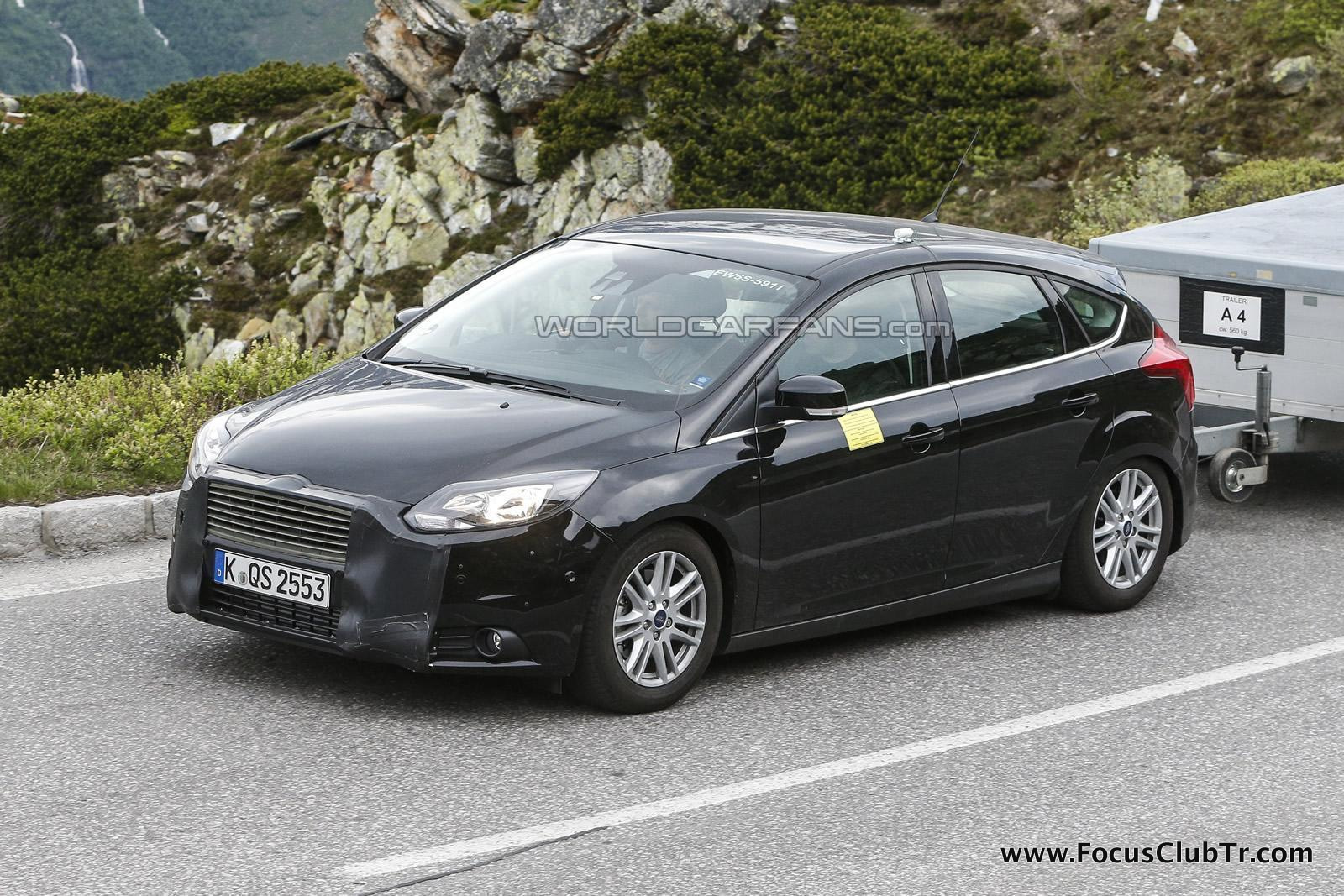
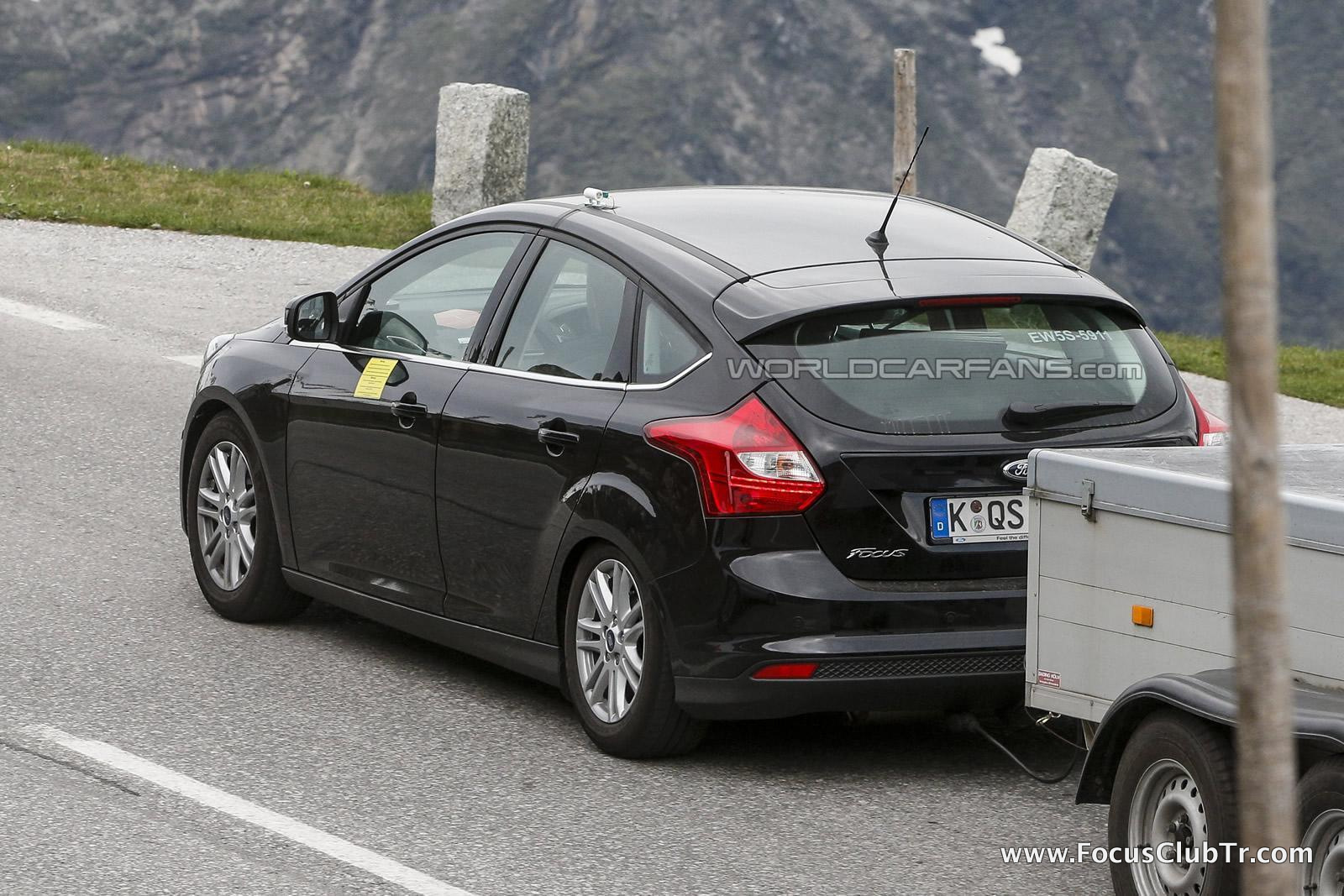
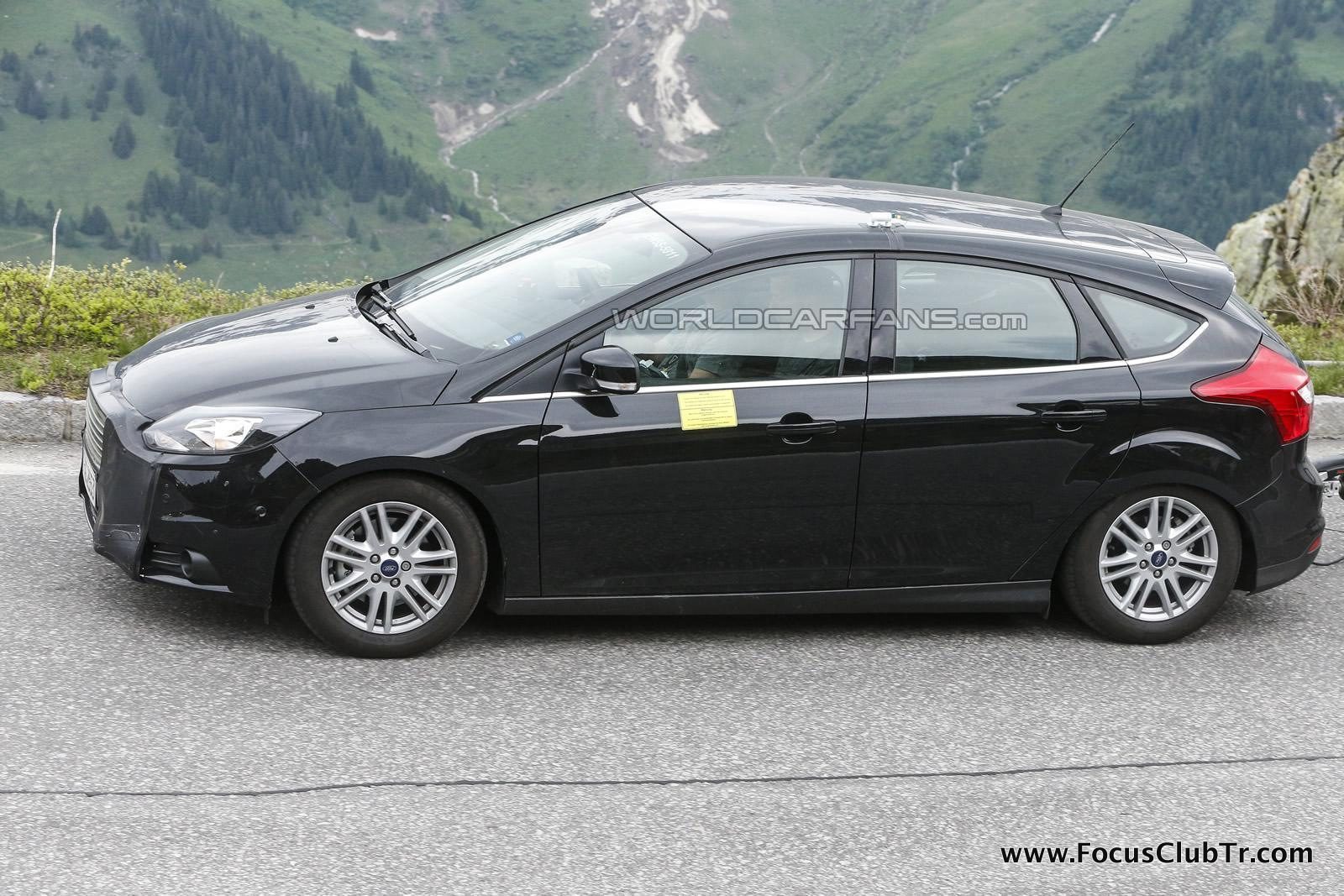
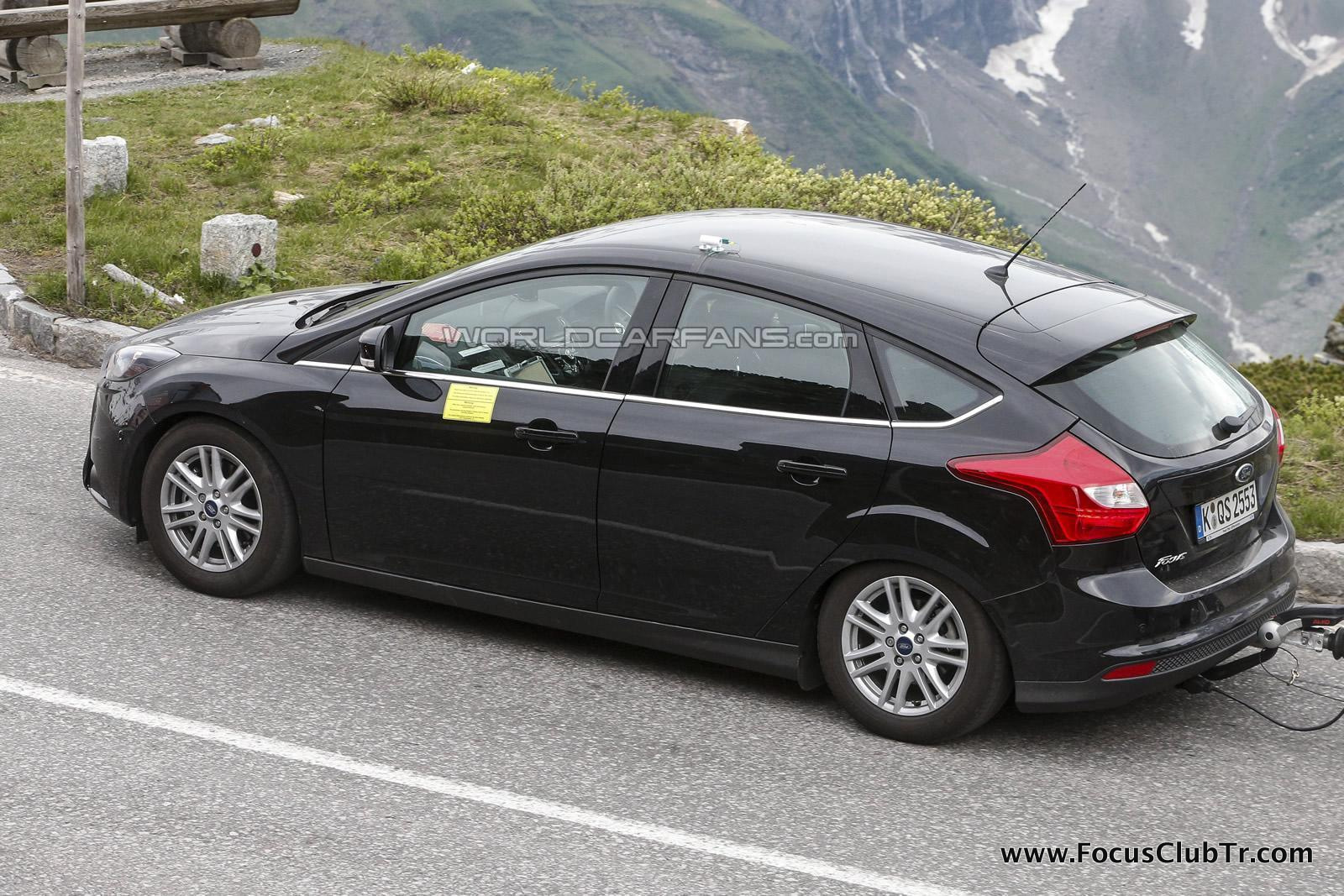
 1 puanherkese merhaba, herkesin aklında olan fakat yaabilir miyim diye endişelendiği focus 3 kalorifer düğmeleri değişimini yaptım. Her aşamasını sizlere yardımcı olması açısından çektim. Kolay gelsin ihtiyacımız olan malzemeler; eski düğmelerimizi pensenin ucuna bezi sararak sıkıca tutup kendimize doğru çekiyoruz.ve düğmelerin 3 ünü de çıkartıyoruz. Daha sonra yeni düğmelerimizi alıp geceleri fazla ışık verip rahatsız etmesin diye alt tarafındaki şeffaf kısmı siyah bant ile sarıyoruz. Bantın fazlalık kısmını maket bıçağı ile kesiyoruz. daha sonra düğmelerimizi yerlerine takıyoruz ve mutlu sona ulaşıyoruz Kesinlikle eskisinden çok daha güzel duruyor gece görüntüsü de gayet güzel oluyor. selamlar, saygılar Önder1 puanBu bir gizli çekimdir. Resmi açıklama değildir. Fakat zaten zaman aralıkları geçmişe göre tahmin edildiğinden, makyaj olması yüksek ihtimaldir ayrıca 2014 yılında çıkacaktır.Belki sonunda belki ortasında bilemiyoruz SON GÜNCELLEME ARAÇ TANITILDI: Sis farı, ST gibi değişmiş. Ön Izgara, Mondeo; Focus ST; Elektrikli Focus vb gibi olmuş. Araç yine Alp'lere çıkartıldığına göre yeni motor testleri yapılıyordur diye tahmin ediyorum misal 1.5 tdci Siyah renk tüm karoser'e yakışıyor. Araç İngiliz plaka Alman : : :::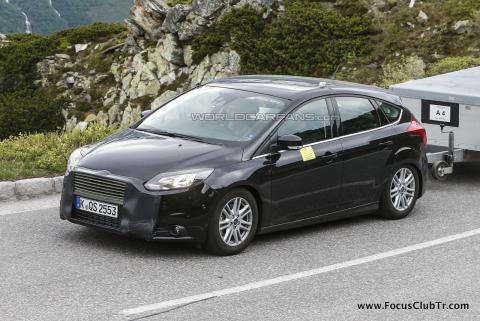
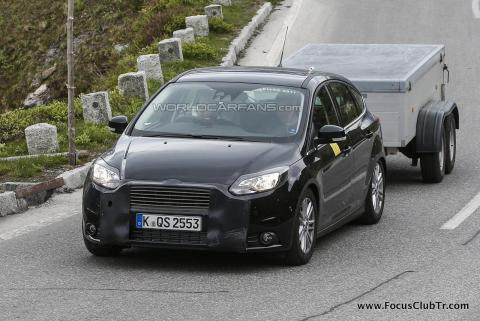
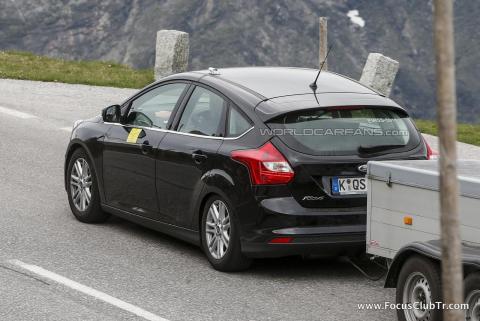
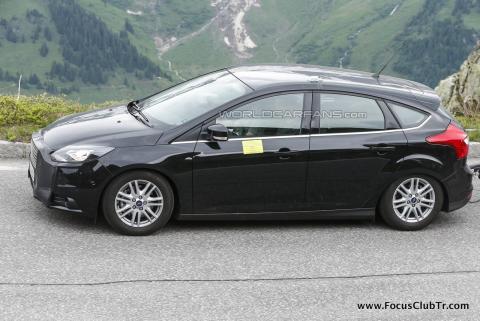
 1 puanTemmuzda askerlik bitiyor sonrasında Allah ömür verirde alırsam paylaşırım burada.1 puanAnlamadığım nokta, fordu yada servisini yada satıcısını neden bu kadar savunuyorsun? Servisteki usta yada formenin bana inanması için illa video mu çekmek lazım? Sıfır araba alıyorum sonra zevkine servise gidip arıza var diyorum. Bu nasıl bir ihtimaldir ki servis benim sözüme inanmayacak...Ayrıca bana inanmayip, beyinsiz arabanın beynini! bahane gösterip" ben napayım hata vermiyor?" diyecek!!!1 puan1 puan1 puan1 puan1 puanBir wrc sezonuna daha merhaba dedik arkadaşlar. Wrcnin tekrar ntvde gosterilmeye baslamasi benim icinde cok mutluluk verici oldu son 13 ile 15nci etaplari canli izleyebildim sadece. Guzel keyifli heyecanli bir yaris oldu. Duygusal olarak ford favorimiz olsada acikcasi vw takimi daha bir fazla keyif verdi bana.1 puan
 1 puan1 puan1 puanAnkarada Döşemecioğlu diye bir yer var. Forumda veya internette telefon numarasını bulabilirsin. İşçiliği çok güzel, sipariş edip kargoyla alabiliyorsun. Memnun olmadım diyen duymadım.1 puan1 puanforumda bir arkadaş yaptırmıştır ama ona da hediye yaptırmışlardı batmandan sanırım detaylı öğrenememiştik şimdi inanın çok basit işlem tek yapmanız gereken iyi bir elektrik ustası ve en başta pazarlık1 puanGünüm serviste geçti iyiki bugünkü işlerimi ertelemişim tam 4 saat boyunca uğraştılar kemer soketi değişti oldu dediler servisten çıktım olmamış geri döndüm. Bu şekilde tam 3 kez servisten çıkıp geri döndüm. Neyse sonunda ustalardan biri kemeri tahminimce 10-15 kez takıp çıkardı. Sonuç olarak dertten kurtuldum..1 puansorun çözüldü servıse gıttım on sn boyunca kemer ısığı hızlı yanıp sönünceye kadar kemer tokasına bastı bıraktı sonra düzeldi.. kodlanması gerekıyormus1 puan1 puanHenüz izlemediysen drum seven herkese öneridiğim Drumline filmini öneririm abi1 puan1 puanArkadaslar ben cok arac kullanan birisiyim sifir aldigim araci her bakimini yaptirdim 4 yil kullandim satisa cikardim serviste ekspertiz yapildi 1 tane sıkıntı cikmadi.diyorum ki bakimlari tam olan yeni nesil araclar alinabilir.1 puanEvet öyle sanırım,mobilden girince görünüyor fotoğraflar. İş yerindeki kısıtlamalardan olsa gerek.. Kusura bakma Ah şu mondeo artık gelsede bekleyen beklemeyen seven sevmeyen herkesi kendine bir baktırsa. İmkan olursa ilerde 2. eliymiş zartıymış zurtuymuş dinlemeden almaya-aldırmaya çalışıcam o ne güzellik o1 puanSabah gelirken baktım benim arabada 4.vites 2000 dd yaklaşık 63 km/h (gauge menu değeri) gösteriyor, bundan yola çıkarak hesaplarsak 192 km/h gibi bir değer veriyor hız göstergesi. % 4 civarında sapma normal, yani hesap tutuyor bu ölçümle. AB normlarına göre hız göstergesi asla reel değerinden az gösteremez ve sapma oranı %7'yi aşamaz.1 puan1 puanBaşlık uzun olunca gözümden kaçmış. Pas önlemeyi bırak pas tutaya elverişli hale bile getirebilir.1 puan1 puanO arabanın uzin yol yapmis olduğu belli. Uzun yolda yapilmis 100000 km sehir ici gibi aartlardaki 50000 km den daha iyi bence. Arabanin bakimlari tamsa, serviste duzgun diyorsa (mumkunse belge isteyin) alinabilir. Ancak babaniz da çok km yapacaksa bu araci ucuncu kisiye satmak zor olacaktir. E az km yapacaksa da benzinli seçenekler devreye girer is karisir sa karisir. Ama iyi düşünmek lazim.1 puan1 puan100000 bir çok kişi için psikolojik sınır. bir şey olacağından değil tabiki. ama ben olsam 100000kmdeki tit x yerine 50000kmdeki style plus bakarım.1 puanben hala tam oturtmadan kullandığınızı düşünüyorum, yoksa siz 2. kere ilk kullanımda bozulmasınamı suç atıyorsunuz?1 puanMerak ettim neden böyle sürekli sökme takma işlemi yapıyorsunuz? Acil değilse kullanmayın bunu, görünen köy ortada yani. Mal bu belli ki.1 puan1 puanPek öyle değil. Yeni kurallarda 1. 1600 cc turbo beslemeli olacak 2. Turbo girişi 33 mm çapını aşmayacak 3. Turbo basıncı 2.5 Bar'ı aşmayacak 4. Karmaşık materyaller kullanılmayacak (seri üretimlerde olanlar dışında) 5. Araç ağırlığı min. 1200 kg olacak 6. Mekanik şanzıman ve koldan değişmeli olacak 7. Dört çeker 8. Merkezi diferansiyel kilidi yasak, ön ve arka ayrı ve mekanik olacak Motorlar turbo sınırlamaları nedeniyle 350-400 Nm arasında torku 3000-7500 dd arasında üretiyorlar, yüksek devirli değiller, aksine geniş bir devir bandına yayılmış güç ve maksimum da 300-330 PS arasında. Eski Grup A arabaların verdiği etkiyi vermeseler bile şu anda onlardan kesinlikle yavaş değiller, bunu da gelişmiş viraj kabiliyetine borçlular Grup B 500+ PS araçlarla 1982-86 arasında koşuldu ve 86'da Toivonen'in ölümlü kazası sonrasında FIA tarafından kaldırıldı. Yani sürüş güvenliği öncelikli bir karardı. Ancak Grup A'dan yeni WRC standartına geçiş tamamen duygusal, takımların yüksek maliyetlerden şikayetçi olmaları ve özellikle amatör ekiplerin kategoriden uzaklaşması üzerine maliyet düşürmek ve katılımı arttırmak adına yapıldı. Grup B'ye efsanevi bir örnek Bu da yıllarca süren Grup A için:1 puanYüzdesel değerlendirme yapmak zor da olsa, sen yeni fabrikadan çıkmış sacı uygun olmayan tasarım ile takarsan en önemli etkisi sürücünün gövdesini sorunsuzca ve kolayca ikiye biçmesi olur. Metal yorgunluğu belki ama enerji sönümleyici tasarım: Kesinlikle! Konuyu bulandırmaya çalışmayın, yoksa hükümet ajanı derim!1 puanO fiyata bir de kalite tartışılsa acayip olurdu zaten, güle güle kullanın, çok pahalı!1 puan1 puanCD kalemi ile boyadım... Pense ve bezle denedim ama ocak düğmeleri hafif ezilince vazgeçtim. İki elle sıkıca tutup çekince zor da olsa çıktılar ve yenilerini taktım. ve gece görünümleri...1 puan1 puancok pardon arkadaslar evet baska bır arkadas yazmıs bende telefonda yanlıs yere bastım sanırım aceleyle yazayım dıye1 puan1 puanSiyah diye anlaşıp gece griye dönen ama beyaz alan nadir müşterilerdenizdir bizde1 puanDaha önce de bir yerlerde yazmıştım, ama yeniden yazmak bulmaktan kolay. Yeni Focus'un ses sistemi ayarları düzgün yaparsanız doğallık ve ses dengesi olarak oldukça başarılı. Tavan tizler ve derin basları sevenler için zayıf kalabilir, ayrıca kalıcı sağırlık sorunu olup müziği mahalle ile birlikte dinlemek isteyenler için de biraz cansız olabilir. Tiz ve bası ve genel olarak akustik özellikleri farklı komponentlerle biraz canlandırmak mümkün. Ancak amfi kullanılmaz ise seçilecek ünitelerin verimli olmasına dikkat etmek lazım, genelde kaliteli ve yüksek volümlü çalan sistemler biraz sağırdır ve amfi desteği ister. Buna dikkat eden iyi bir tesisatçınız varsa hoparlör değişimi işe yarayabilir. Önler mid ve tiz iken arkalarda koaksiyel kullanabilir veya komponente dönülüp tize bir yer ayarlanabilir. Gerçekten güçlü ses ise ancak amfi desteği ile olur. Fabrika çıkışı Sony ile gelenlerde hoparlör sayısı fazla ve bir subwoofer var, ses de bu nedenle biraz daha kaliteli. Ayrıca bakınız:1 puanYok sadece panel değişerek yani sony alsanız da bunun üstüne birşey değişmez içindeki ünitenin değişmesi gerekiyor orjinalde sony gelenler farklı bu sebeple onlar oldukça kaliteli.. Yani diğer modifiyeler ile ses iyileşir yaptıran arkadaşlar var bu şekilde.1 puanSon nasıl tanımlanıyor? Neye neden hayran kaldın? Bütün bu hayranlık 1 km'de mi oluştu, buna ilk görüşte aşk mı demeliyiz?1 puan1 puan1 puan1 puan
Hayırlısı olsun be abi elimizde 1.5 yıl 115 beygirle geçirilmiş bir süre var (kendi içimde) kâr kârdır :) Vural abi için rahat olsun1 puanArayın Gelsinler Ford EuroService Yol Yardım hizmetinden faydalanmak için, 444 36 73 numaralı Ford Direkt hattını aramanız yeterli. Ücretsiz Yol Yardım Yol yardım hizmeti sayesinde herhangi bir kaza durumunda asla yolda kalmazsınız. 444 3673 Ford Direkt Hattı’nı arayın, garanti kapsamında olsun veya olmasın, Ford’unuzu anında çekelim. Çünkü yetkili servislerimizde Ford’unuz emin ellerde, sevdikleriniz güvende.1 puanDaha önce hangi Türk'müş diye sorduğumda espriyi kaçırdık. Hamaset içimize işlemiş. Adam Almanya'da doğmuş, Almanya'da eğitim görmüş, oranın kurumsal yapılanmasına uyarak mükemmel bir gelişim göstermiş ve başarılı da olmuş. En iyi ihtimalde çift vatandaşlığı vardır. Şimdi biz Türk milleti olarak niye kendimize pay çıkarıyoruz bu farklı yapıyı kullanarak bireysel çabayla başarıya ulaşmış bir kişinin çalışmalarından? Türk olsa ne olur, İspanyol, ya da Arap olsa ne olur? Ya da şöyle sormak lazım, acaba Türkiye'de doğsa ve okusa yine aynı konuma gelir miydi? Çabayı ve başarıyı alkışlamaya evet ama bunun bir Türk dünyaya bedeldir ile ilgisi yok!1 puanTolga paylaşım için teşekkürler... Böyle bir atölye kurmak isterdim. Bir daha okuyup mühendis olasım geldi... Bu arada mütevazi hedefler de koymuşlar: 1080 kg ve 400+ BG, hem de tekerlekten... Tabii sonuçta bu bir yarış otomobili projesi, ama edinilen deneyim ve geliştirilen parçalar standart araçlarda da etkin performans arttırımı sağlayacaktır zamanla. SEMA'yı da gezmek güzel olurdu.1 puan1 puankeşke 9 kez takıp çıkartana kadar 1 kez takıp emniyetli şekilde gitseydiniz1 puanThis leaderboard is set to Istanbul/GMT+03:00
1 puan1 puan1 puanAnkarada Döşemecioğlu diye bir yer var. Forumda veya internette telefon numarasını bulabilirsin. İşçiliği çok güzel, sipariş edip kargoyla alabiliyorsun. Memnun olmadım diyen duymadım.1 puan1 puanforumda bir arkadaş yaptırmıştır ama ona da hediye yaptırmışlardı batmandan sanırım detaylı öğrenememiştik şimdi inanın çok basit işlem tek yapmanız gereken iyi bir elektrik ustası ve en başta pazarlık1 puanGünüm serviste geçti iyiki bugünkü işlerimi ertelemişim tam 4 saat boyunca uğraştılar kemer soketi değişti oldu dediler servisten çıktım olmamış geri döndüm. Bu şekilde tam 3 kez servisten çıkıp geri döndüm. Neyse sonunda ustalardan biri kemeri tahminimce 10-15 kez takıp çıkardı. Sonuç olarak dertten kurtuldum..1 puansorun çözüldü servıse gıttım on sn boyunca kemer ısığı hızlı yanıp sönünceye kadar kemer tokasına bastı bıraktı sonra düzeldi.. kodlanması gerekıyormus1 puan1 puanHenüz izlemediysen drum seven herkese öneridiğim Drumline filmini öneririm abi1 puan1 puanArkadaslar ben cok arac kullanan birisiyim sifir aldigim araci her bakimini yaptirdim 4 yil kullandim satisa cikardim serviste ekspertiz yapildi 1 tane sıkıntı cikmadi.diyorum ki bakimlari tam olan yeni nesil araclar alinabilir.1 puanEvet öyle sanırım,mobilden girince görünüyor fotoğraflar. İş yerindeki kısıtlamalardan olsa gerek.. Kusura bakma Ah şu mondeo artık gelsede bekleyen beklemeyen seven sevmeyen herkesi kendine bir baktırsa. İmkan olursa ilerde 2. eliymiş zartıymış zurtuymuş dinlemeden almaya-aldırmaya çalışıcam o ne güzellik o1 puanSabah gelirken baktım benim arabada 4.vites 2000 dd yaklaşık 63 km/h (gauge menu değeri) gösteriyor, bundan yola çıkarak hesaplarsak 192 km/h gibi bir değer veriyor hız göstergesi. % 4 civarında sapma normal, yani hesap tutuyor bu ölçümle. AB normlarına göre hız göstergesi asla reel değerinden az gösteremez ve sapma oranı %7'yi aşamaz.1 puan1 puanBaşlık uzun olunca gözümden kaçmış. Pas önlemeyi bırak pas tutaya elverişli hale bile getirebilir.1 puan1 puanO arabanın uzin yol yapmis olduğu belli. Uzun yolda yapilmis 100000 km sehir ici gibi aartlardaki 50000 km den daha iyi bence. Arabanin bakimlari tamsa, serviste duzgun diyorsa (mumkunse belge isteyin) alinabilir. Ancak babaniz da çok km yapacaksa bu araci ucuncu kisiye satmak zor olacaktir. E az km yapacaksa da benzinli seçenekler devreye girer is karisir sa karisir. Ama iyi düşünmek lazim.1 puan1 puan100000 bir çok kişi için psikolojik sınır. bir şey olacağından değil tabiki. ama ben olsam 100000kmdeki tit x yerine 50000kmdeki style plus bakarım.1 puanben hala tam oturtmadan kullandığınızı düşünüyorum, yoksa siz 2. kere ilk kullanımda bozulmasınamı suç atıyorsunuz?1 puanMerak ettim neden böyle sürekli sökme takma işlemi yapıyorsunuz? Acil değilse kullanmayın bunu, görünen köy ortada yani. Mal bu belli ki.1 puan1 puanPek öyle değil. Yeni kurallarda 1. 1600 cc turbo beslemeli olacak 2. Turbo girişi 33 mm çapını aşmayacak 3. Turbo basıncı 2.5 Bar'ı aşmayacak 4. Karmaşık materyaller kullanılmayacak (seri üretimlerde olanlar dışında) 5. Araç ağırlığı min. 1200 kg olacak 6. Mekanik şanzıman ve koldan değişmeli olacak 7. Dört çeker 8. Merkezi diferansiyel kilidi yasak, ön ve arka ayrı ve mekanik olacak Motorlar turbo sınırlamaları nedeniyle 350-400 Nm arasında torku 3000-7500 dd arasında üretiyorlar, yüksek devirli değiller, aksine geniş bir devir bandına yayılmış güç ve maksimum da 300-330 PS arasında. Eski Grup A arabaların verdiği etkiyi vermeseler bile şu anda onlardan kesinlikle yavaş değiller, bunu da gelişmiş viraj kabiliyetine borçlular Grup B 500+ PS araçlarla 1982-86 arasında koşuldu ve 86'da Toivonen'in ölümlü kazası sonrasında FIA tarafından kaldırıldı. Yani sürüş güvenliği öncelikli bir karardı. Ancak Grup A'dan yeni WRC standartına geçiş tamamen duygusal, takımların yüksek maliyetlerden şikayetçi olmaları ve özellikle amatör ekiplerin kategoriden uzaklaşması üzerine maliyet düşürmek ve katılımı arttırmak adına yapıldı. Grup B'ye efsanevi bir örnek Bu da yıllarca süren Grup A için:1 puanYüzdesel değerlendirme yapmak zor da olsa, sen yeni fabrikadan çıkmış sacı uygun olmayan tasarım ile takarsan en önemli etkisi sürücünün gövdesini sorunsuzca ve kolayca ikiye biçmesi olur. Metal yorgunluğu belki ama enerji sönümleyici tasarım: Kesinlikle! Konuyu bulandırmaya çalışmayın, yoksa hükümet ajanı derim!1 puanO fiyata bir de kalite tartışılsa acayip olurdu zaten, güle güle kullanın, çok pahalı!1 puan1 puanCD kalemi ile boyadım... Pense ve bezle denedim ama ocak düğmeleri hafif ezilince vazgeçtim. İki elle sıkıca tutup çekince zor da olsa çıktılar ve yenilerini taktım. ve gece görünümleri...1 puan1 puancok pardon arkadaslar evet baska bır arkadas yazmıs bende telefonda yanlıs yere bastım sanırım aceleyle yazayım dıye1 puan1 puanSiyah diye anlaşıp gece griye dönen ama beyaz alan nadir müşterilerdenizdir bizde1 puanDaha önce de bir yerlerde yazmıştım, ama yeniden yazmak bulmaktan kolay. Yeni Focus'un ses sistemi ayarları düzgün yaparsanız doğallık ve ses dengesi olarak oldukça başarılı. Tavan tizler ve derin basları sevenler için zayıf kalabilir, ayrıca kalıcı sağırlık sorunu olup müziği mahalle ile birlikte dinlemek isteyenler için de biraz cansız olabilir. Tiz ve bası ve genel olarak akustik özellikleri farklı komponentlerle biraz canlandırmak mümkün. Ancak amfi kullanılmaz ise seçilecek ünitelerin verimli olmasına dikkat etmek lazım, genelde kaliteli ve yüksek volümlü çalan sistemler biraz sağırdır ve amfi desteği ister. Buna dikkat eden iyi bir tesisatçınız varsa hoparlör değişimi işe yarayabilir. Önler mid ve tiz iken arkalarda koaksiyel kullanabilir veya komponente dönülüp tize bir yer ayarlanabilir. Gerçekten güçlü ses ise ancak amfi desteği ile olur. Fabrika çıkışı Sony ile gelenlerde hoparlör sayısı fazla ve bir subwoofer var, ses de bu nedenle biraz daha kaliteli. Ayrıca bakınız:1 puanYok sadece panel değişerek yani sony alsanız da bunun üstüne birşey değişmez içindeki ünitenin değişmesi gerekiyor orjinalde sony gelenler farklı bu sebeple onlar oldukça kaliteli.. Yani diğer modifiyeler ile ses iyileşir yaptıran arkadaşlar var bu şekilde.1 puanSon nasıl tanımlanıyor? Neye neden hayran kaldın? Bütün bu hayranlık 1 km'de mi oluştu, buna ilk görüşte aşk mı demeliyiz?1 puan1 puan1 puan1 puan
Hayırlısı olsun be abi elimizde 1.5 yıl 115 beygirle geçirilmiş bir süre var (kendi içimde) kâr kârdır :) Vural abi için rahat olsun1 puanArayın Gelsinler Ford EuroService Yol Yardım hizmetinden faydalanmak için, 444 36 73 numaralı Ford Direkt hattını aramanız yeterli. Ücretsiz Yol Yardım Yol yardım hizmeti sayesinde herhangi bir kaza durumunda asla yolda kalmazsınız. 444 3673 Ford Direkt Hattı’nı arayın, garanti kapsamında olsun veya olmasın, Ford’unuzu anında çekelim. Çünkü yetkili servislerimizde Ford’unuz emin ellerde, sevdikleriniz güvende.1 puanDaha önce hangi Türk'müş diye sorduğumda espriyi kaçırdık. Hamaset içimize işlemiş. Adam Almanya'da doğmuş, Almanya'da eğitim görmüş, oranın kurumsal yapılanmasına uyarak mükemmel bir gelişim göstermiş ve başarılı da olmuş. En iyi ihtimalde çift vatandaşlığı vardır. Şimdi biz Türk milleti olarak niye kendimize pay çıkarıyoruz bu farklı yapıyı kullanarak bireysel çabayla başarıya ulaşmış bir kişinin çalışmalarından? Türk olsa ne olur, İspanyol, ya da Arap olsa ne olur? Ya da şöyle sormak lazım, acaba Türkiye'de doğsa ve okusa yine aynı konuma gelir miydi? Çabayı ve başarıyı alkışlamaya evet ama bunun bir Türk dünyaya bedeldir ile ilgisi yok!1 puanTolga paylaşım için teşekkürler... Böyle bir atölye kurmak isterdim. Bir daha okuyup mühendis olasım geldi... Bu arada mütevazi hedefler de koymuşlar: 1080 kg ve 400+ BG, hem de tekerlekten... Tabii sonuçta bu bir yarış otomobili projesi, ama edinilen deneyim ve geliştirilen parçalar standart araçlarda da etkin performans arttırımı sağlayacaktır zamanla. SEMA'yı da gezmek güzel olurdu.1 puan1 puankeşke 9 kez takıp çıkartana kadar 1 kez takıp emniyetli şekilde gitseydiniz1 puanThis leaderboard is set to Istanbul/GMT+03:00














Önemli Bilgi
Bu siteyi kullanarak, forum Gizlilik Politikasını kabul etmiş olursunuz.
Account
Navigation
Araştır
Configure browser push notifications
Chrome (Android)
- Tap the lock icon next to the address bar.
- Tap Permissions → Notifications.
- Adjust your preference.
Chrome (Desktop)
- Click the padlock icon in the address bar.
- Select Site settings.
- Find Notifications and adjust your preference.
Safari (iOS 16.4+)
- Ensure the site is installed via Add to Home Screen.
- Open Settings App → Notifications.
- Find your app name and adjust your preference.
Safari (macOS)
- Go to Safari → Preferences.
- Click the Websites tab.
- Select Notifications in the sidebar.
- Find this website and adjust your preference.
Edge (Android)
- Tap the lock icon next to the address bar.
- Tap Permissions.
- Find Notifications and adjust your preference.
Edge (Desktop)
- Click the padlock icon in the address bar.
- Click Permissions for this site.
- Find Notifications and adjust your preference.
Firefox (Android)
- Go to Settings → Site permissions.
- Tap Notifications.
- Find this site in the list and adjust your preference.
Firefox (Desktop)
- Open Firefox Settings.
- Search for Notifications.
- Find this site in the list and adjust your preference.