



Liderlik Tablosu
-
Yaşar Karaman
Üye12Puan67Toplam İleti -
Semih O.
Yönetim11Puan3.631Toplam İleti -
Gürkan Çakıroğlu
Üye7Puan8.944Toplam İleti -
Fatih Cift
Üye6Puan796Toplam İleti


Popüler İçerikler
03-10-2026 tarihinden itibaren, tüm alanlarda en yüksek itibara sahip içerik gösteriliyor
-
6 puan
-
5 puan
-
5 puanŞahsa plaka üzerinden telefonunu bulup ulaştım durumu kötüymüş arıcakmış falan filan mahkemeye vermiştim sabah öğlen polis arkadaşlar aradılar geldi tekrar tutanak tuttuk geriye dönük ama şahsın kaçıp sonradan geldiğinide belirttik kamera görüntüleride sabit.Servis şansıma kaskomdan başlatmamıştı o anlaşma trafik tutanağı ile başlattık bir sorun kalmadı gibi.Mahkeme ücretini de aldım ayrıca. Tabi içim soğudu mu ? yok halen mahkeme yoluyla kendisine ödetmek vardı sigorta şirketini aradan çıkarıpda neyse artık olan oldu dedim.Herkese teşekkür ederim5 puan
-
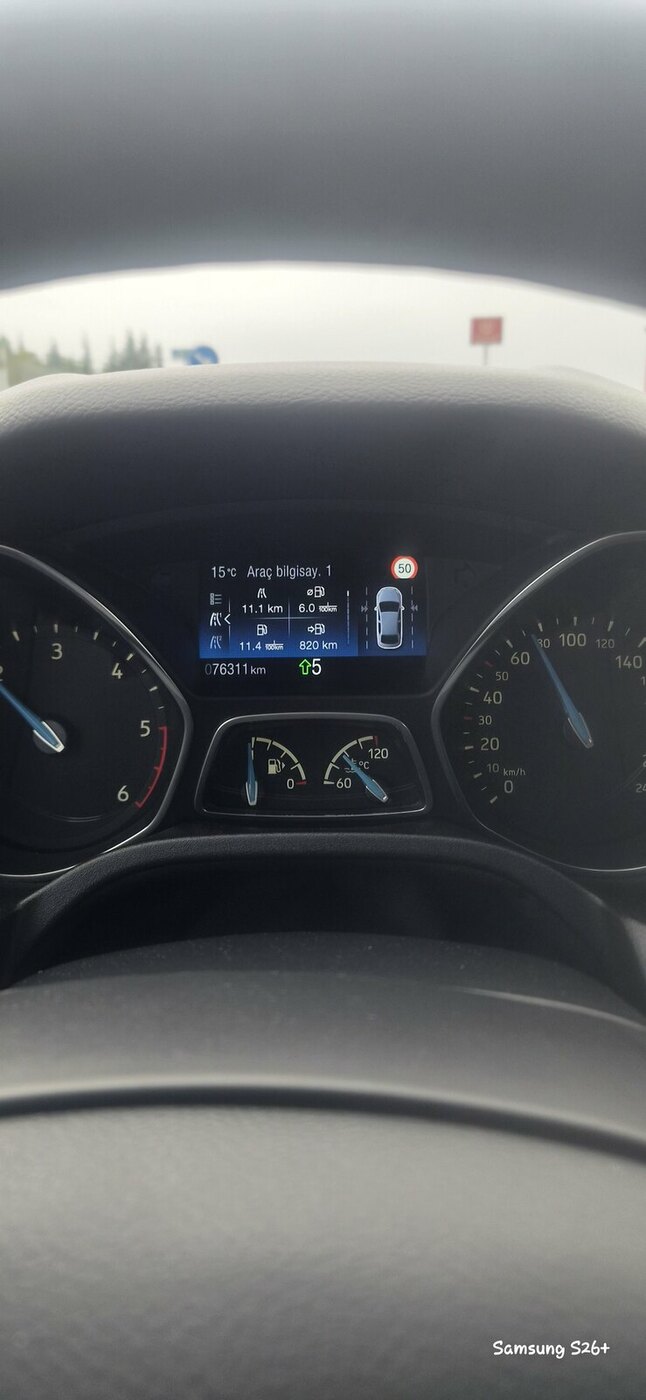
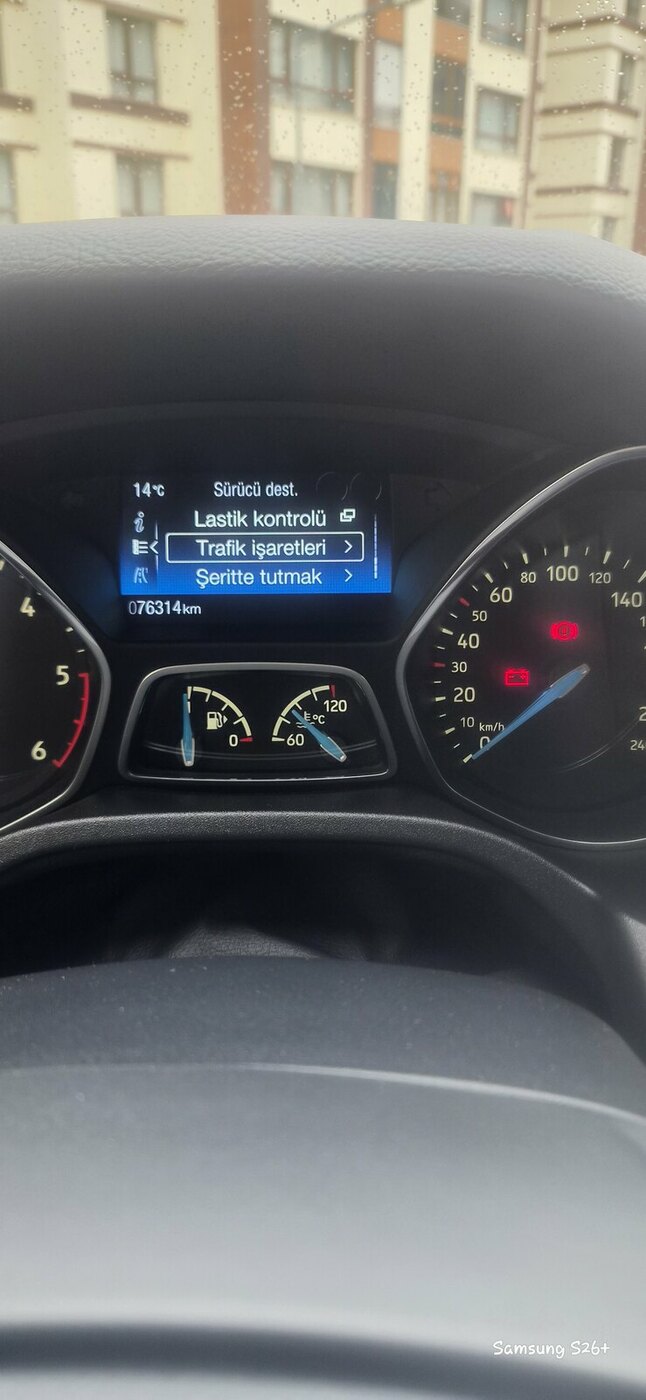
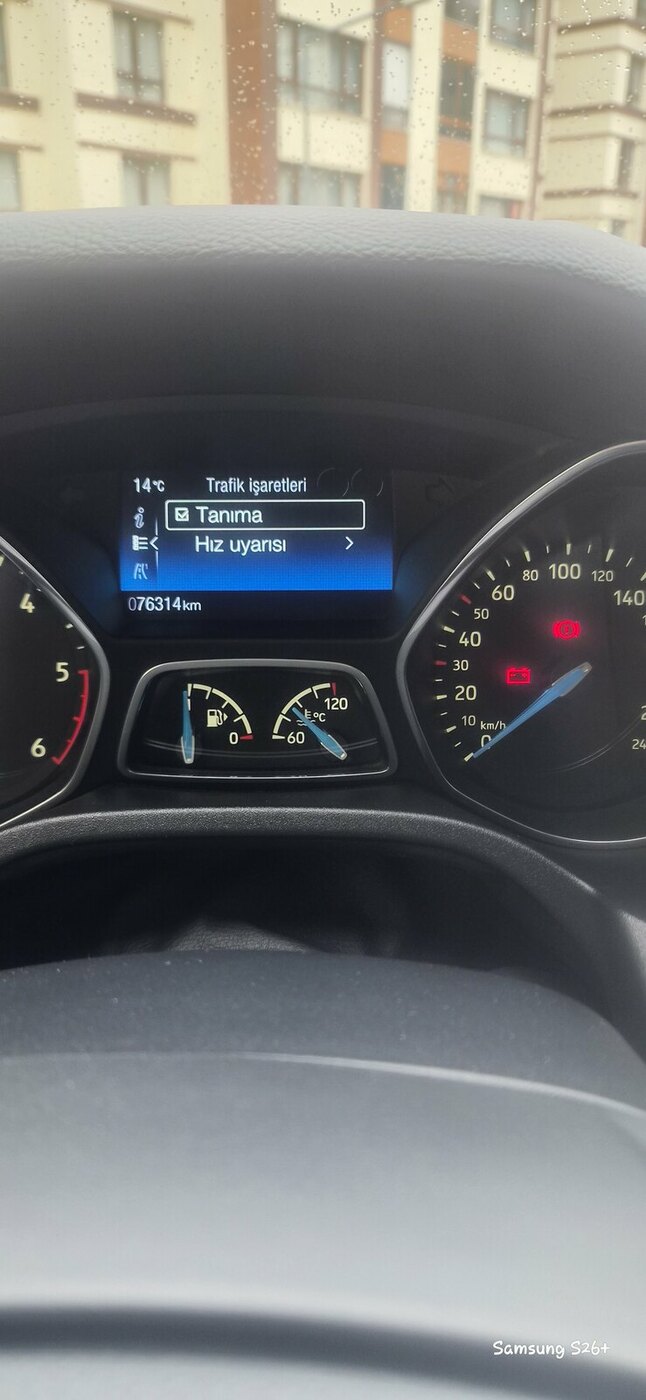
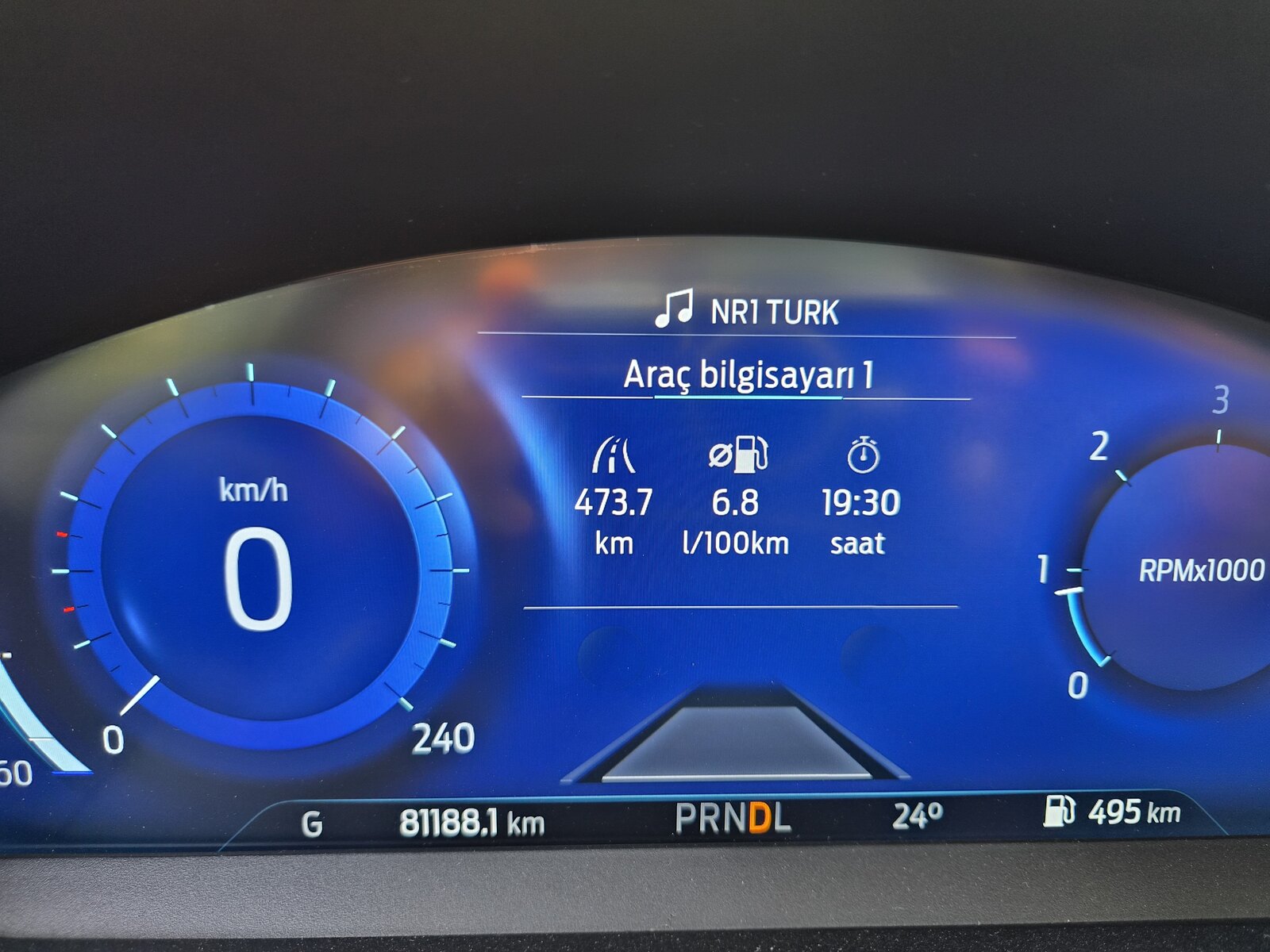
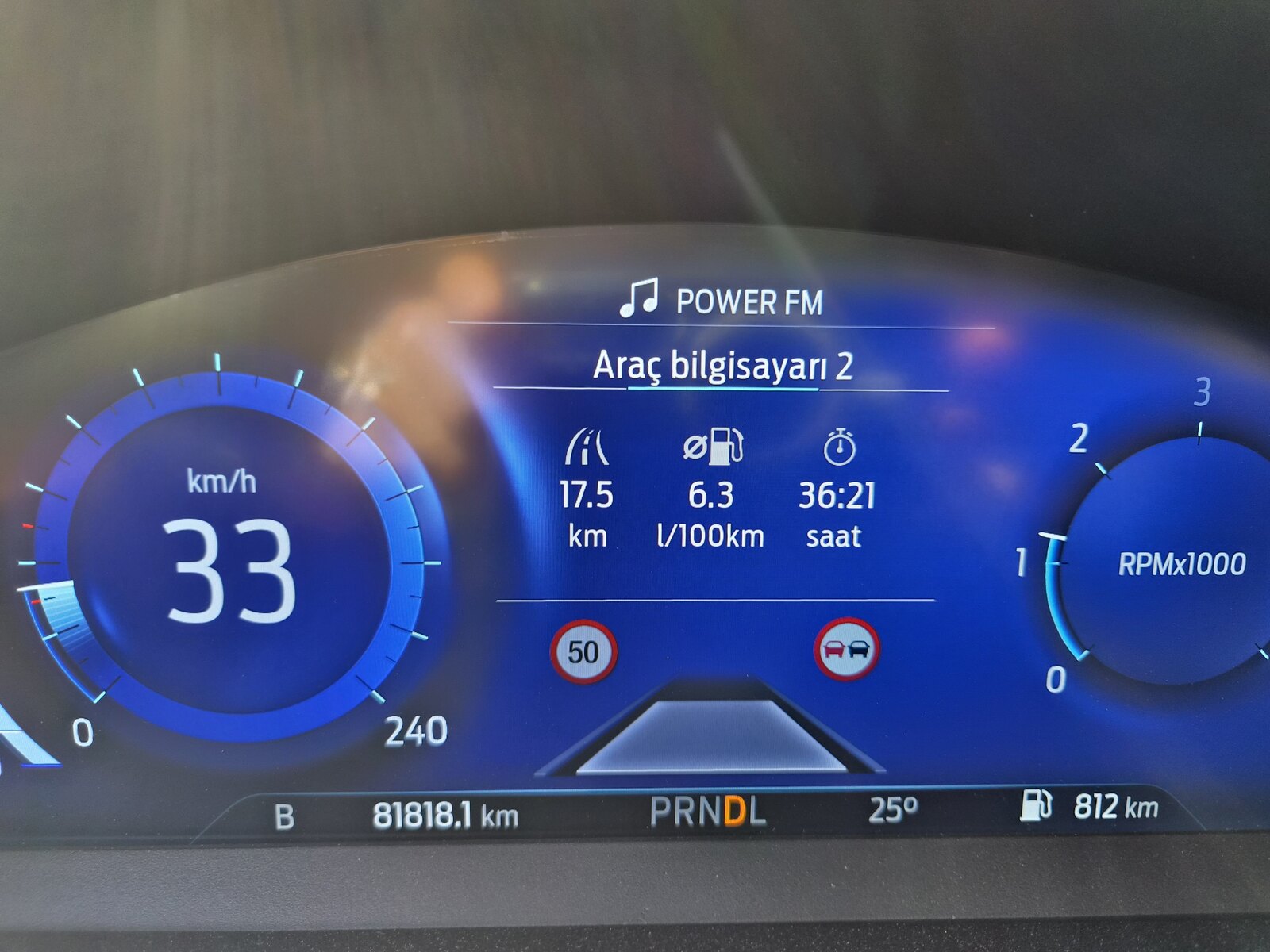
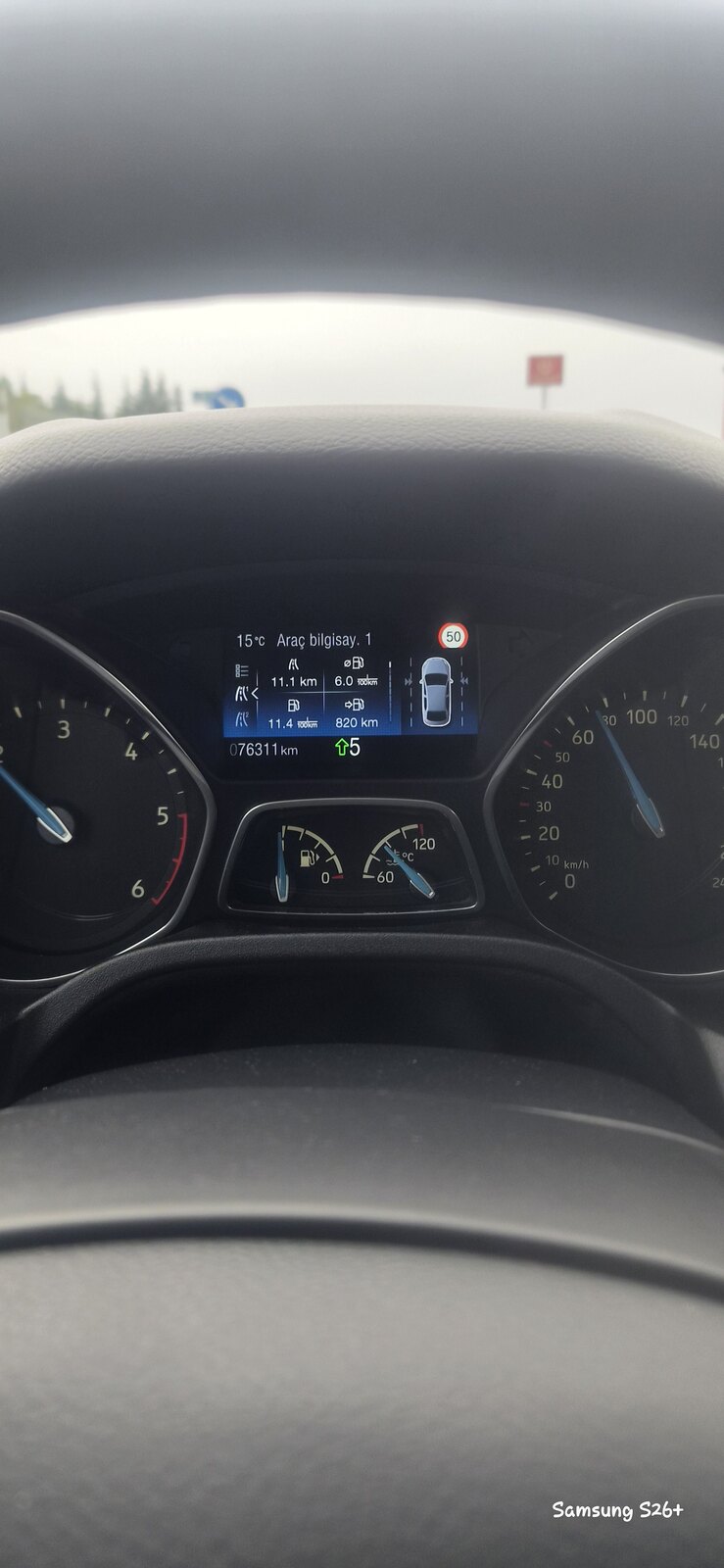
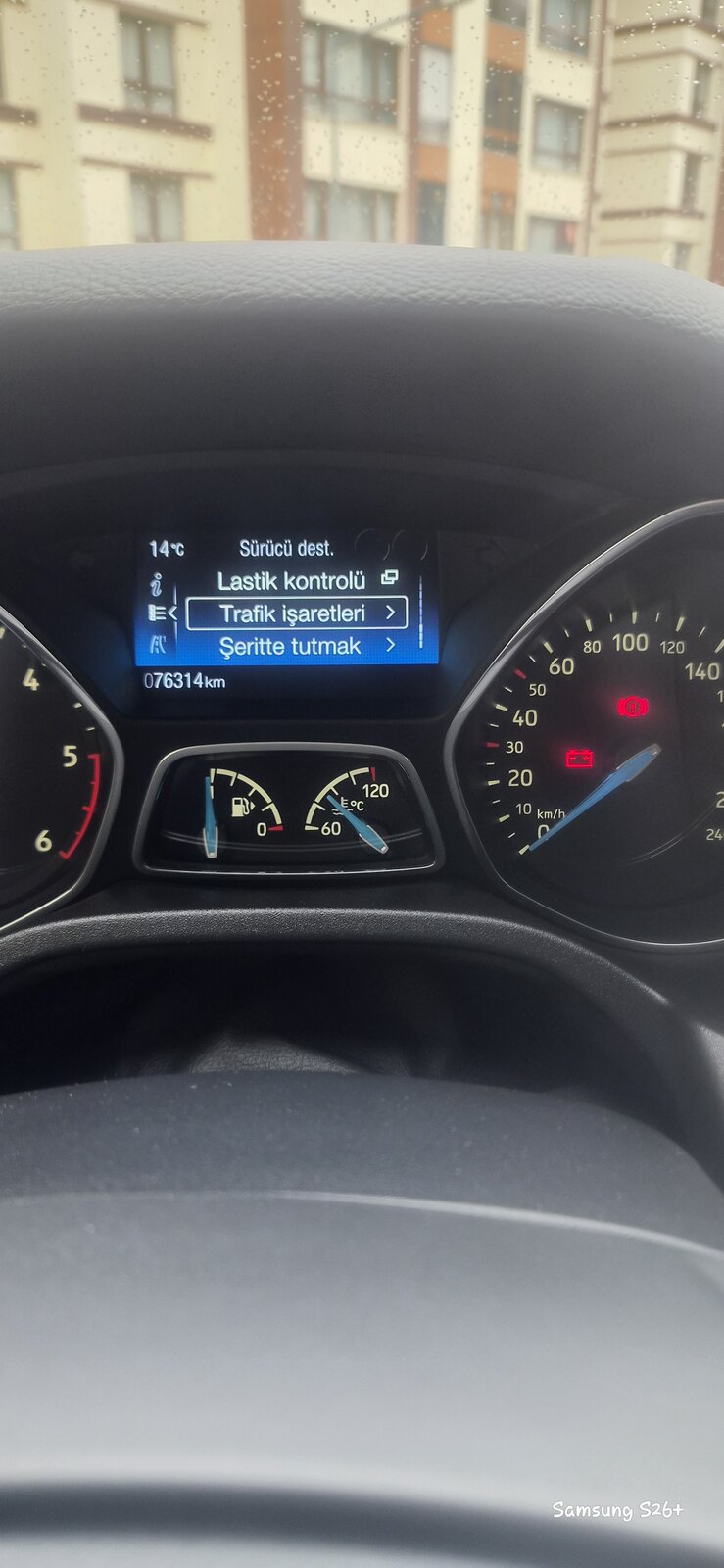
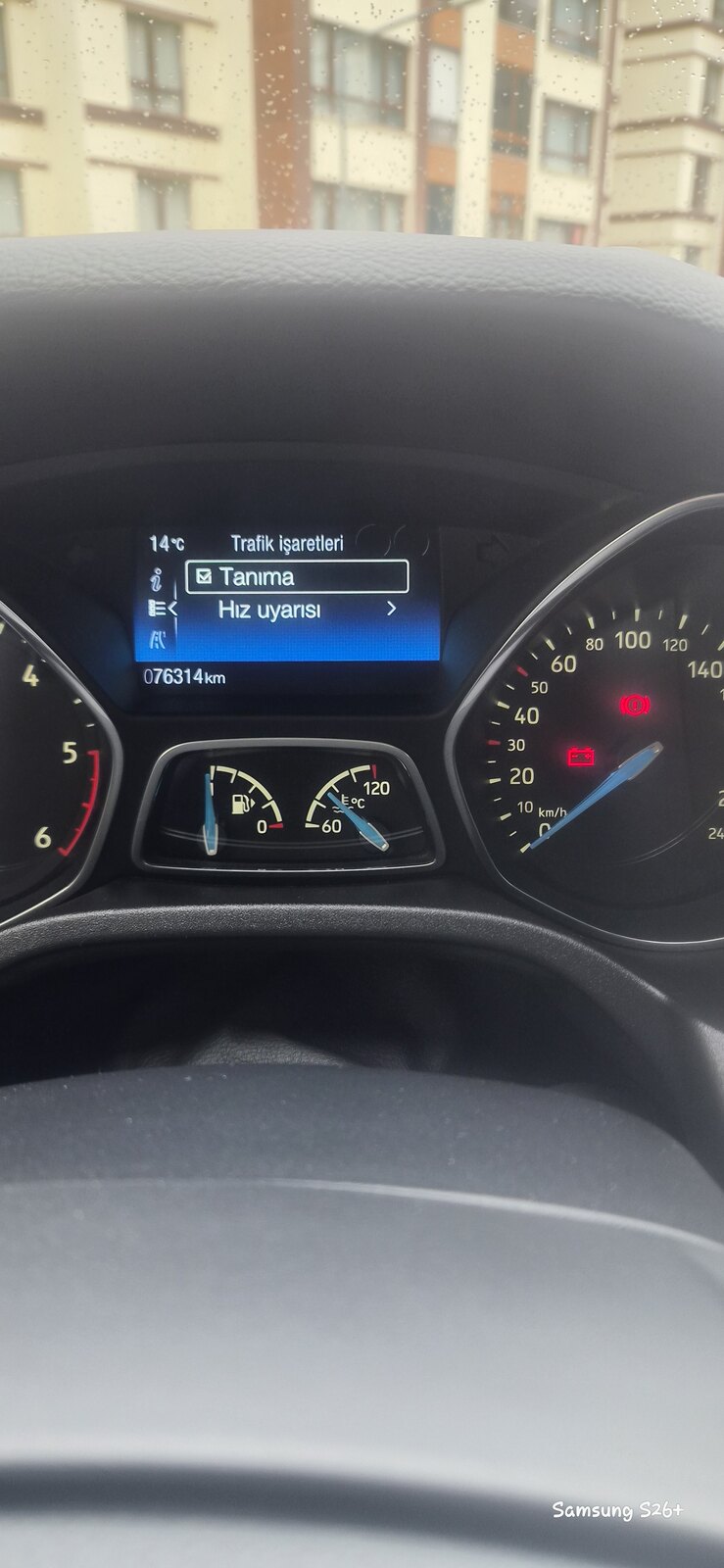
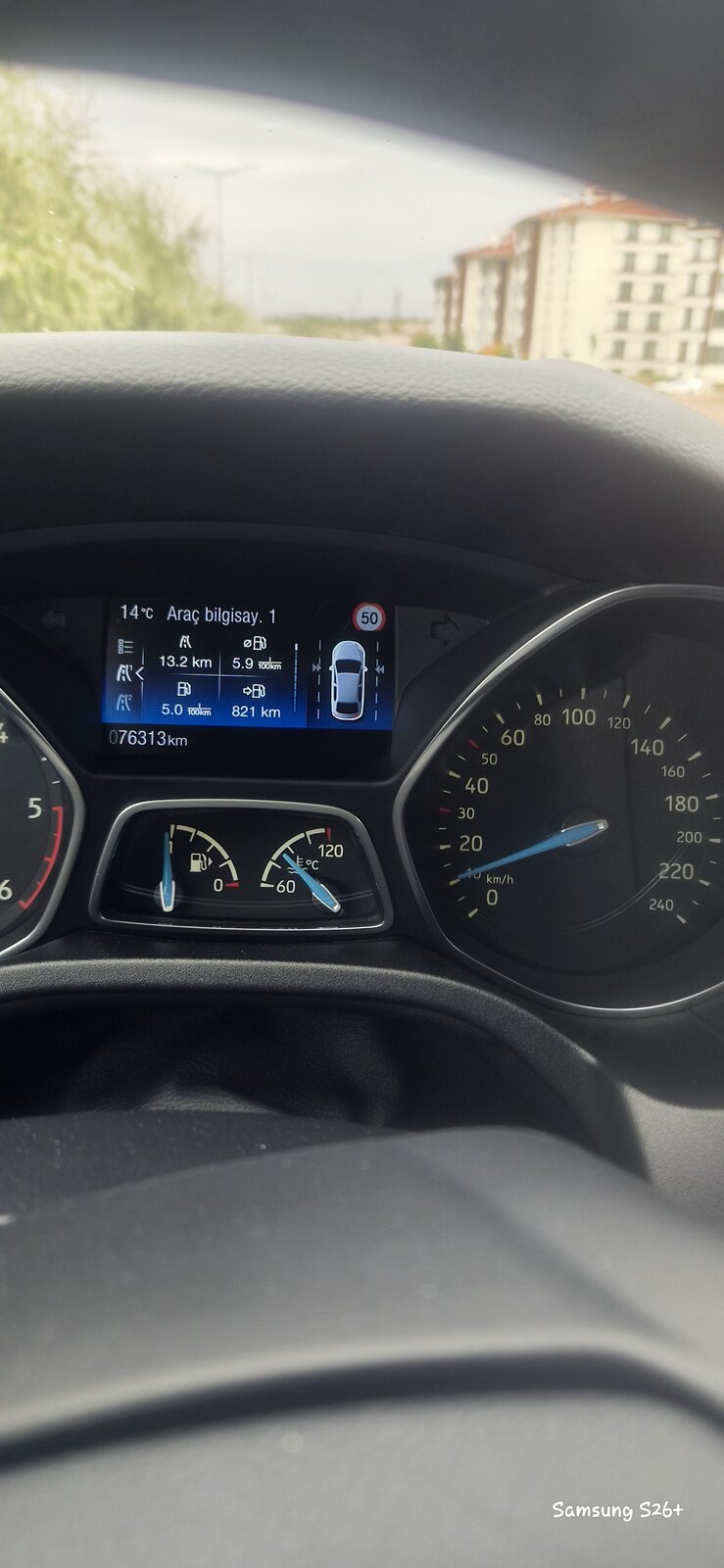
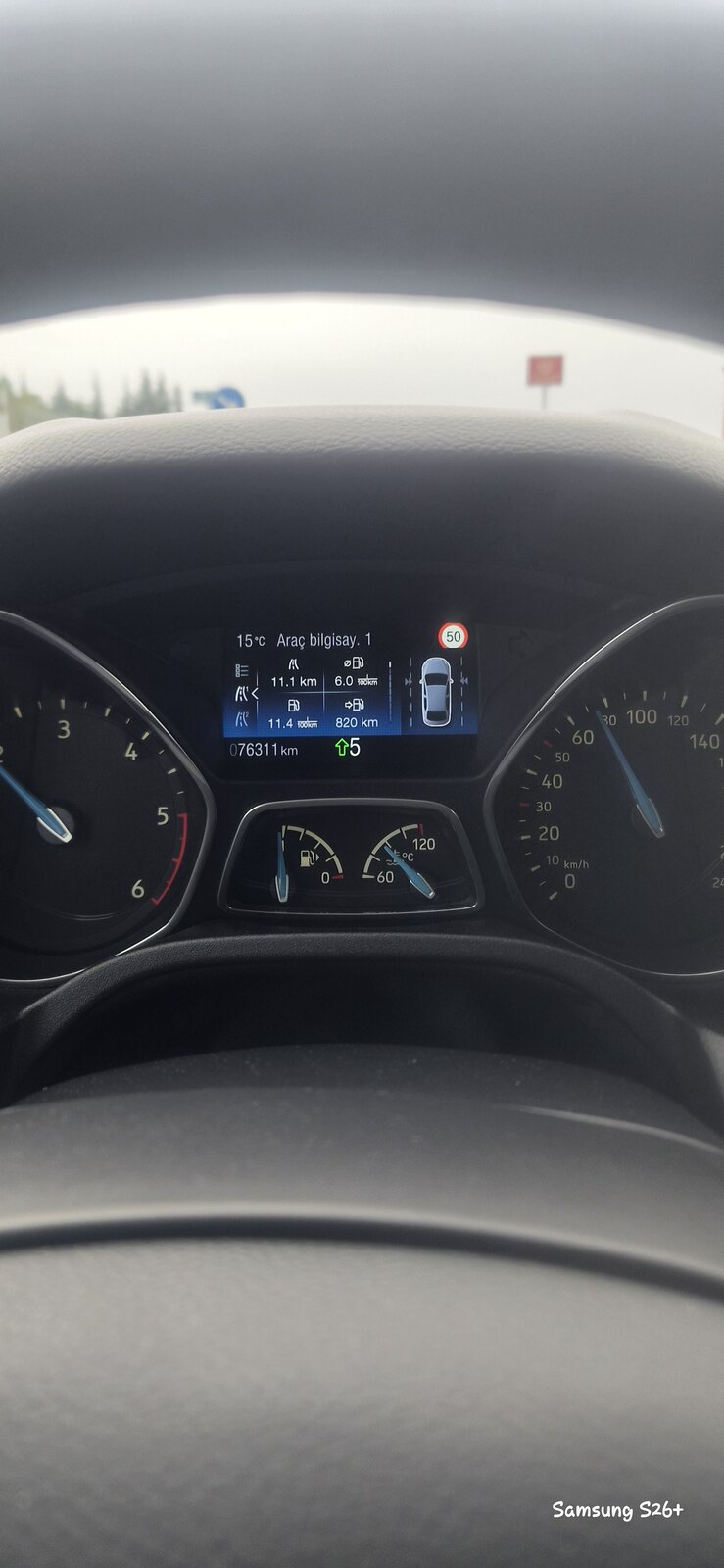
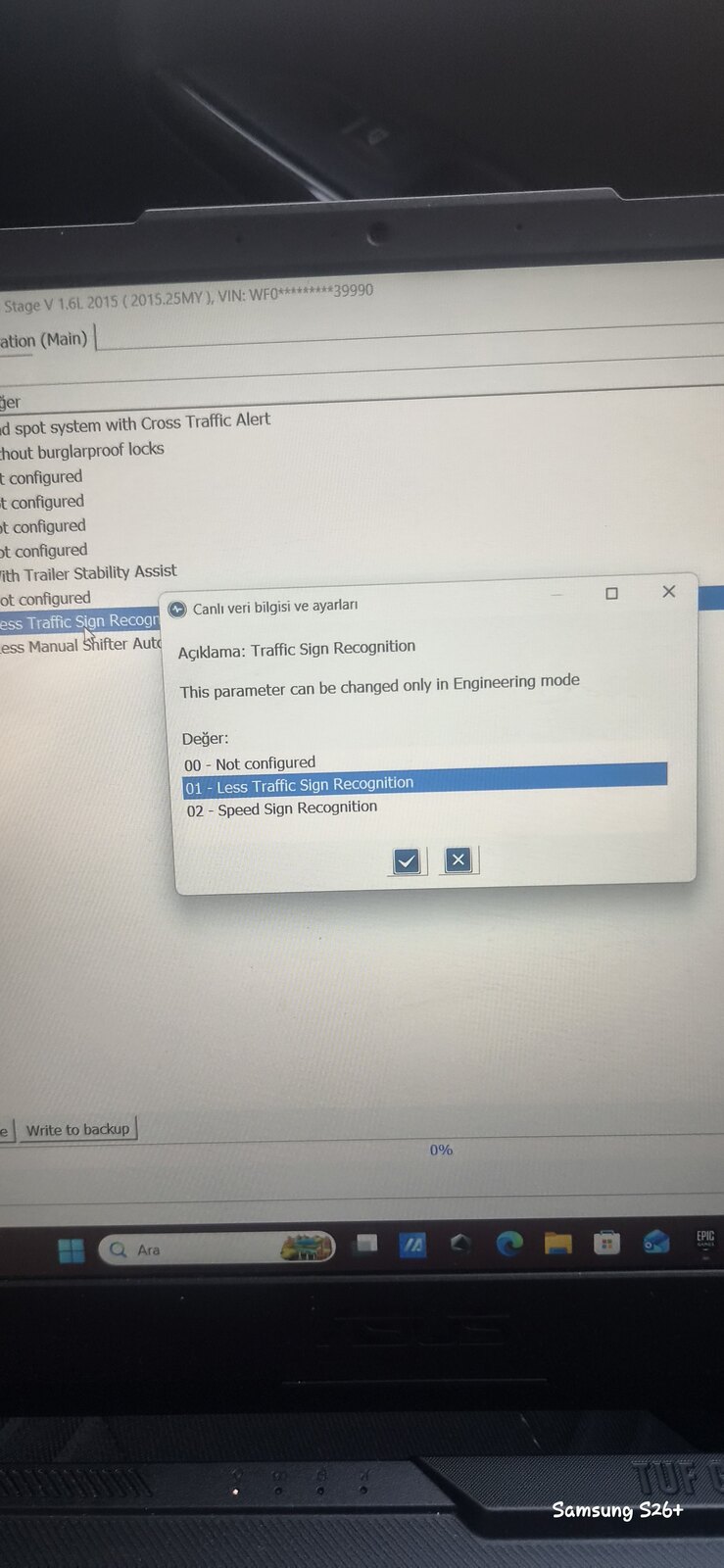
5 puan4 puanArkadaşlar Semih hocamın verdiği ipma asbuilt kodları ile 2015 titanyum-tekno paket aracımda trafik isaretleri okumayı etkinleştirdim.yapmak isteyenler için rehber olması adına ilk arabanızda ipma kamerası olması lazim bu kamere aynı zamanda serit takip sistemi kameraı oluyor.lisansli forscan sahip olmanız gerekli bunu nasil lisanslı yapacağınız internette bolca mevcut.araca bağlanıp bcmii(main) modulune giriş yapmanız lazim bende girmiyor hata veriyordu internetten otomatik dosyalarimı çekemiyordu bende https://www.motorcraftservice.com sitesinden arabamın bcmii yazılımını indirdim burda önemli kısım ülke Amerika dili İngilizce seçmeniz.bcmii girip yukarıdan engineer modunda trafic sign recognition bulmanız gerekiyor bende 2 olan aktifti onu en alttaki speed sign recognition yapıyoruz Write diyoruz bu kadar fotosunu ekliyorum.daha sonra ipc modulunden yine trafik sign ile ilgili hepsini active ediyoruz bende bunlar aktifti.en önemli kısım kameranin artık bilgiyi vermesi gereken kodlardaydi ipma asbuilt kodlari eğer mevcut kodlarla yapmaya çalışınca araç gostergesinden ne kadar tik koysanız da geri otomatik kaldırıyordu araç.benim yukarıdaki ipma asbuilt kodların yedeğini alarak semih hocamın verdiği 1.fotograftaki kodlari yazdım ve hersey olması gerektiği gibi çalıştı yine bunlarla ilgili fotoğraflar ekliyorum.insallah yapmak isteyene yardımcı olur Fotolar .
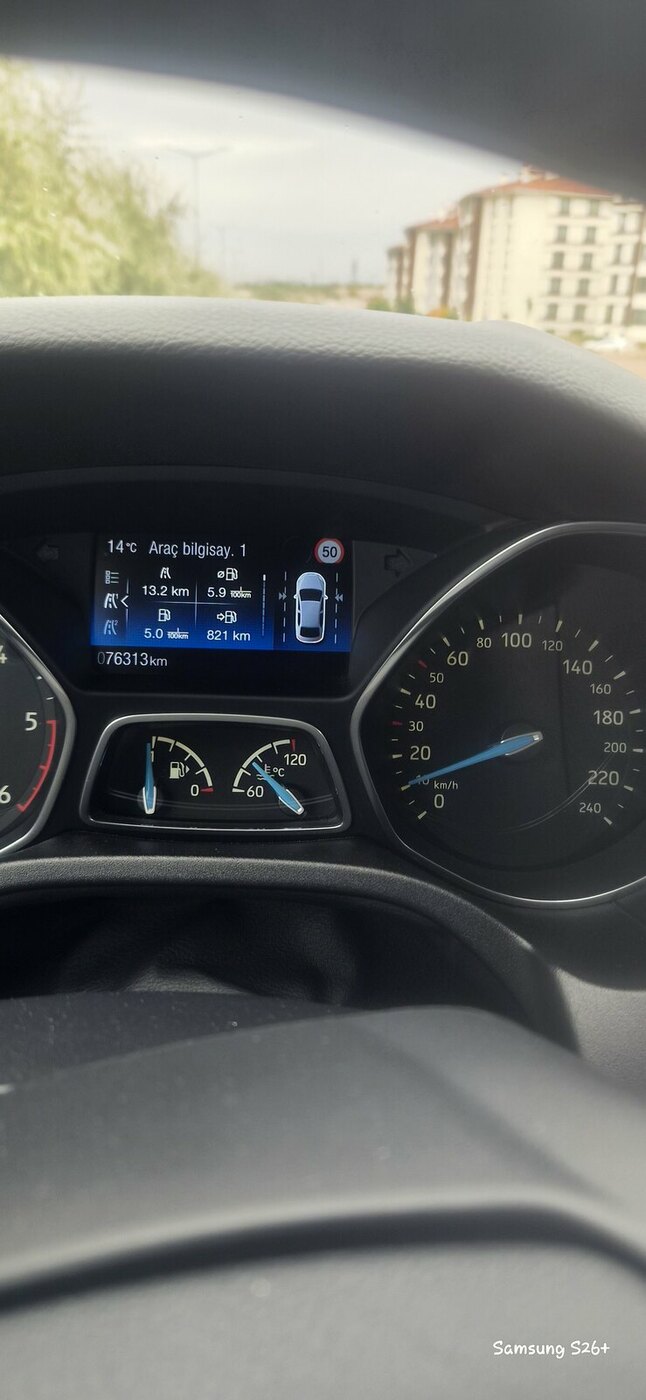
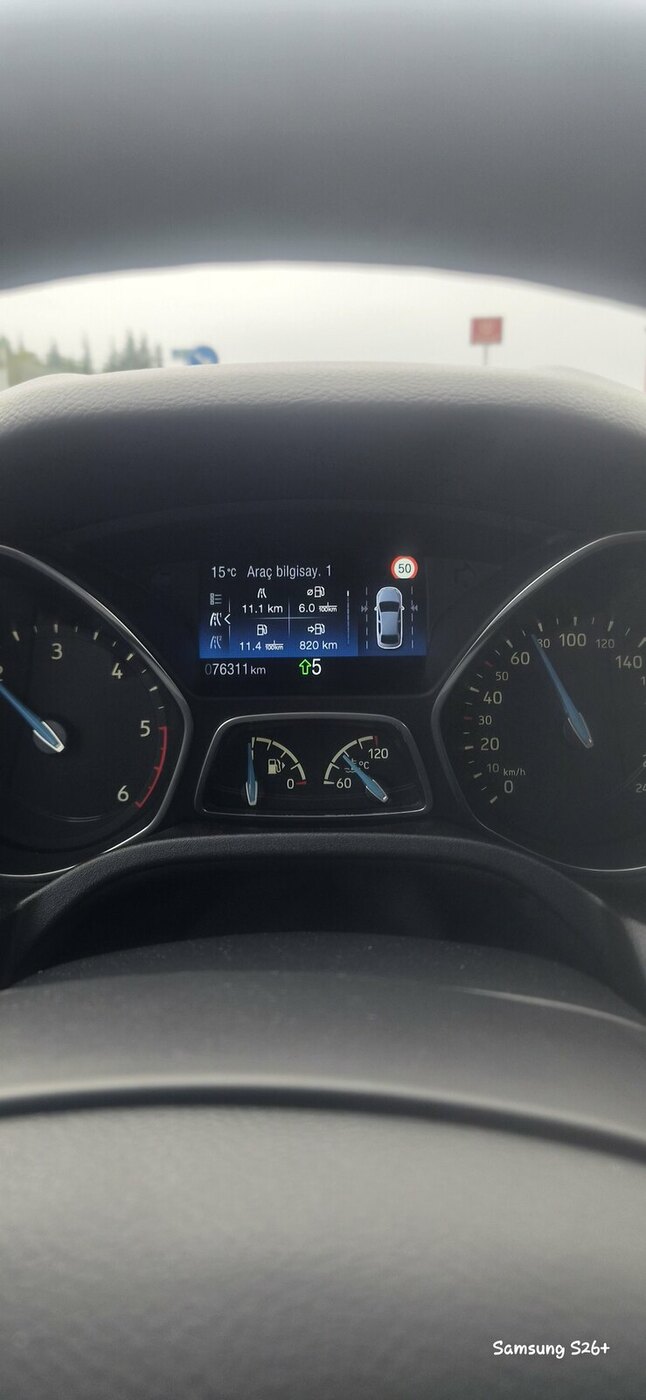
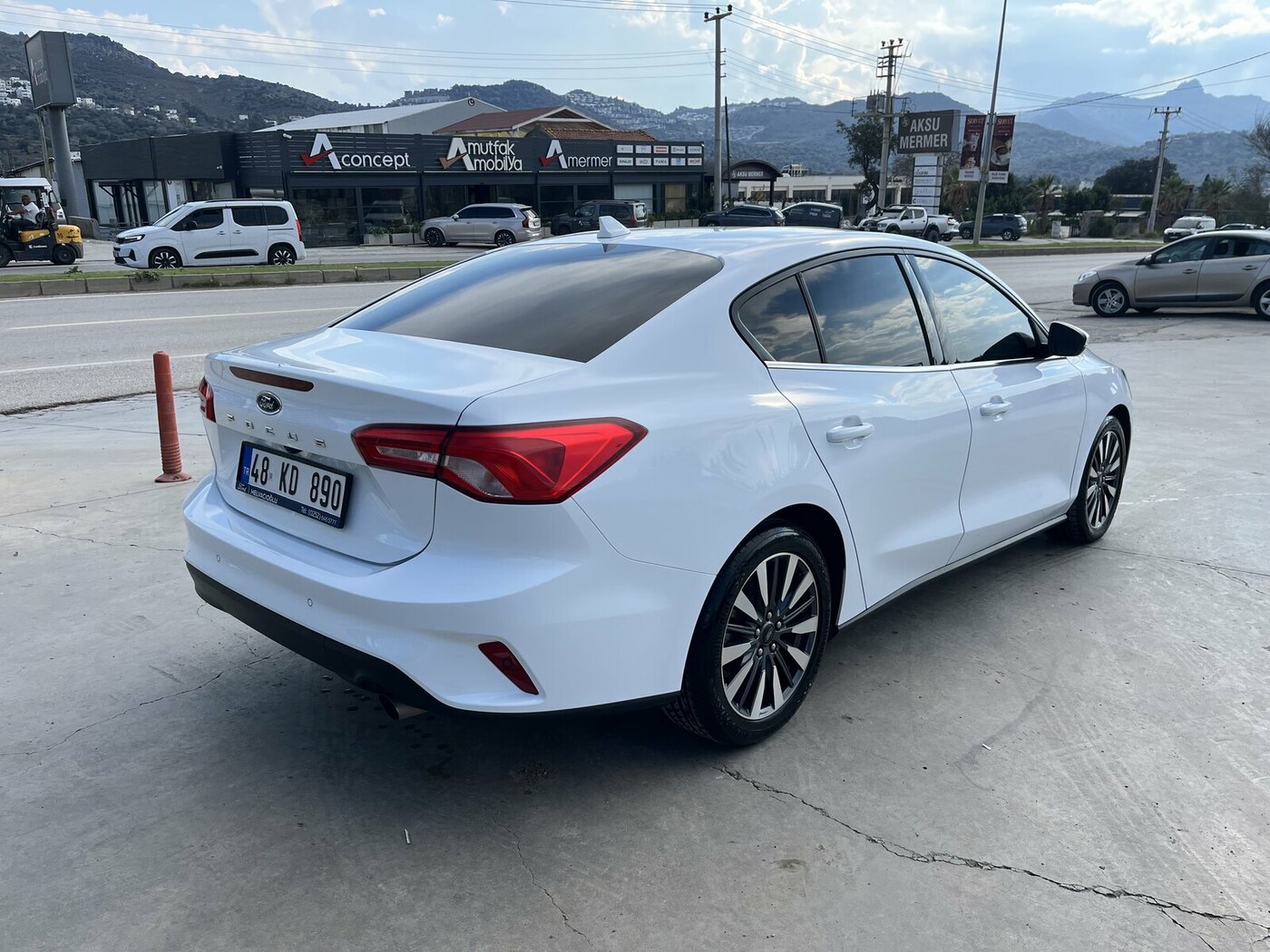
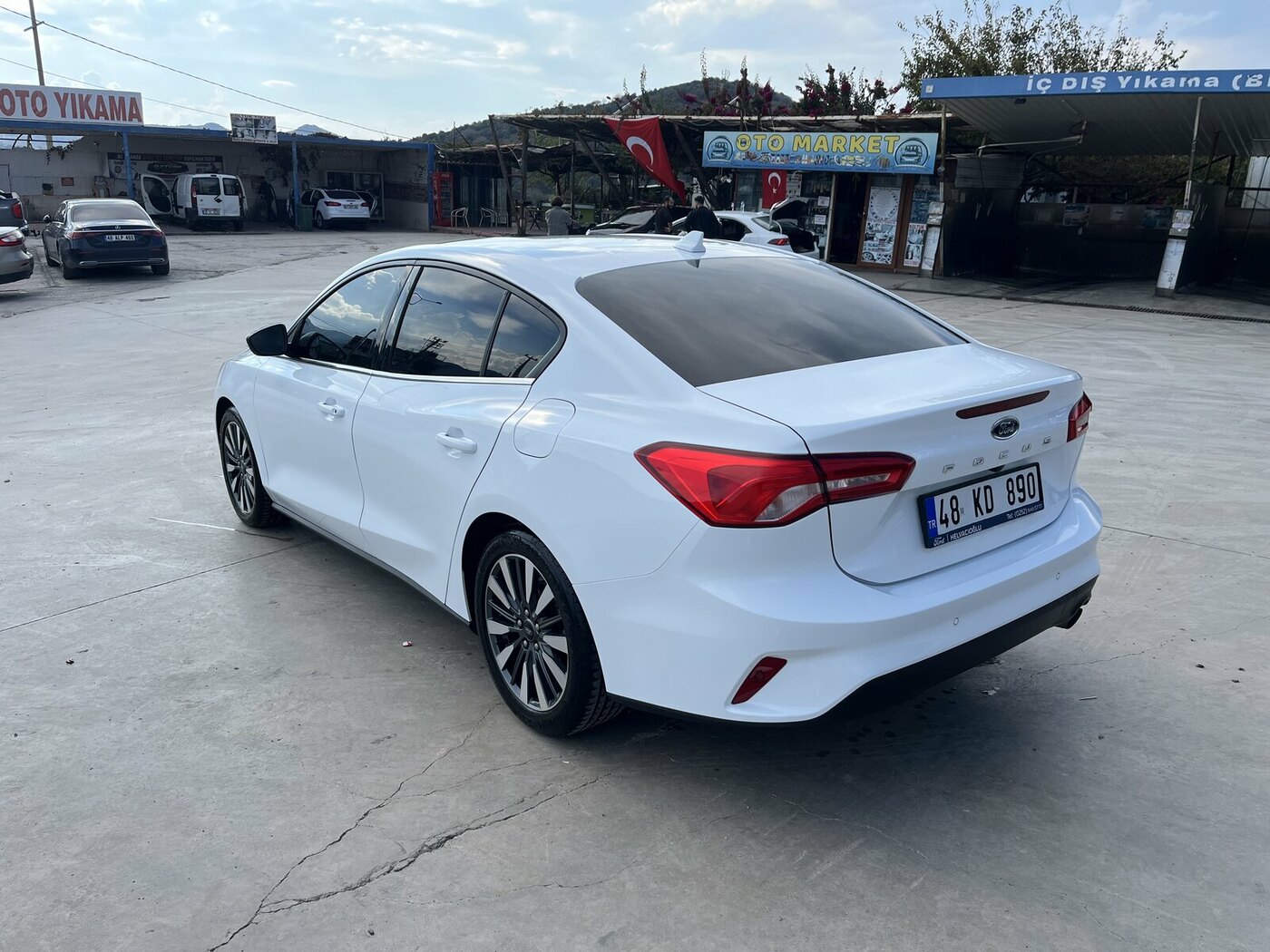
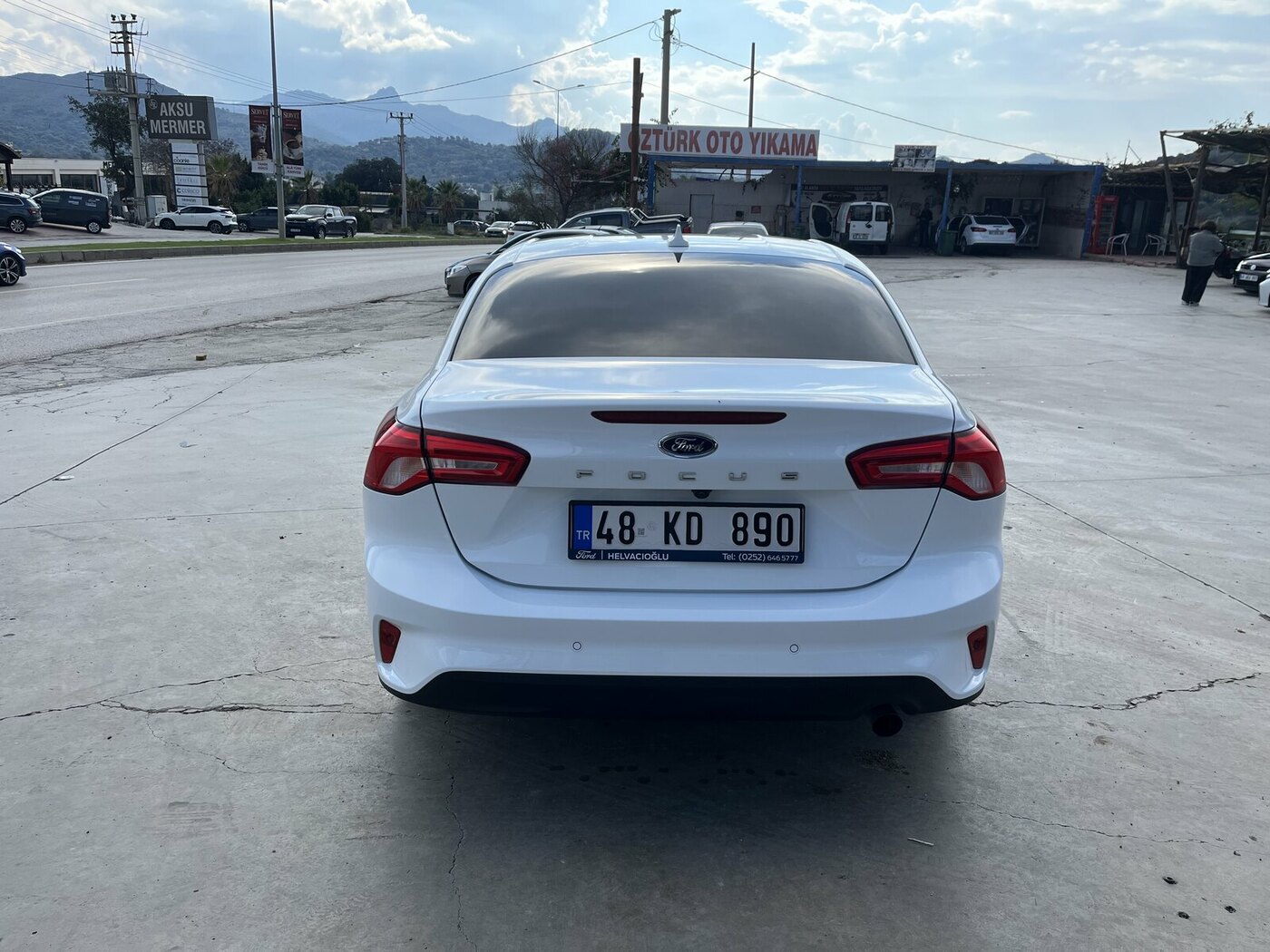
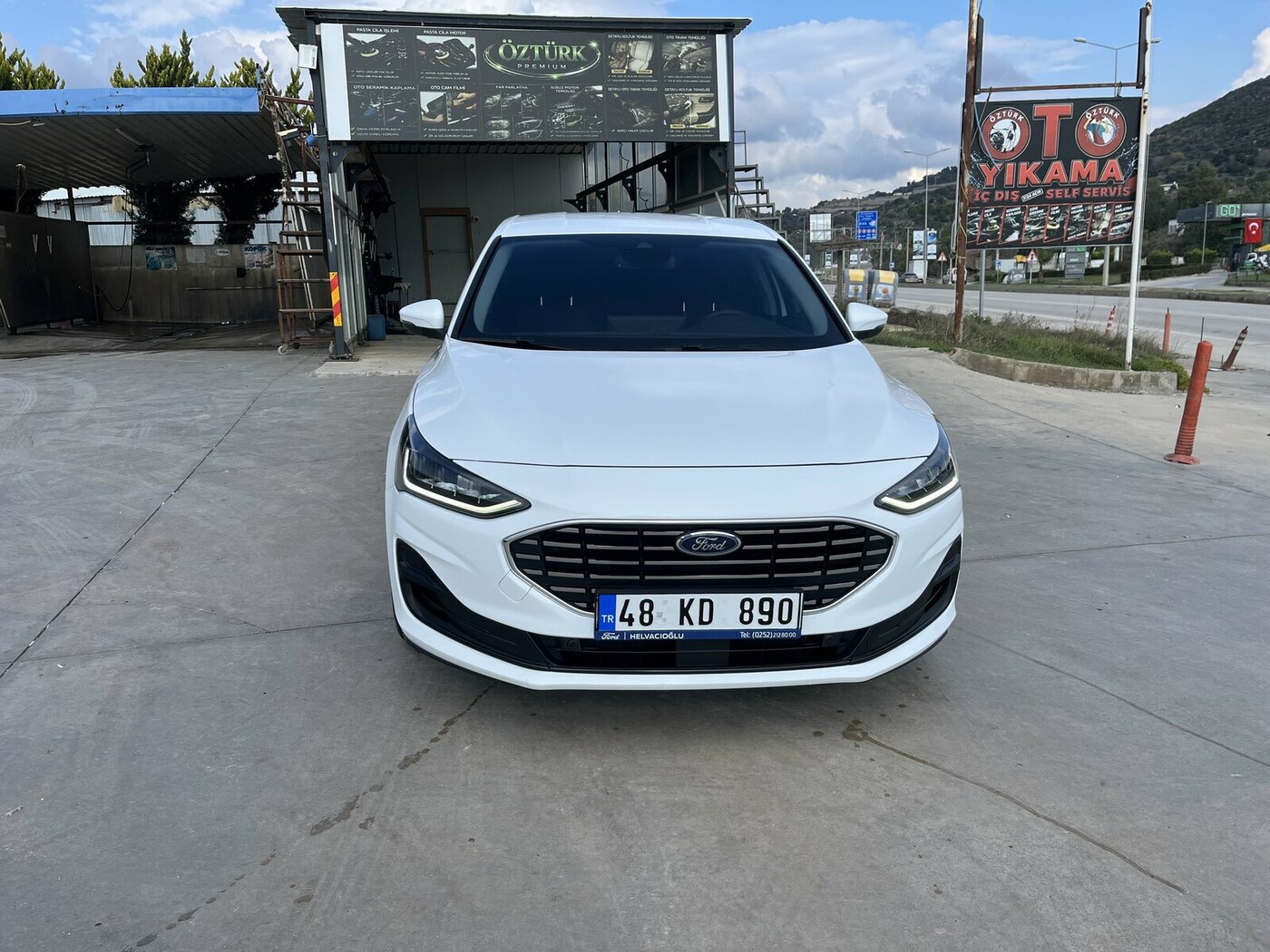
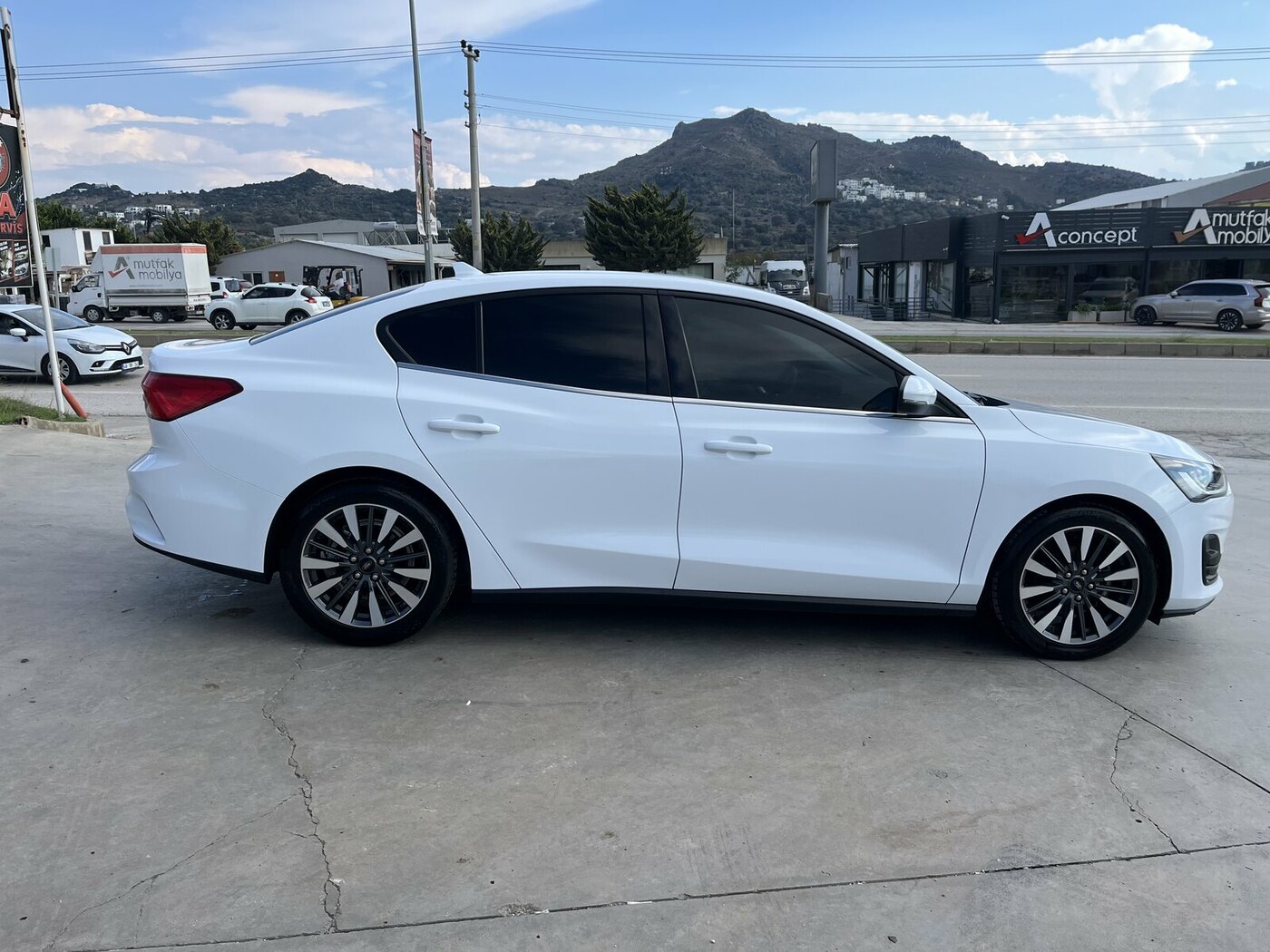
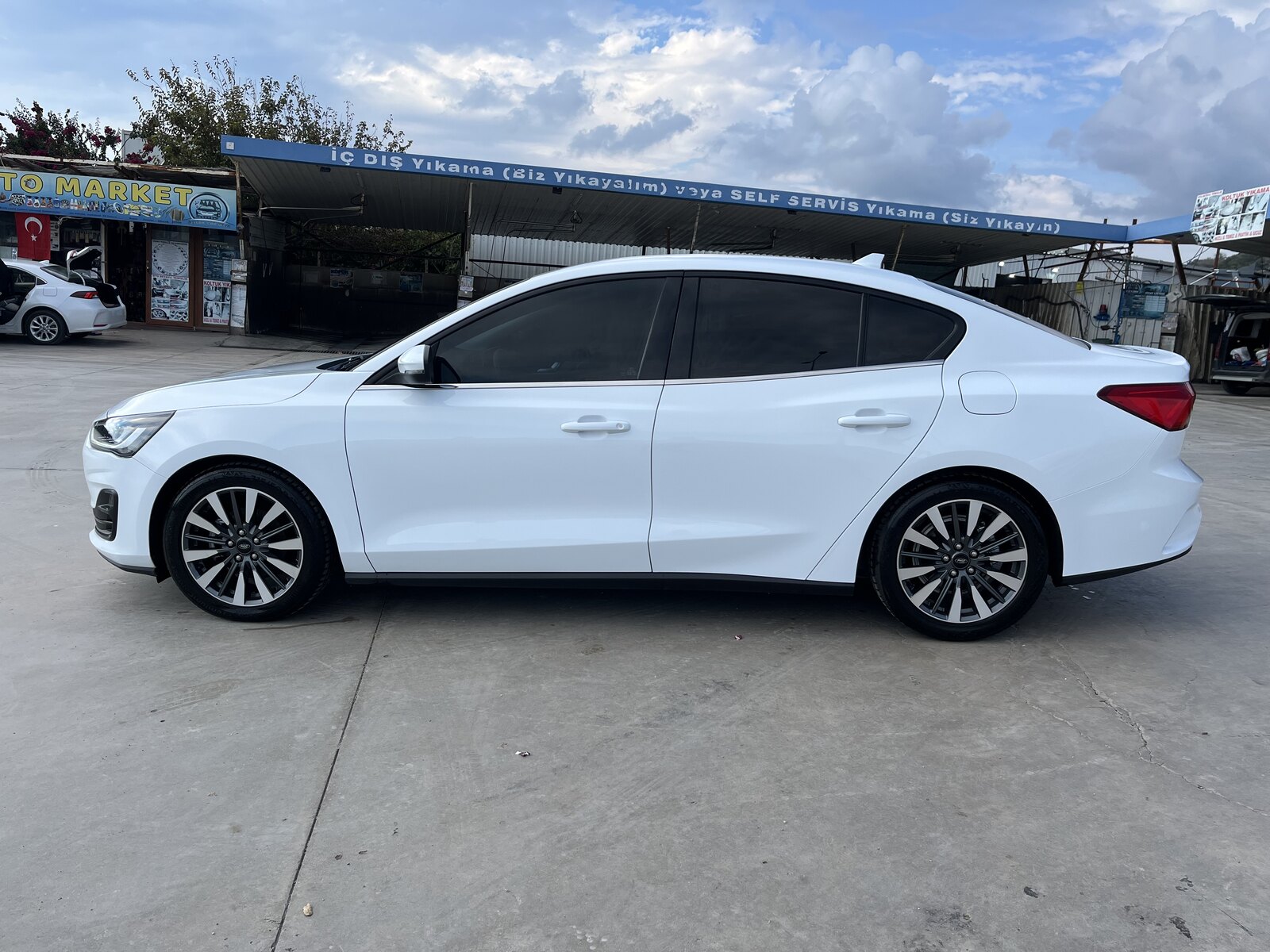
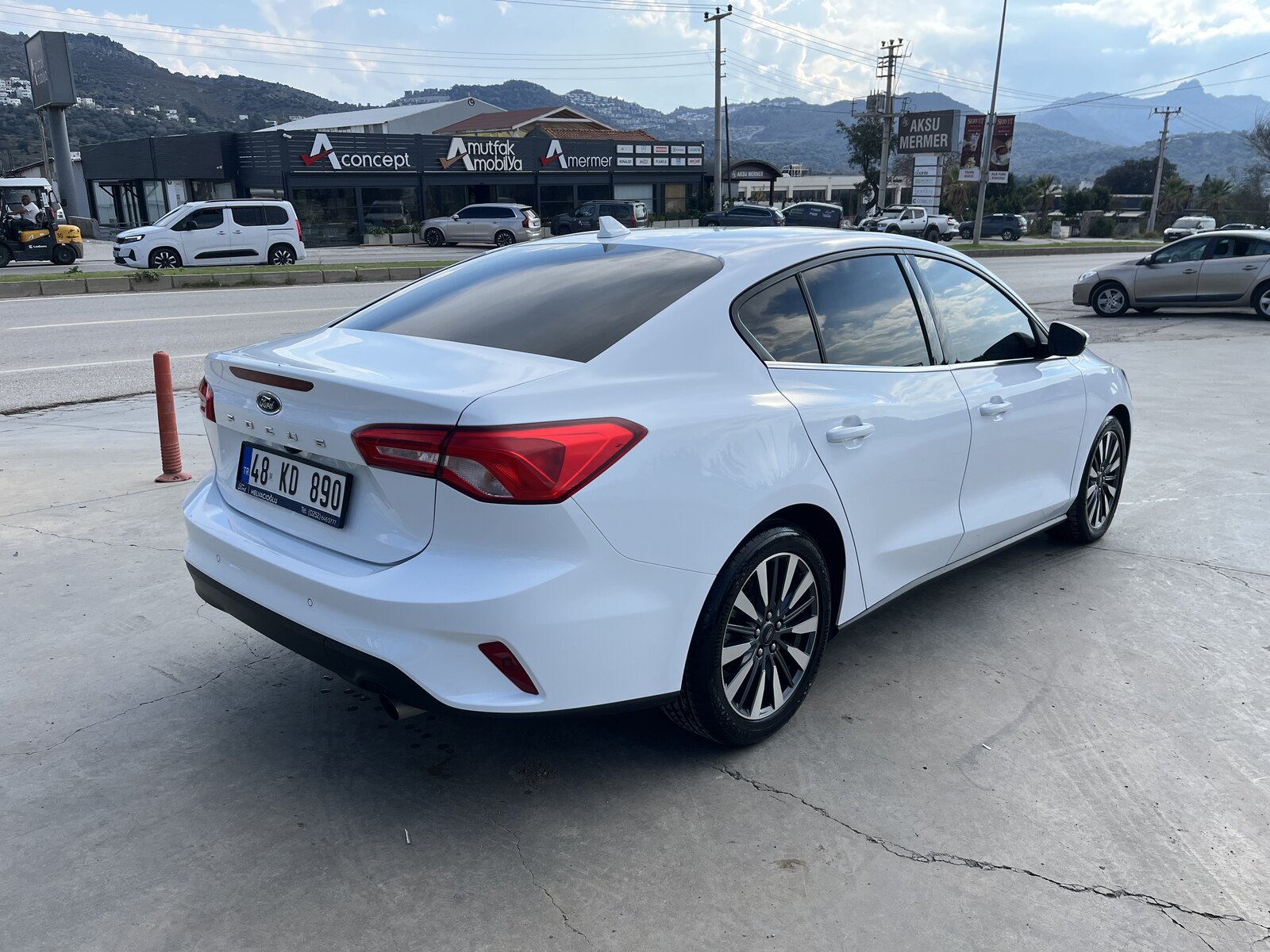
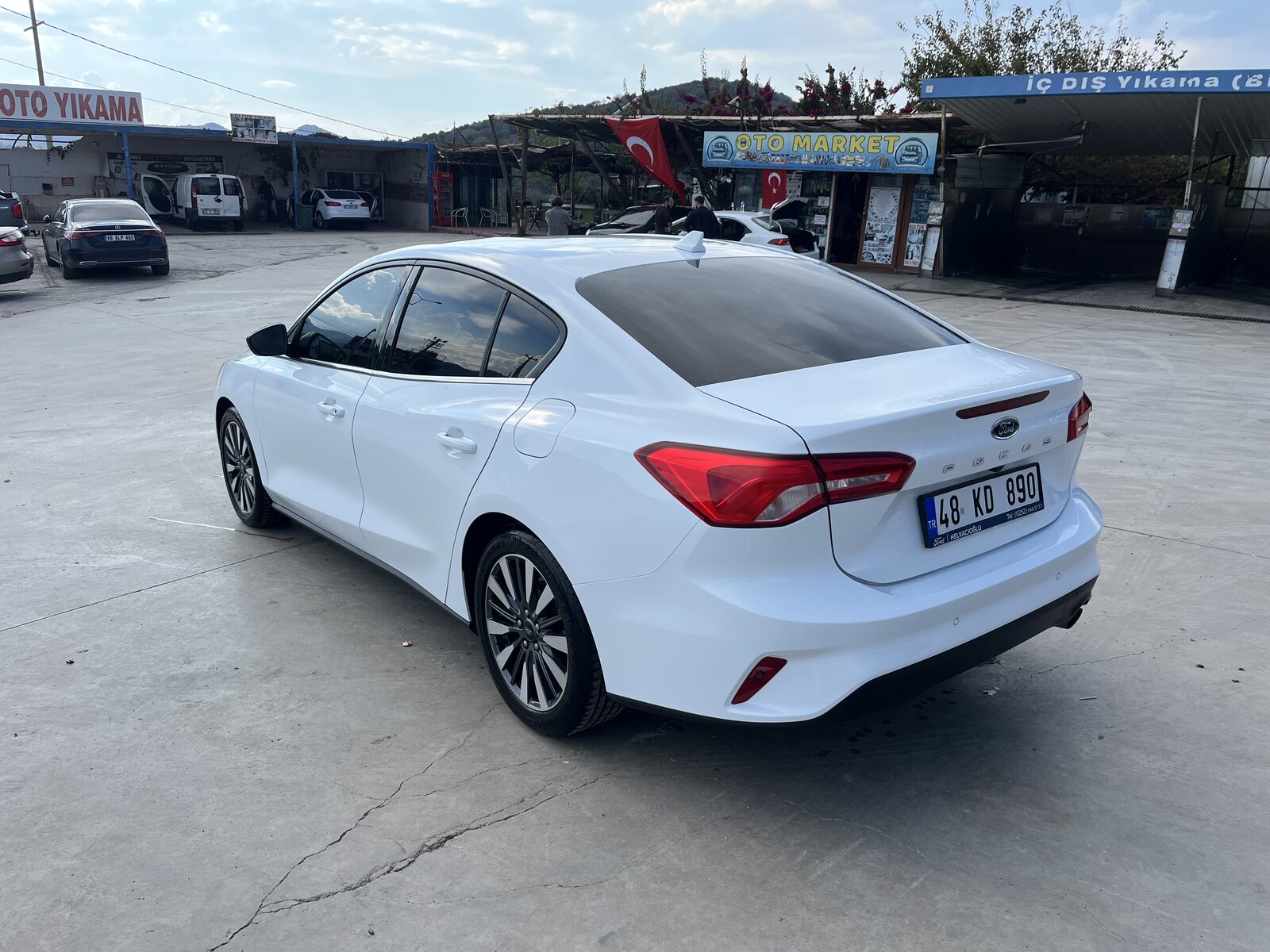
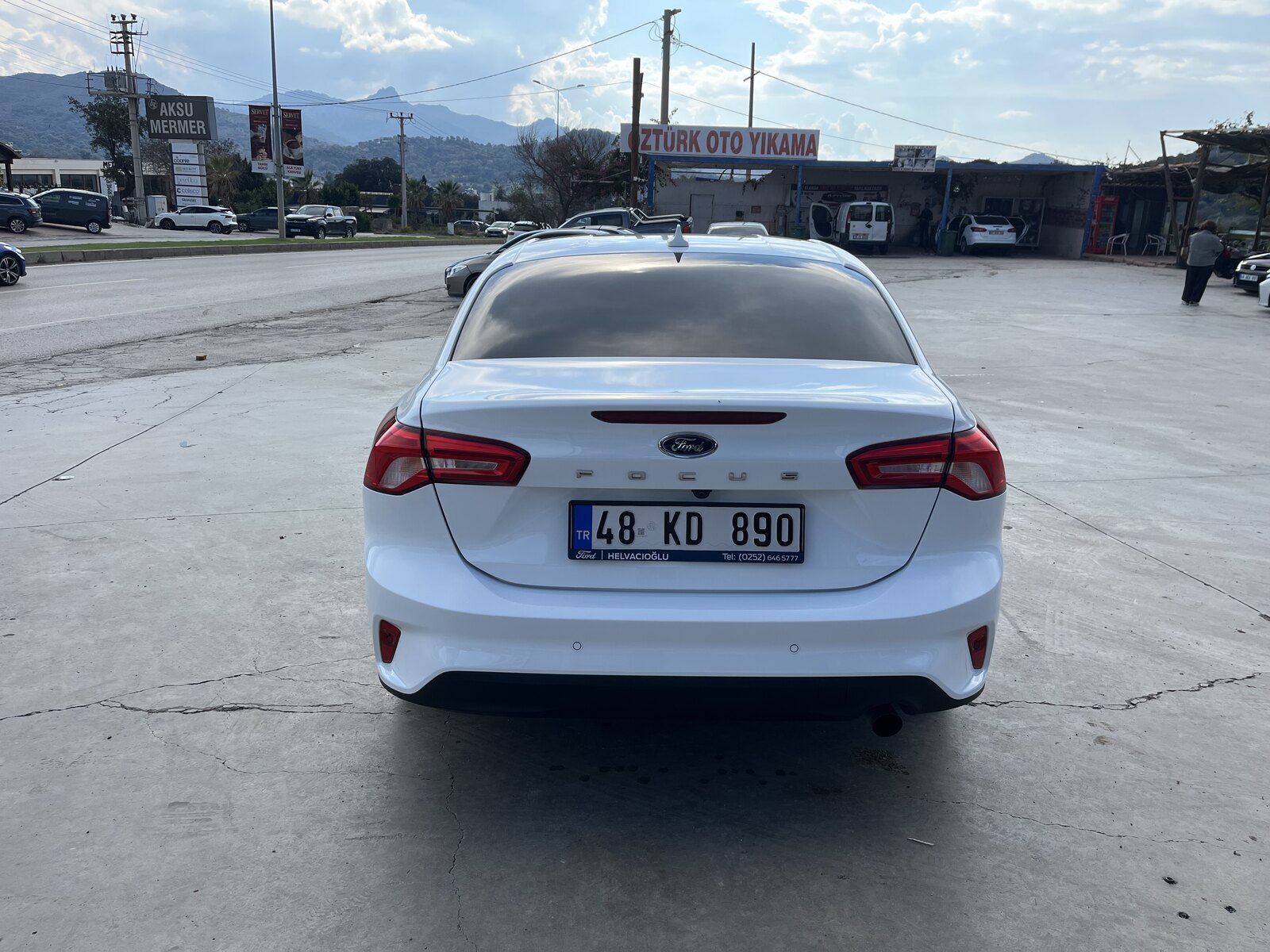
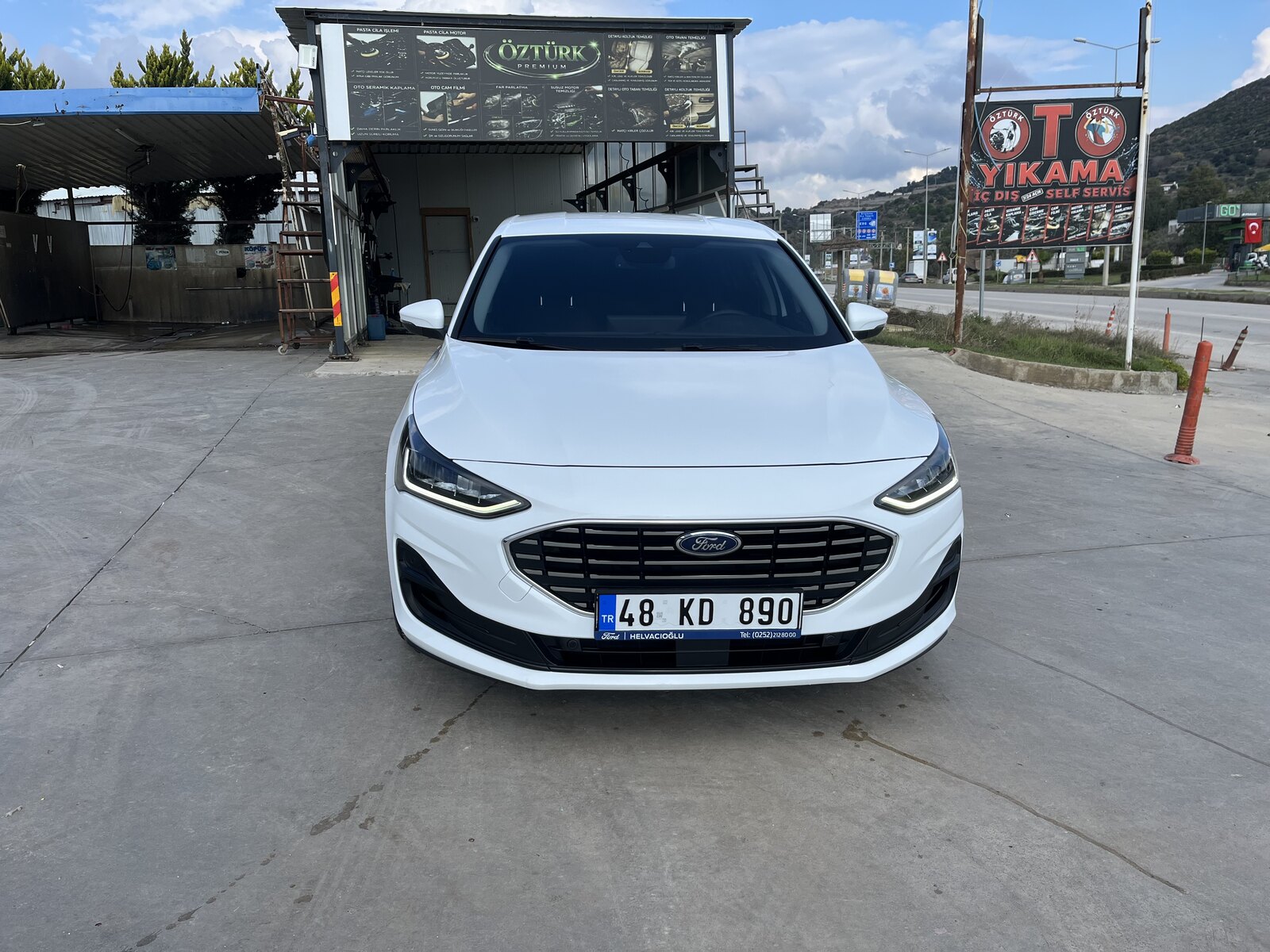
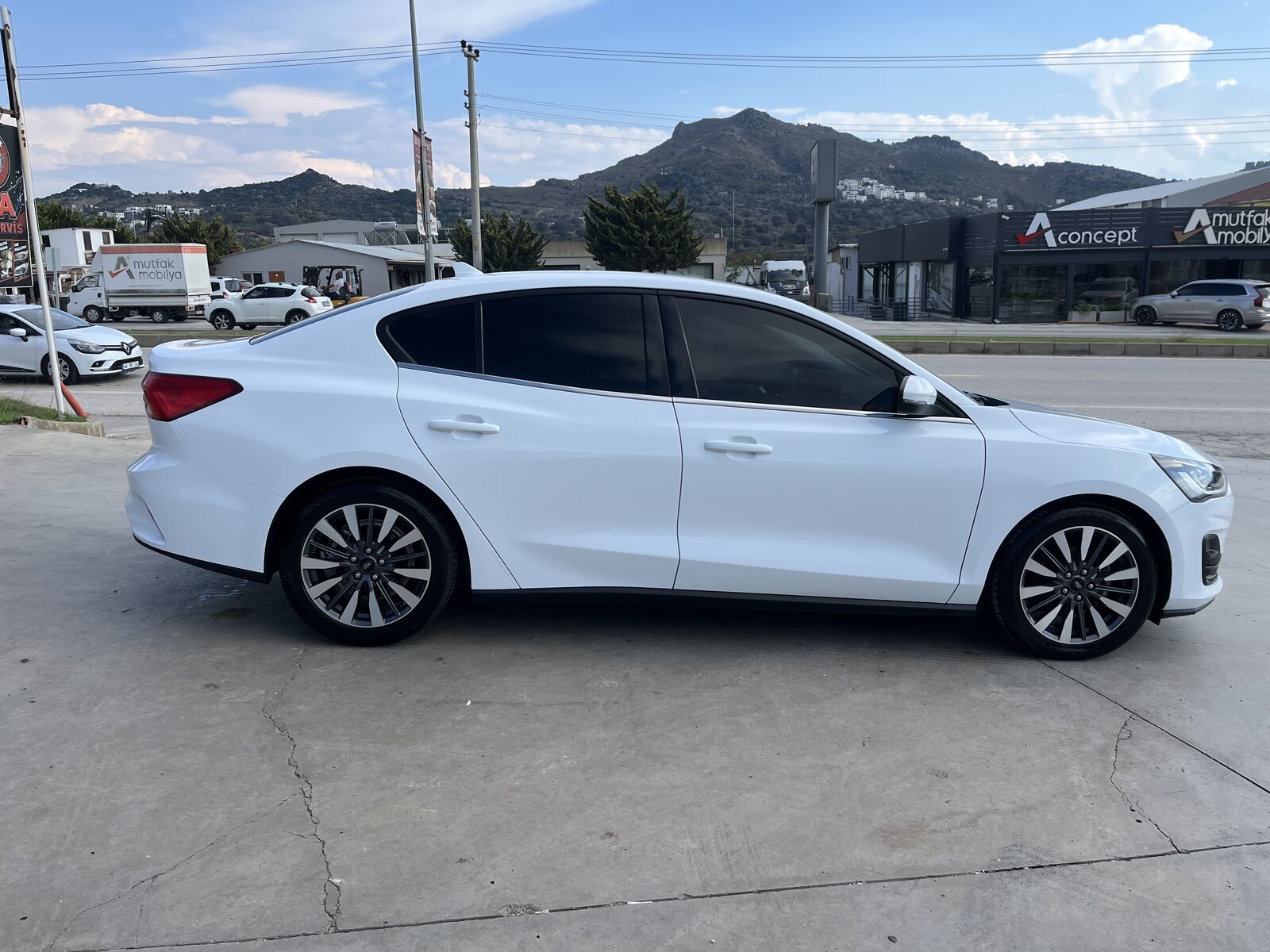
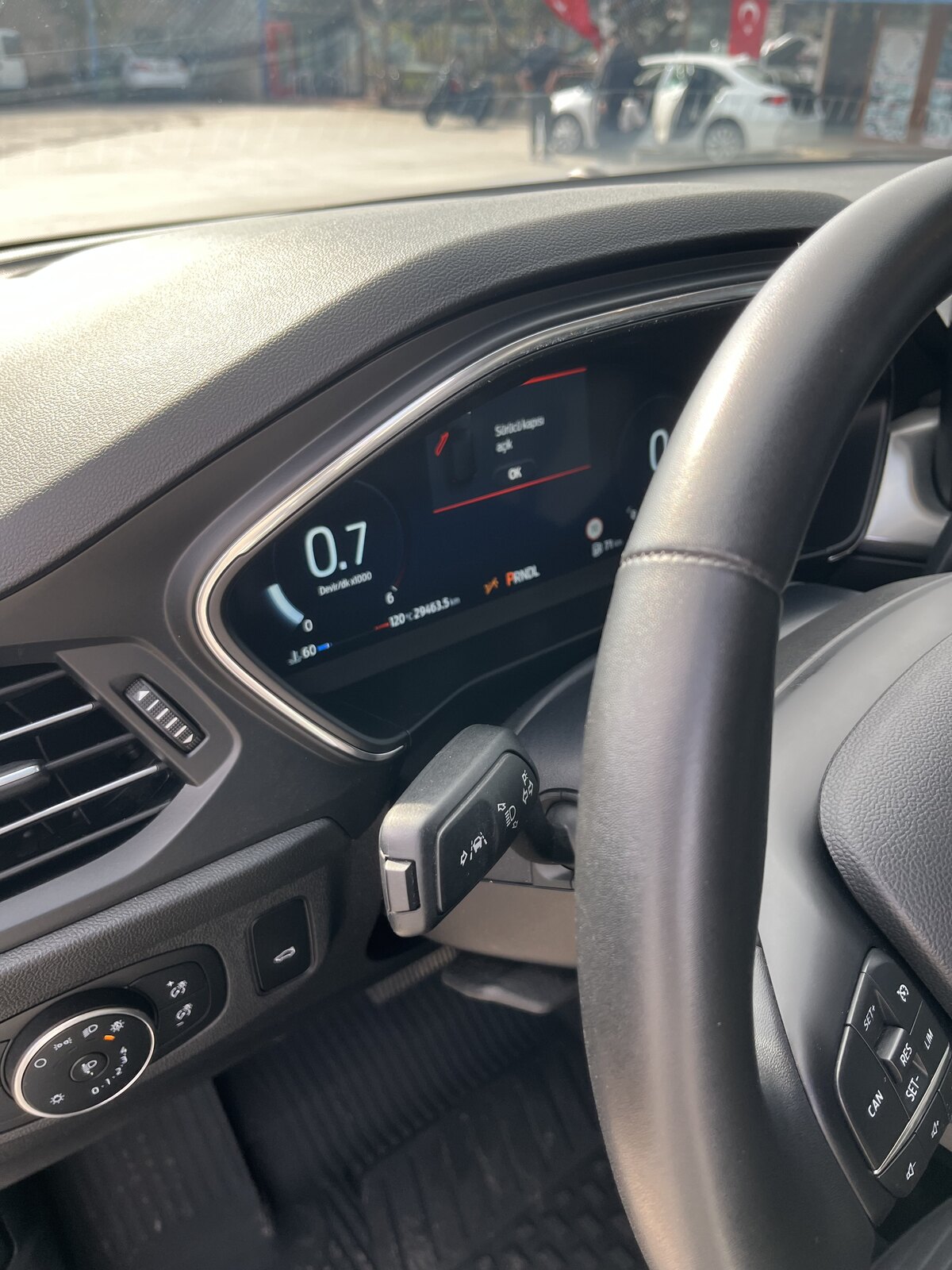
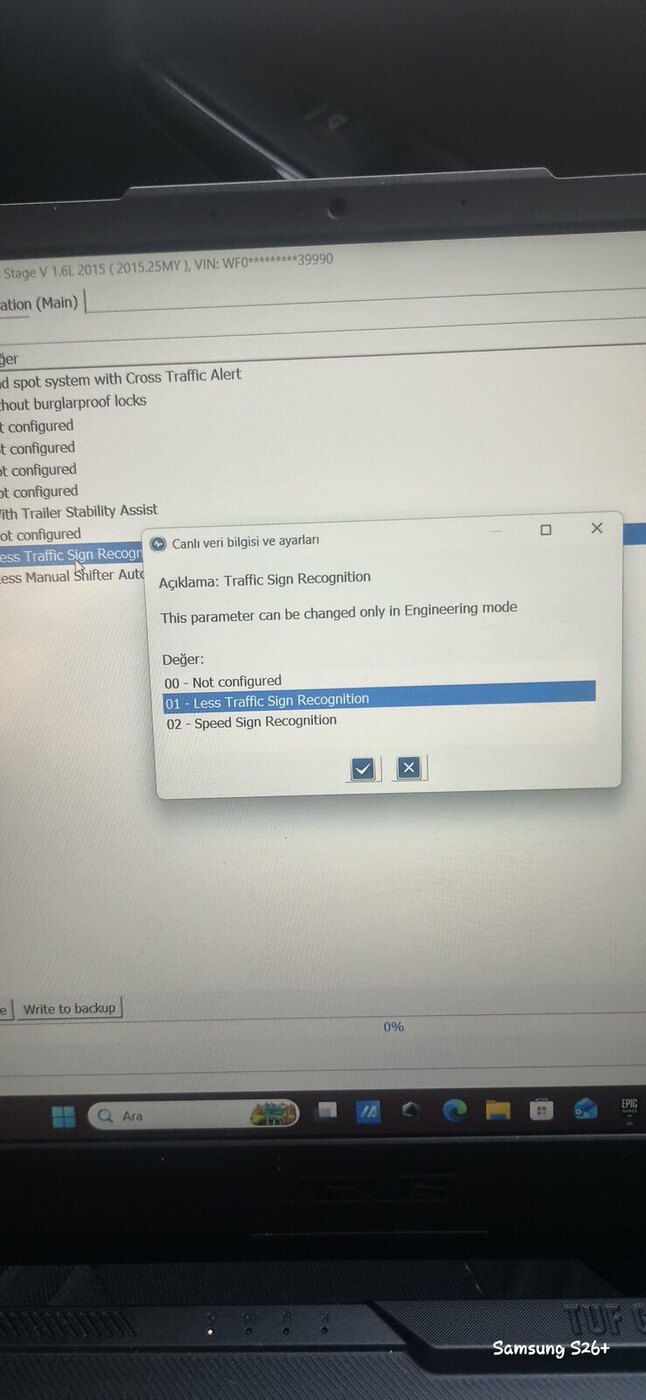 4 puan4 puanBuldum plakayı bu arac içindeki sahista belli hepinize teşekkür ederim yarin Sulh Hukuk Mahkemesine verecegim4 puan4 puan3 puan3 puan3 puan3 puanGecikmiş bir yazı ama olsun, 19 Temmuzda Akçansa liman ile taşkapı arasında kalan eyvah eyvah filminde çınar ağacının altındaki çekilen sahnenin olduğu yerde haftasonu kaçamağı yaptık, haftaiçi kalma imkanı olunca çok daha sakin oluyor, yakında bir kaç tiny house var, sonra her yer sizin3 puan3 puanAgm almanıza gerek yok, alçak tip start stoplu efb almalısınız.1 puan1 puan2024 model 2025 trafiğe kayıtlı 1.5 ecoblue dizel otomatik titanium x Gsr2 paket fordpass ile uzaktan erişim, kazasız boyasız, 15-30 bin bakımları yetkili servisde yapıldı, aracın ilk plakası Muğla Ford Helvacıoğlu çıkışlı, lastikler 17 bin km de garantiden değişti cpc7 ile, camlarda extra film var, güncel km 29400 değişiklik gösterebilir, fiyat 1890.000 tl 05379447557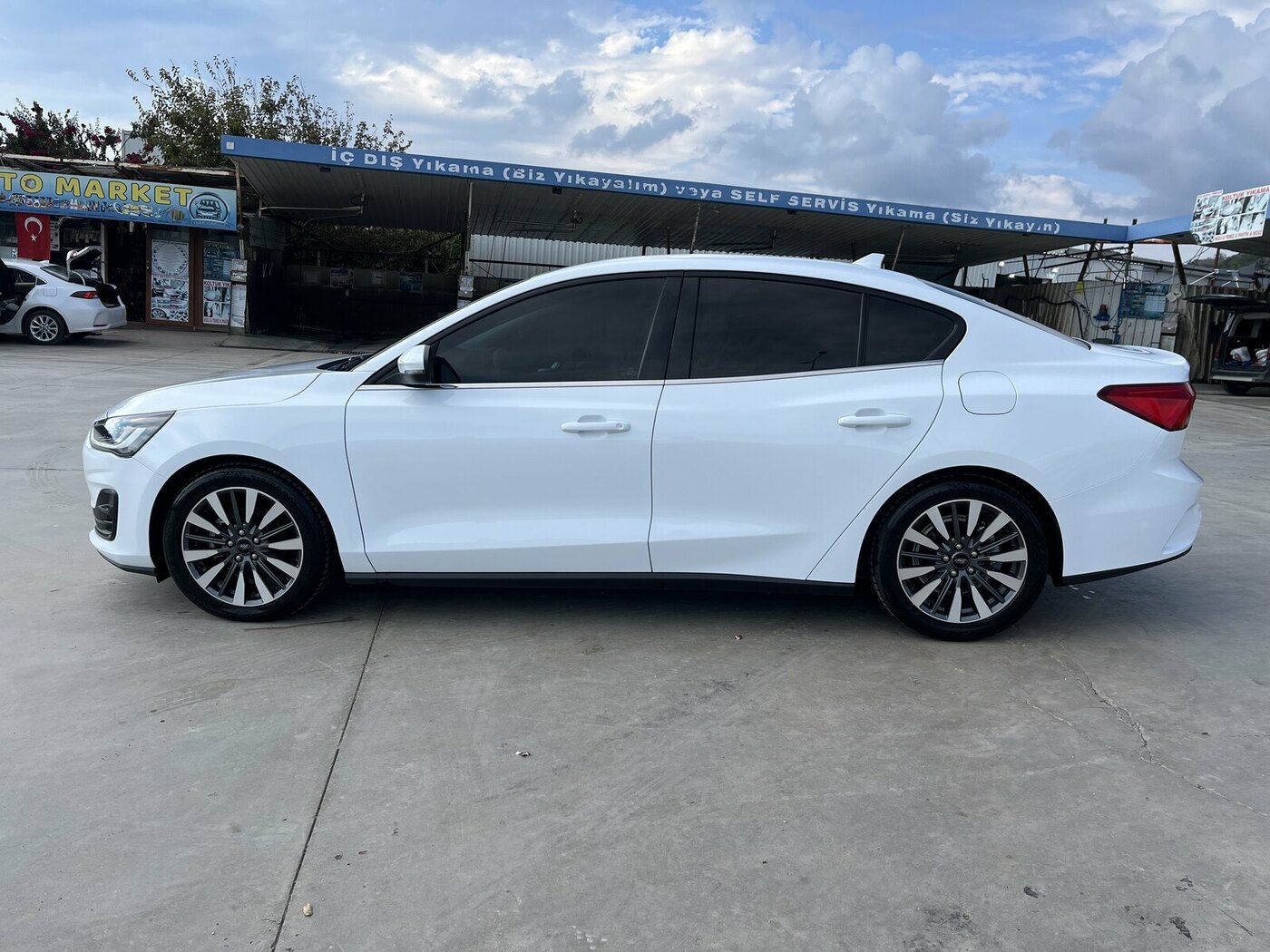
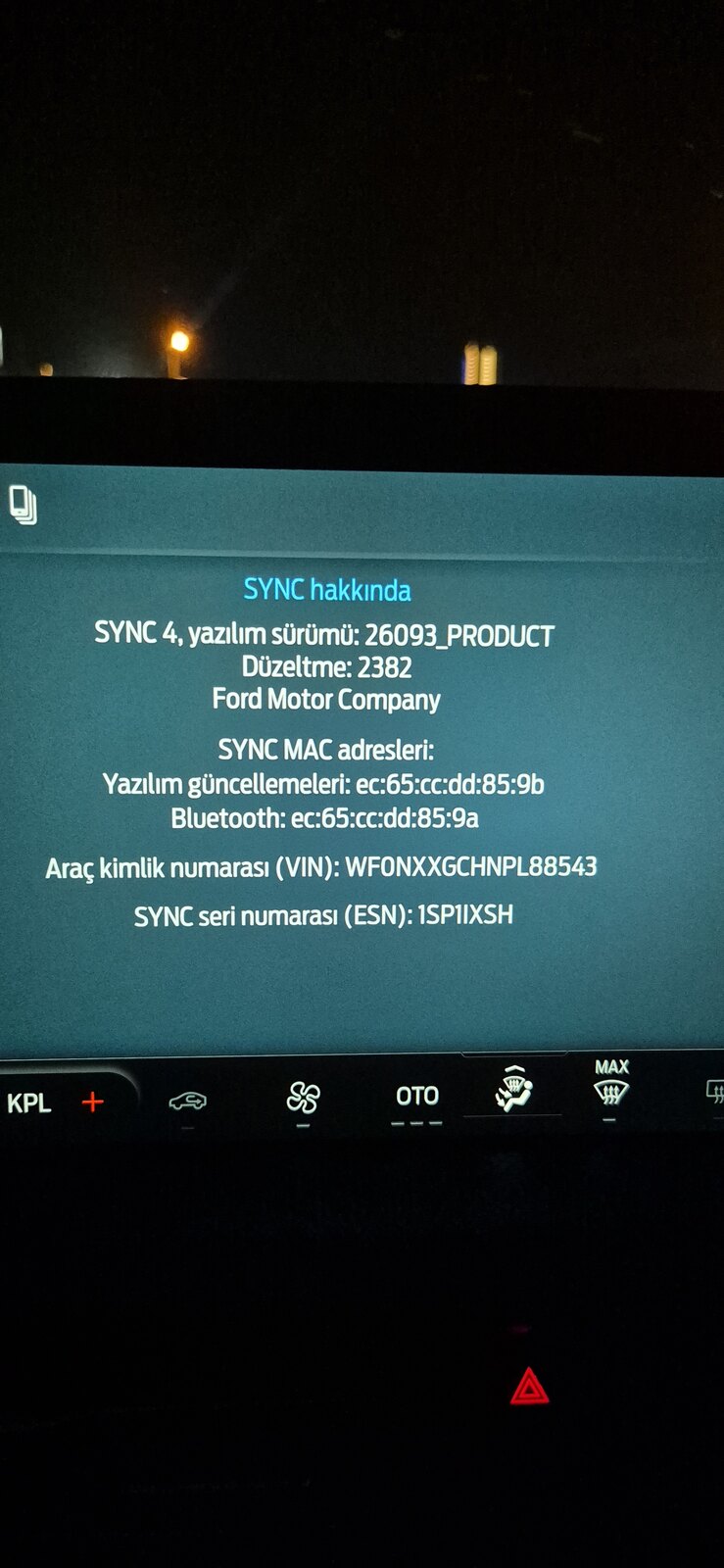
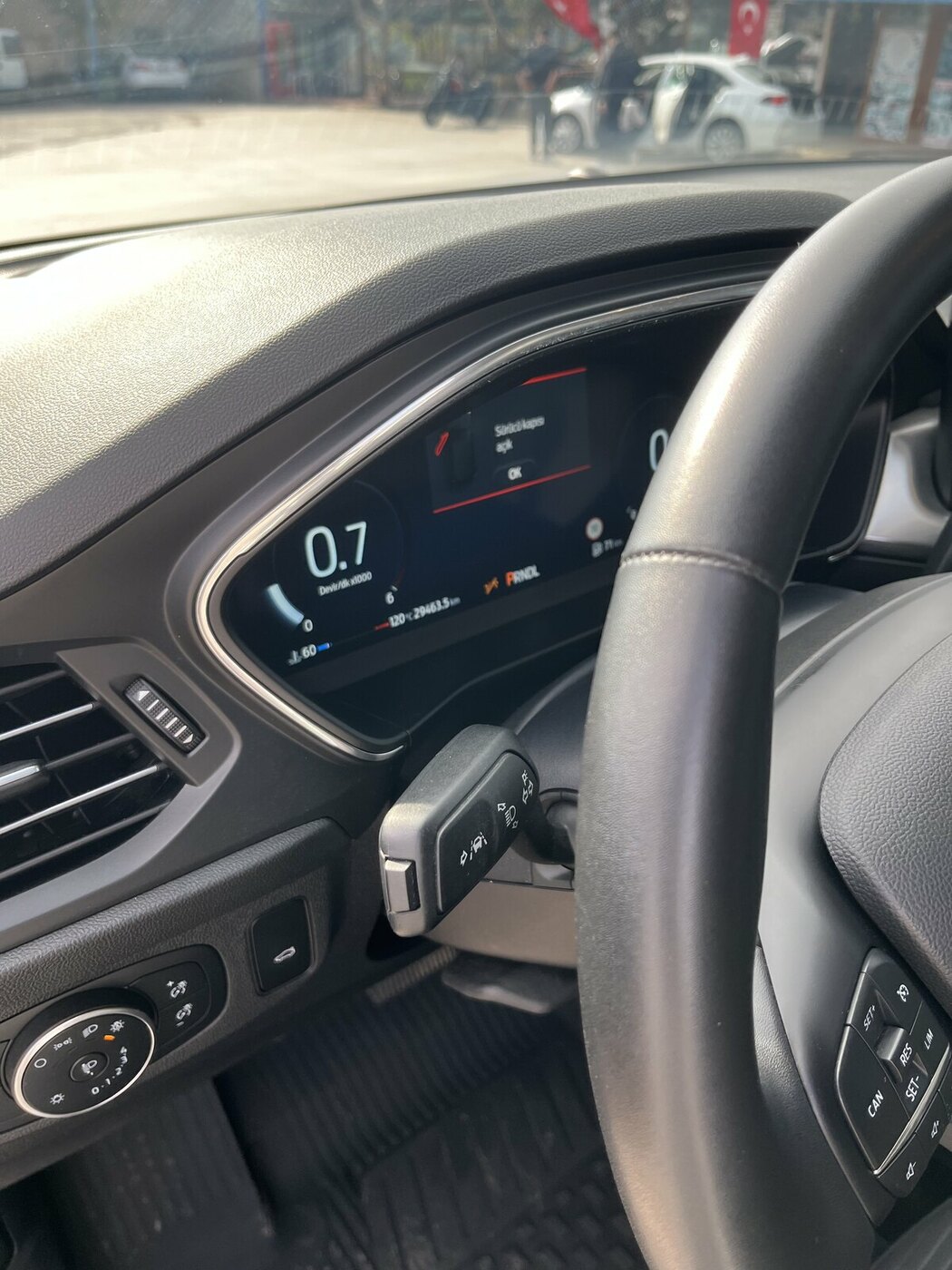 1 puan1 puanmesafe kısa ise dizellerde motor tam anlamıyla ısınmamışsa bunlar normal.. yani sıcaklık 60-70 lere geldiğinde kaloriferi açınca ısı düşer sonra siz yol aldıkça yavaş yavaş yükselir.1 puan1 puankontağı aç motoru çalıştırmadan, fren ve gaz pedalına sonuna kadar bas ve basılı tut bir kaç saniye, ekranda yazı çıkacak resetleniyor diye. succesfuly yada tamamlandı yazınca bırak tamamdır.1 puan1 puanSorun yok Sefa, youtube nasıl resetleneceğinin videoları var, basit bir işlem.1 puanBelki ihtiyacı olan olur servise multimedya ekran kasma sorunu için gittim güncelleme yaptılar şuan ki sürüm
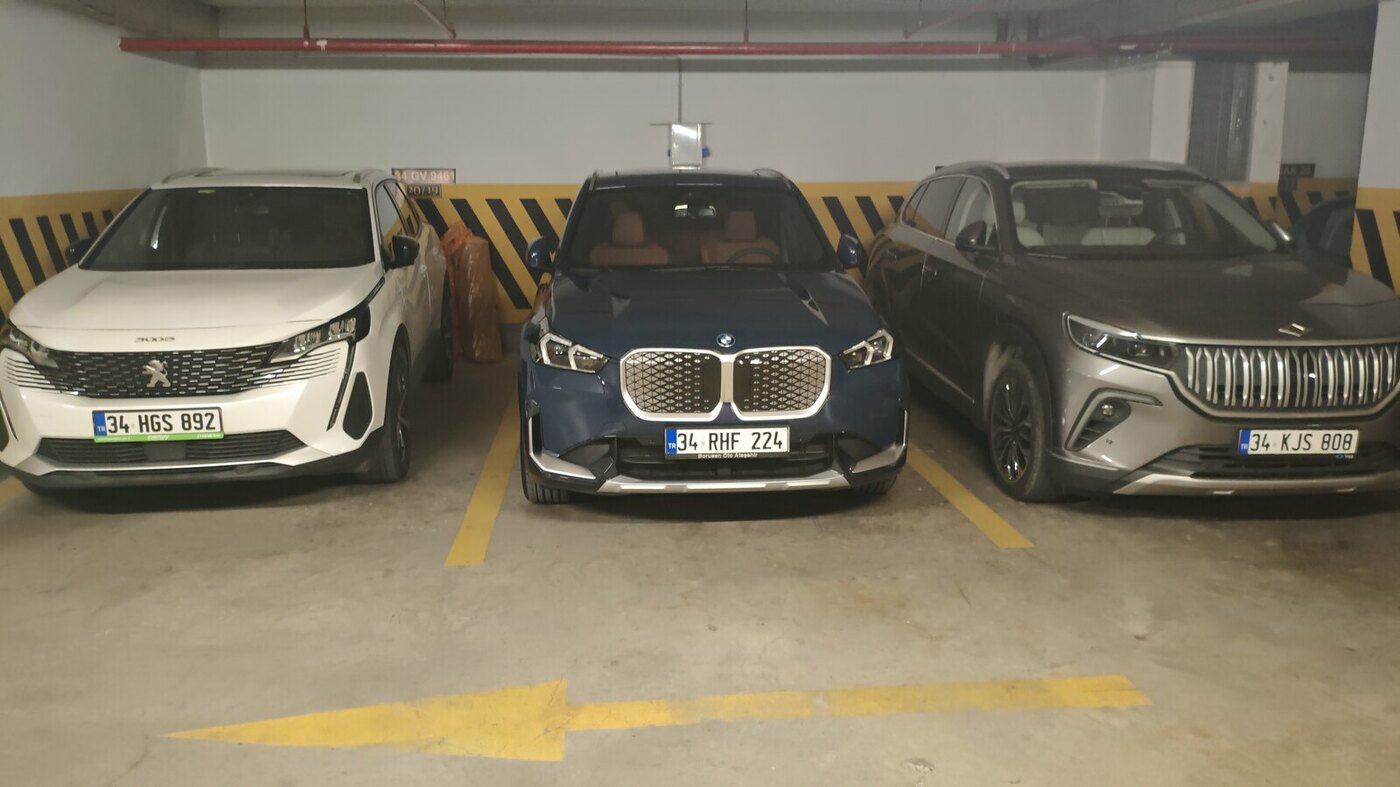
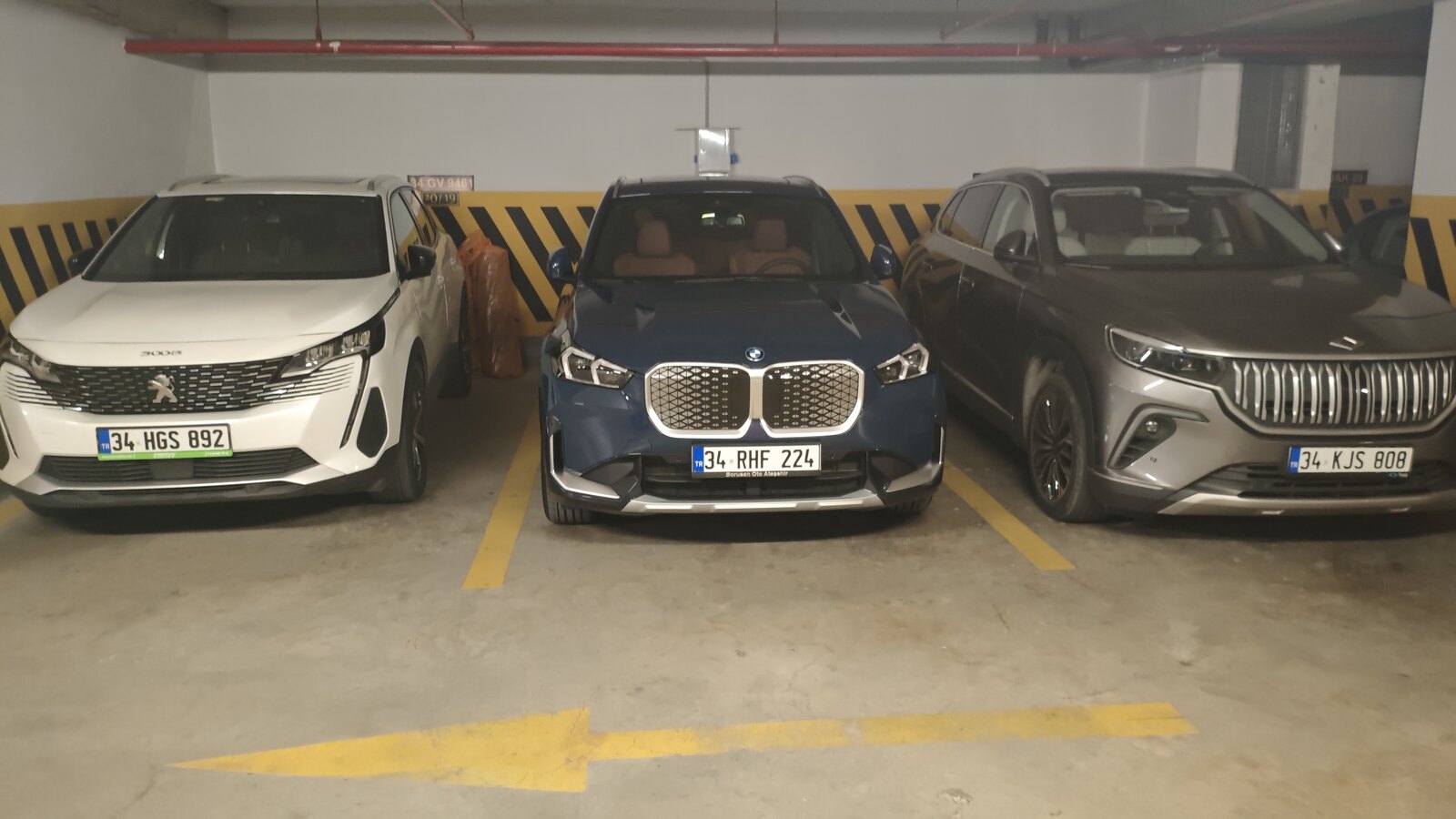
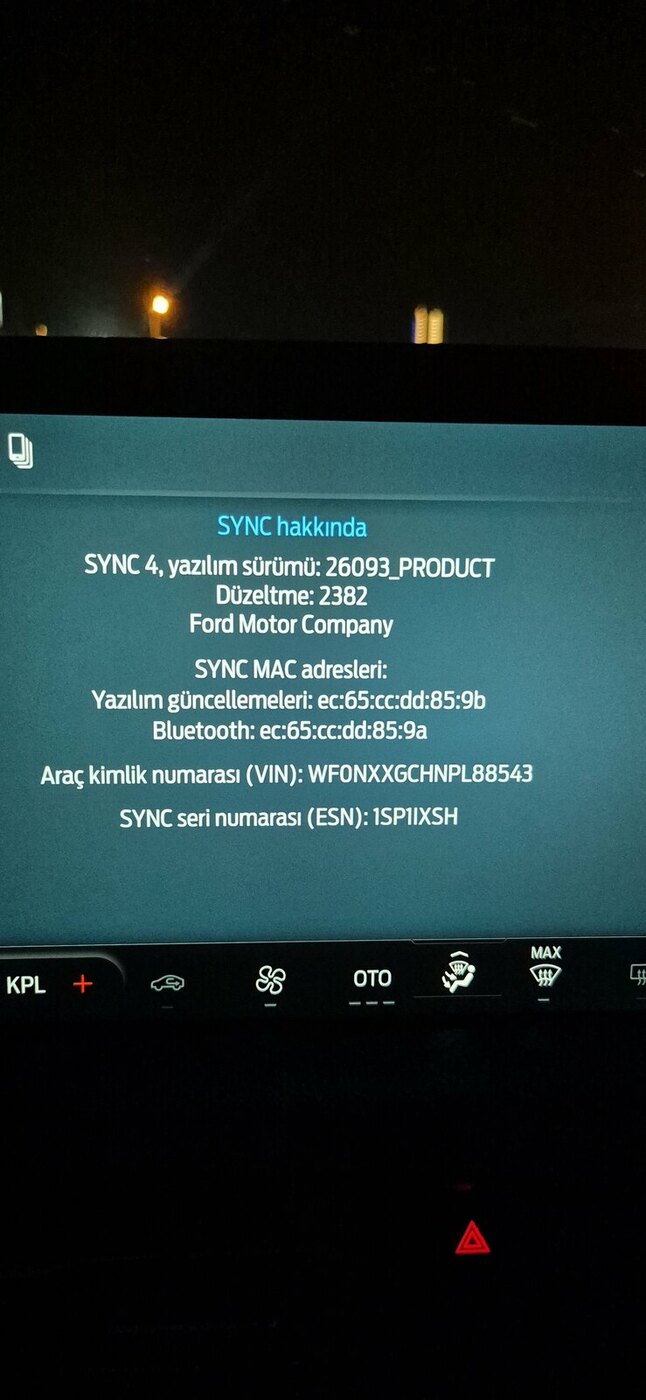 1 puan1 puanHavalar bir miktar soğudu ideal sıcaklığa daha geç ulaşıyor olabilir ve kısa mesafe kullanılıyorsa fark oluşması muhtemel1 puanGüncelleme: Iphone'lara gelen iOS 27 güncellemesi sonrası konum şaşması tamamen düzeldi. 1 aydır hiç yaşanmadı. Hiç mantıklı gelmese de sorun düzeldiği için mutluyum.1 puan1 puanÇok sağol hocam anlaşmalı trafik tutanağı tuttuk hem ona hem a4 e kaçtığını kabul eden açıklama yazıp imza attı herhalde sorun olmaz. :/1 puan1 puanYaşar çok geçmiş olsun, can sıkıcı bir durum ama en azından adamı bulmuşsun. Sıkıntısız halletmen dileğiyle...1 puan1 puan1 puankonu disi olacak ama gecenlerde kayip silah ruhsati icin ifade vermem gerekti. ucuncu gidisimde gecenin bir yarisi (3-4) verebildim. O da yonlendiren ilce emniyet mudurlugu oldugu icin... yoksa almayacaklardi. Memur bu isi onlarin (mudurlukteki memur) yapmasi gerekiyordu filan diye bir kac kere soyledi. bence ayni. fikir tabii.1 puan1 puanKasko firması (Allianz) o zaman beni uğraştırmıştı. Çarpan kişiyi önce karakola yönlendirmemi ve ondan yazılı ifade verdirmemi istediler. Kişi (Allahtan babası iyi niyetli çıktı ya da bir şeyleri kapatıyordu kendi aklınca) karakola gidince polisler onu terslemiş ve ifade almamışlar. Sonra kasko firmasına bunu söyleyince kişiden yazılı ve imzalı beyan almamı söylediler. O beyanı kaskoya ilettikten sonra sorunum çözülmüştü. Yoksa boşu boşuna hasarsızlık kademesi kaybedecektim.1 puan1 puandetaylari okumak lazim tabii ama ilk olduguna gore su an bir hasarsizlik indiriminiz yok. hasarsizlik indirim koruma olunca 1 hasarda, sanki hasar olmamis gibi oluyor genelde. eger oyleyse zaten bir kaybiniz olmayacak.1 puan1 puanKapı açık iç direğin fotosunu detaylı çekin. Hasarın sadece kapıda olduğu belli olsun. Kapıyıda komple değiştirin. Tamire gerek yok. Aynen kasko karşıdan alır, kasko delinmez.1 puan1 puanbenim oğlan da izmir de, cliosu vardı bir ara.. 6 ayda 3 kere vurdular.. ufak tefekti ama kimi dönerken, kimi a101 de park halinde öbürü ayna kırdı motorsiklet. kazasız araba yok o memlekette. çok geçmiş olsun.. çevredeki, yol üzeri başka kameralardan tespit edilir. kendi aracında da hasar vardır illaki.. ama ortada boya çıkması yoksa sizin kapıda, ne vurmuş ayrı konu... çünkü çok geniş alan. yukarıda aşağıda çok büyük bir şey vurmuş olmalı. muhtemelen geri geri vurmuştur.1 puan1 puan1 puan1 puanTeşekkürler plaka hiç okunmuyor 3 farklı kamerada da pazartesi savcılığa başvurucağım1 puan1 puanAğalar, artık 6 yaşı tamamlamış XC40 ı verdik, iX1 X line aldık . Yani X(i1-C40) oldu 😜 Hayatımızda hiç BMW mız olmamıştı. İlk kez olsun diye (ve muhtemelen son olur) aldık valla. Evet gerçek bir EV değil , evet batarya nmc ve küçük, evet donanım düşük ama aldık artık. Gece mavisi, içi kehribar deri. Daha iyisi sizlerin olsun. BMW candır derler, musahade edelim bakalım.
 1 puanThis leaderboard is set to Istanbul/GMT+03:00








Önemli Bilgi
Bu siteyi kullanarak, forum Gizlilik Politikasını kabul etmiş olursunuz.
Account
Navigation
Araştır
Configure browser push notifications
Chrome (Android)
- Tap the lock icon next to the address bar.
- Tap Permissions → Notifications.
- Adjust your preference.
Chrome (Desktop)
- Click the padlock icon in the address bar.
- Select Site settings.
- Find Notifications and adjust your preference.
Safari (iOS 16.4+)
- Ensure the site is installed via Add to Home Screen.
- Open Settings App → Notifications.
- Find your app name and adjust your preference.
Safari (macOS)
- Go to Safari → Preferences.
- Click the Websites tab.
- Select Notifications in the sidebar.
- Find this website and adjust your preference.
Edge (Android)
- Tap the lock icon next to the address bar.
- Tap Permissions.
- Find Notifications and adjust your preference.
Edge (Desktop)
- Click the padlock icon in the address bar.
- Click Permissions for this site.
- Find Notifications and adjust your preference.
Firefox (Android)
- Go to Settings → Site permissions.
- Tap Notifications.
- Find this site in the list and adjust your preference.
Firefox (Desktop)
- Open Firefox Settings.
- Search for Notifications.
- Find this site in the list and adjust your preference.