






Gürkan Çakıroğlu
Üye
-
Katılım
-
Son ziyaret
Gürkan Çakıroğlu tarafından yazılan her şey
-
-
Huylu huyundan vazgeçmez, "Curiosity killed the cat" mi deseydim...Ben de bir kolaj yapayım ?
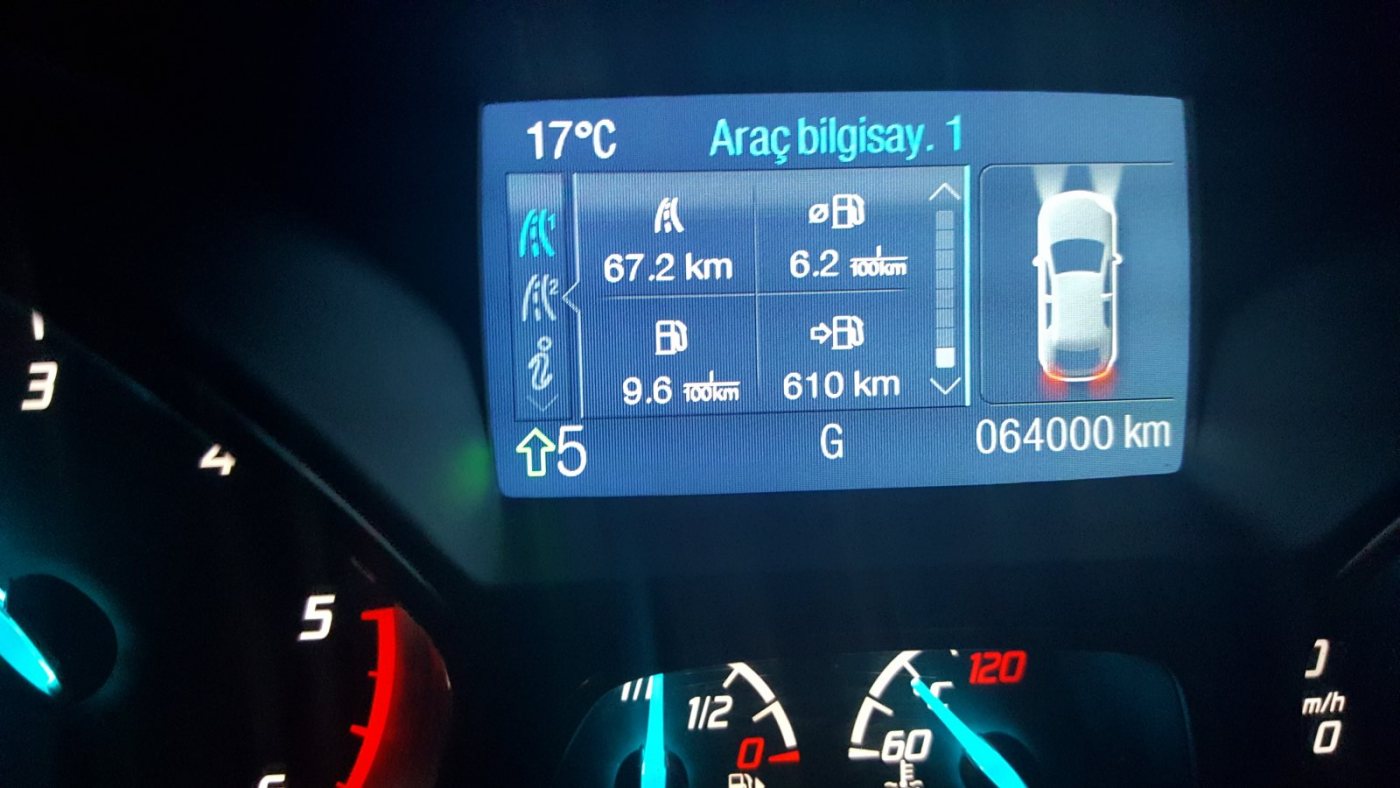
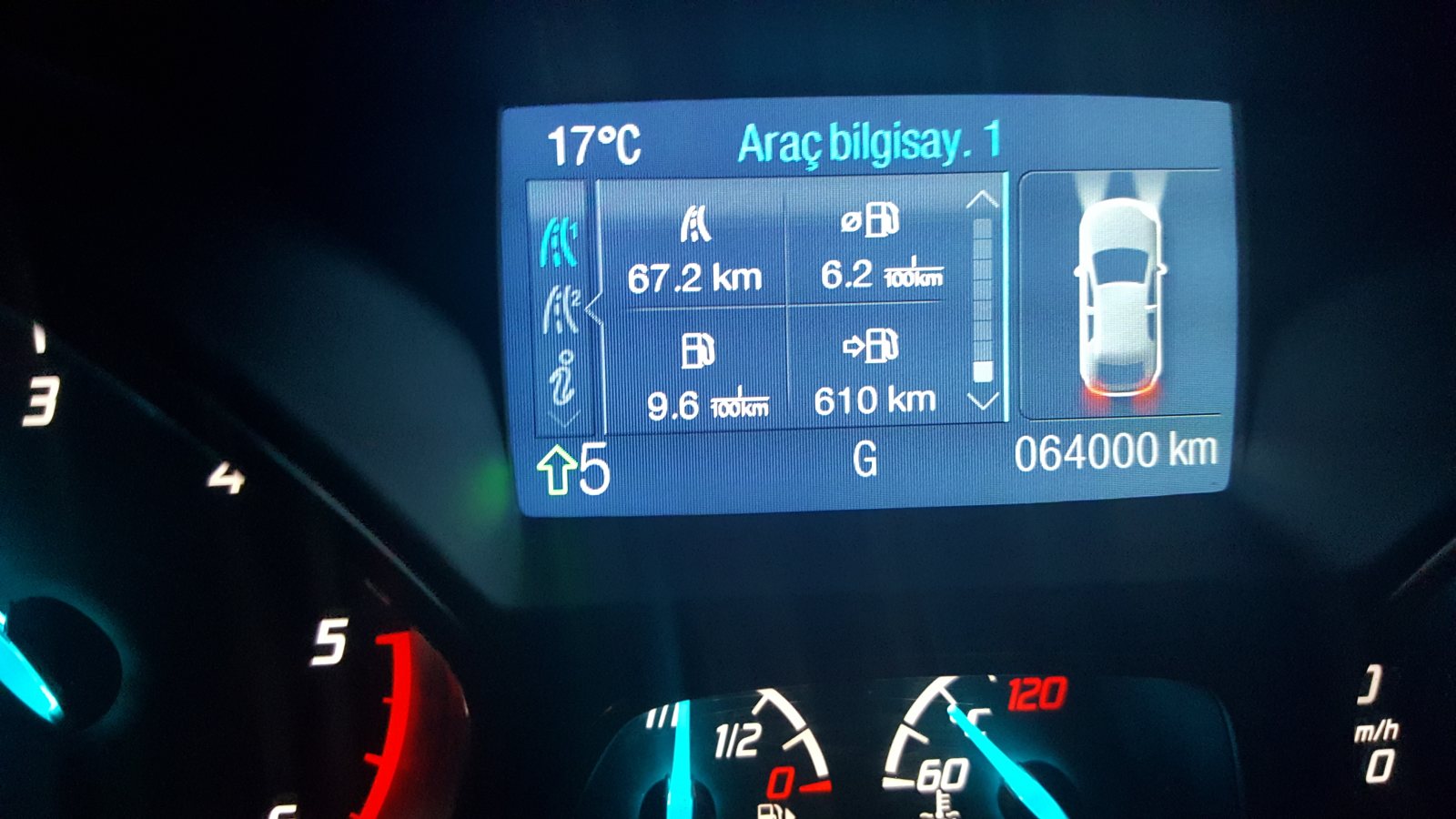
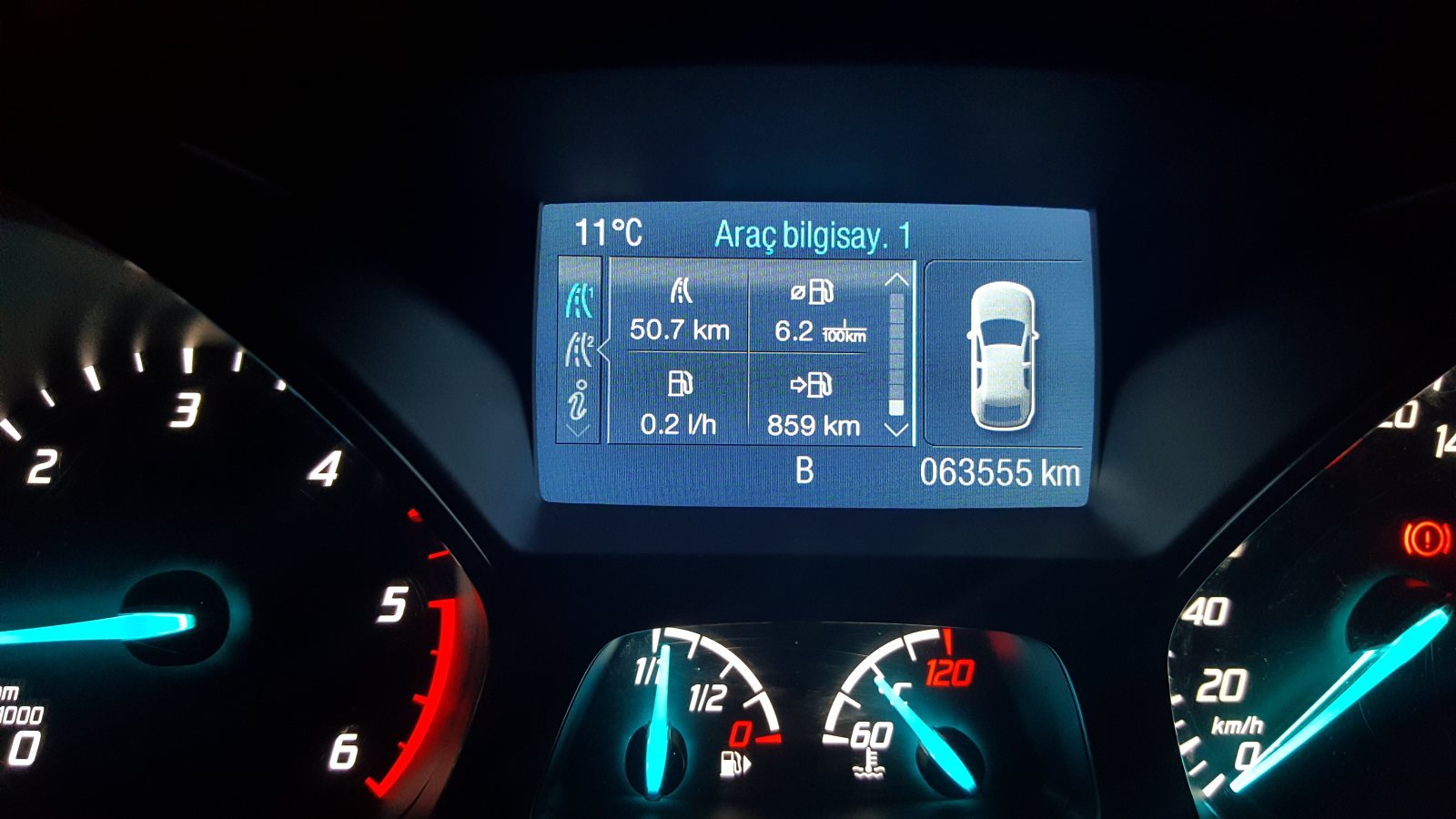
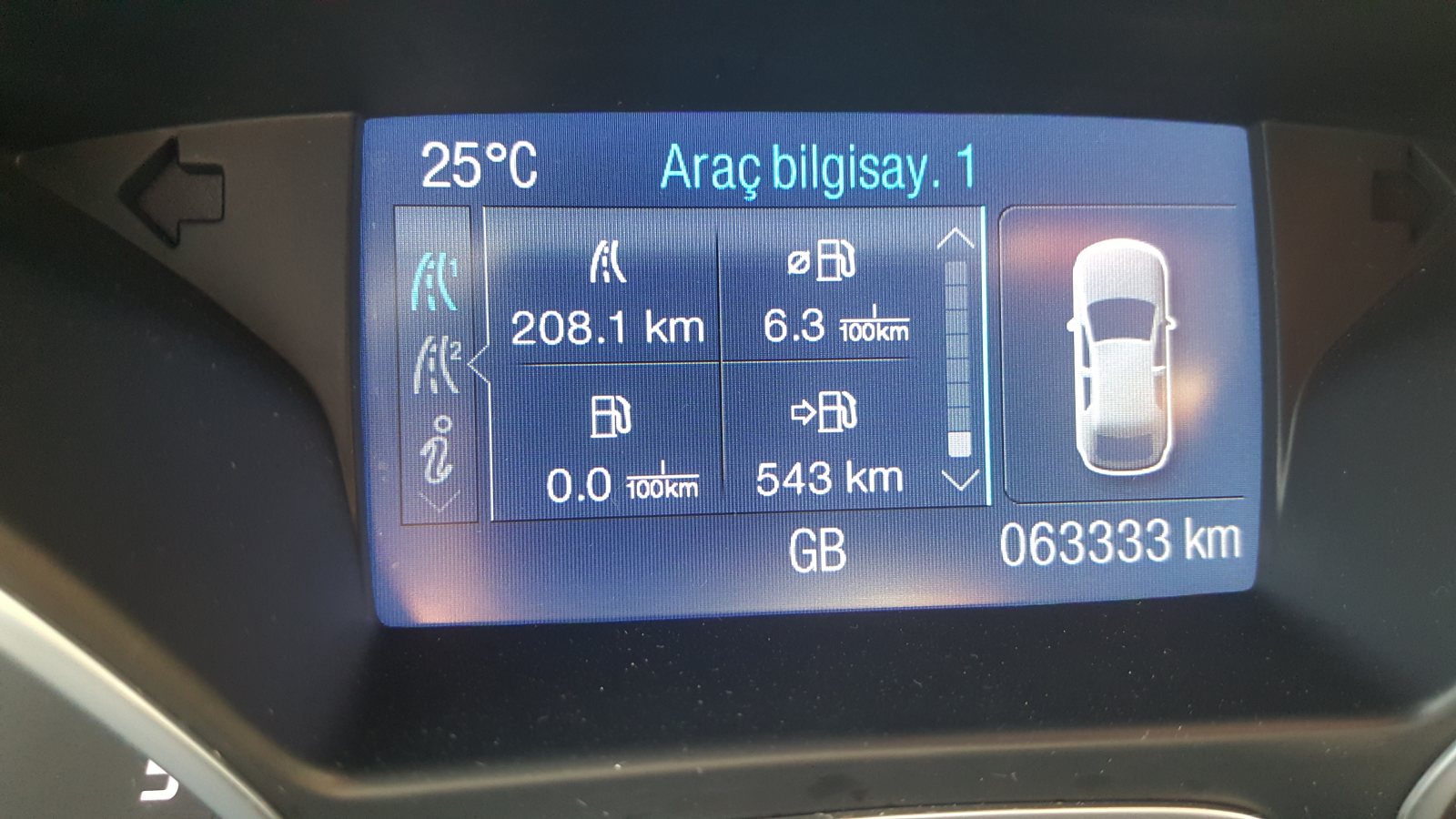
 @Olcay Sert şimşek çaktıran klibi yayınlamışsın ?Debriyaj baskı balata ve bilya sesine benziyor. Eğer debriyaj değişmemişse ve bayan kullanımına istinaden büyük ihtimal sorun ondandır...Geçmiş olsun. O çamurluğun düzelmesi için çok işçilik ve bir o kadar macun vs malzeme kullanılacak,işin kötüsü sonradan orjinal vasfını yitirecek... Bence işin ehli ustalarda çamurluğunda değişmesi, sonuçta büyük bir kaza değil ve fotoğraflarla bunu ispatlamanız mümkün...Gelmez gelmez İnşallah. İşin rast gitsin...Er-ol otoya sordunuz mu ? Yani sanayisini almayın, üzer...Olur Murat gayet güzel olur...Teknikten çok anlamam ama 7/24 kayıta neden gerek duydun hocam? Daha önce bu şekilde yapan ve aküsünü bitiren arkadaşlar oldu, teknik kısmı arkadaşlar yazacaktır elbet...Hahahaha, sormaman gereken soruyu sordun Serkan ? Bekliyoruz hep beraber...





Önemli Bilgi
Bu siteyi kullanarak, forum Gizlilik Politikasını kabul etmiş olursunuz.
Account
Navigation
Araştır
Configure browser push notifications
Chrome (Android)
- Tap the lock icon next to the address bar.
- Tap Permissions → Notifications.
- Adjust your preference.
Chrome (Desktop)
- Click the padlock icon in the address bar.
- Select Site settings.
- Find Notifications and adjust your preference.
Safari (iOS 16.4+)
- Ensure the site is installed via Add to Home Screen.
- Open Settings App → Notifications.
- Find your app name and adjust your preference.
Safari (macOS)
- Go to Safari → Preferences.
- Click the Websites tab.
- Select Notifications in the sidebar.
- Find this website and adjust your preference.
Edge (Android)
- Tap the lock icon next to the address bar.
- Tap Permissions.
- Find Notifications and adjust your preference.
Edge (Desktop)
- Click the padlock icon in the address bar.
- Click Permissions for this site.
- Find Notifications and adjust your preference.
Firefox (Android)
- Go to Settings → Site permissions.
- Tap Notifications.
- Find this site in the list and adjust your preference.
Firefox (Desktop)
- Open Firefox Settings.
- Search for Notifications.
- Find this site in the list and adjust your preference.