





Serdar yaman
Üye
-
Katılım
-
Son ziyaret
Serdar yaman tarafından yazılan her şey
-
Hb suw gibi geliyor bana nedense ?
-
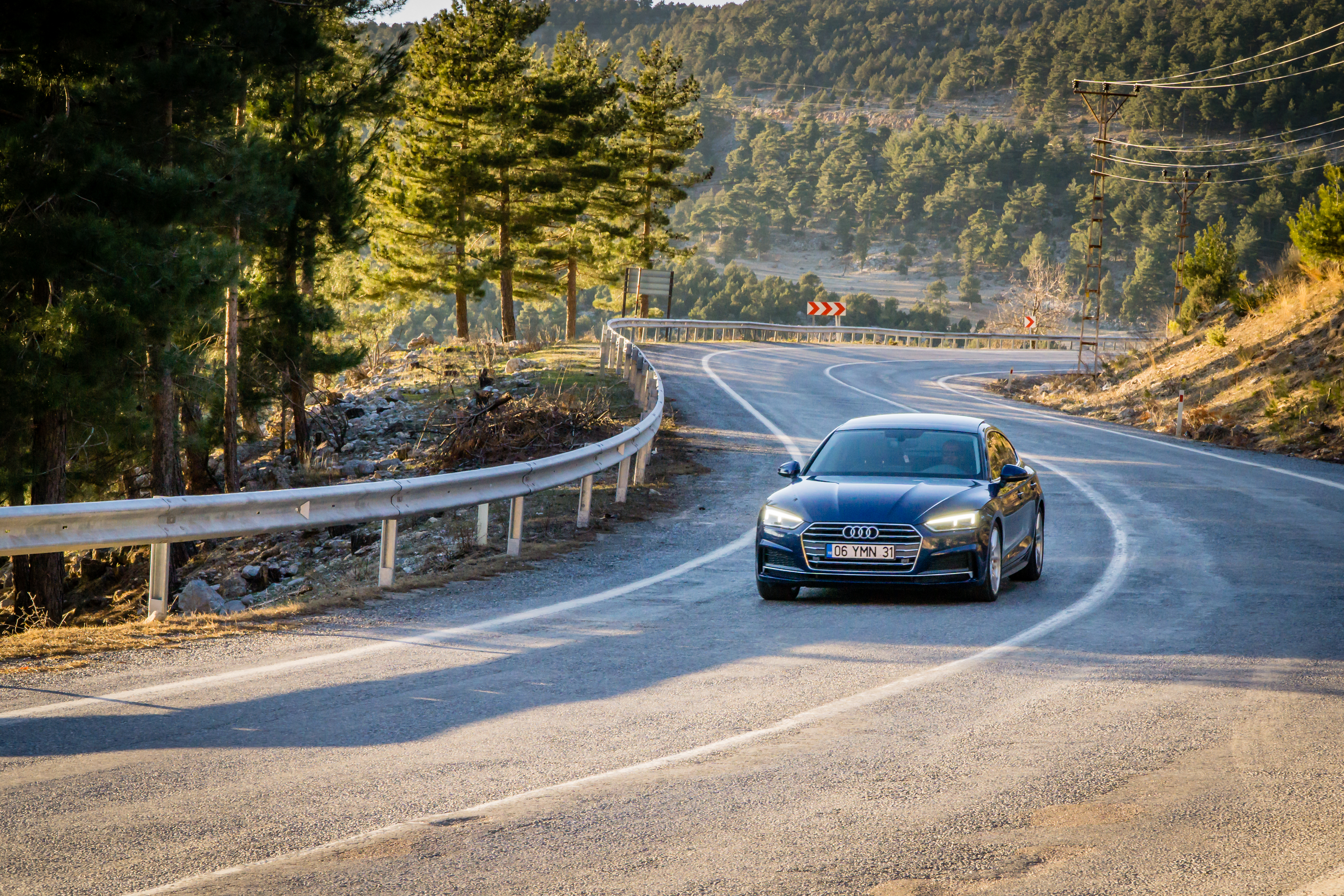
????1500 km kaldı benim bakımada bakalın ne çıkcakAynen çok basit kalmış ☺️@Mert Yürüyen ile direksiyon hariç çok beğendik ☺️

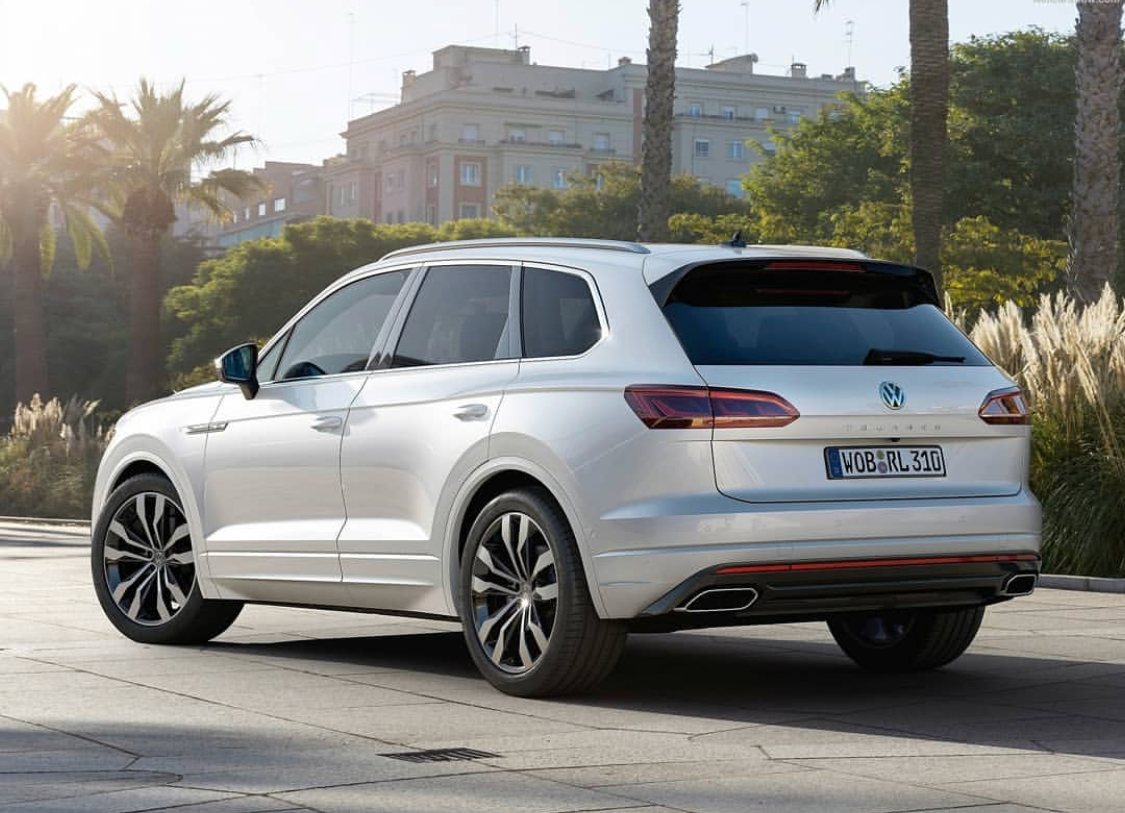
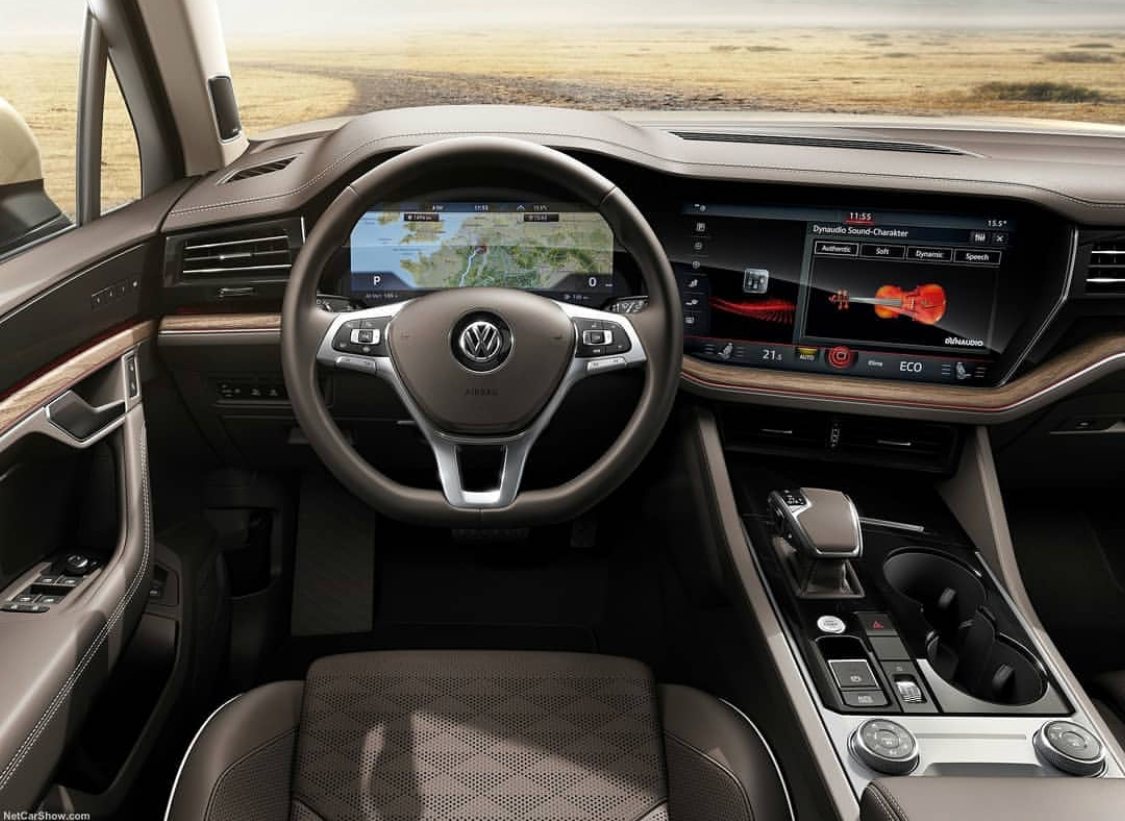 Adaşşşşş
 Kolla beni adaş karşıya geçiyorum ??
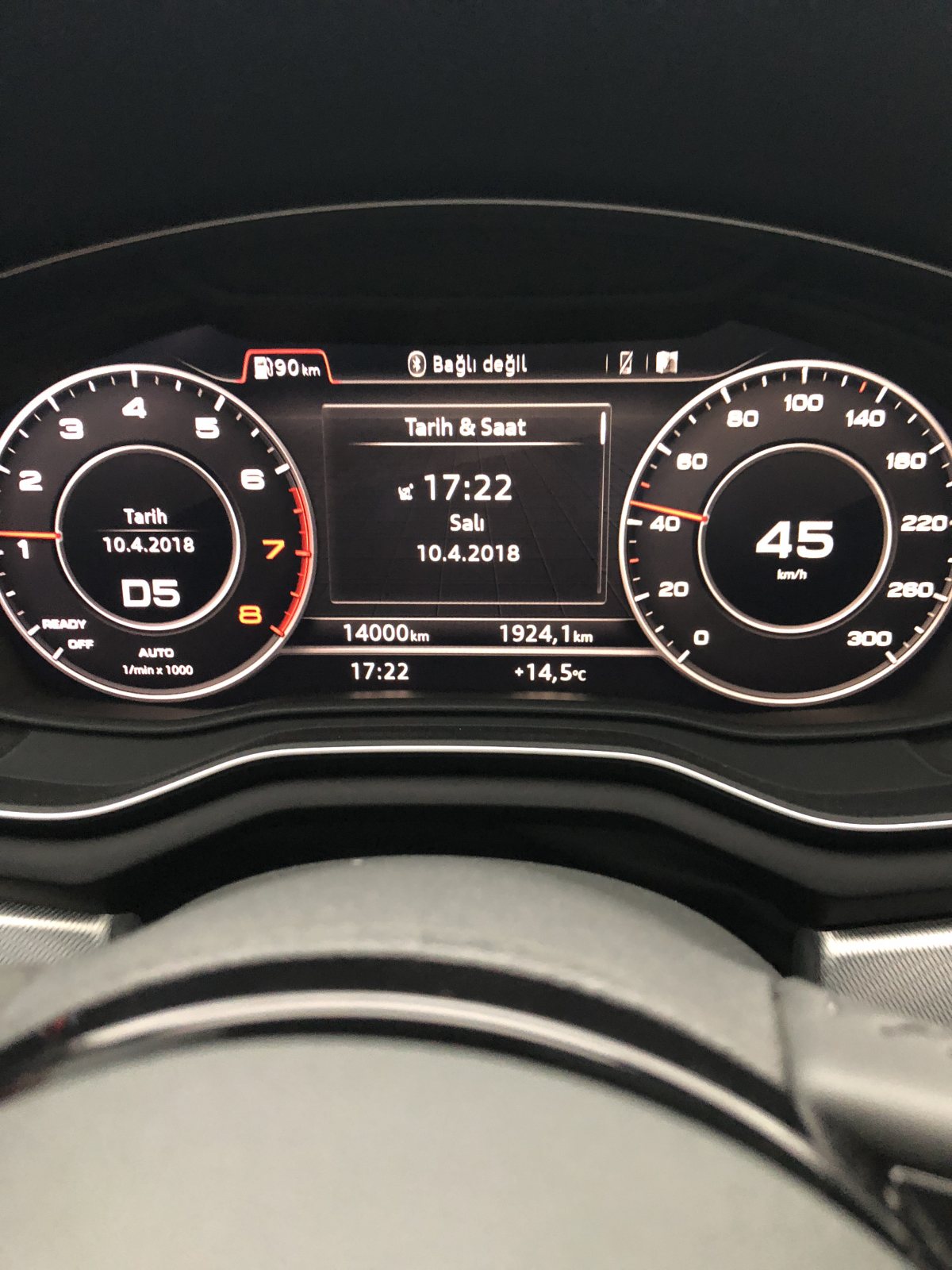
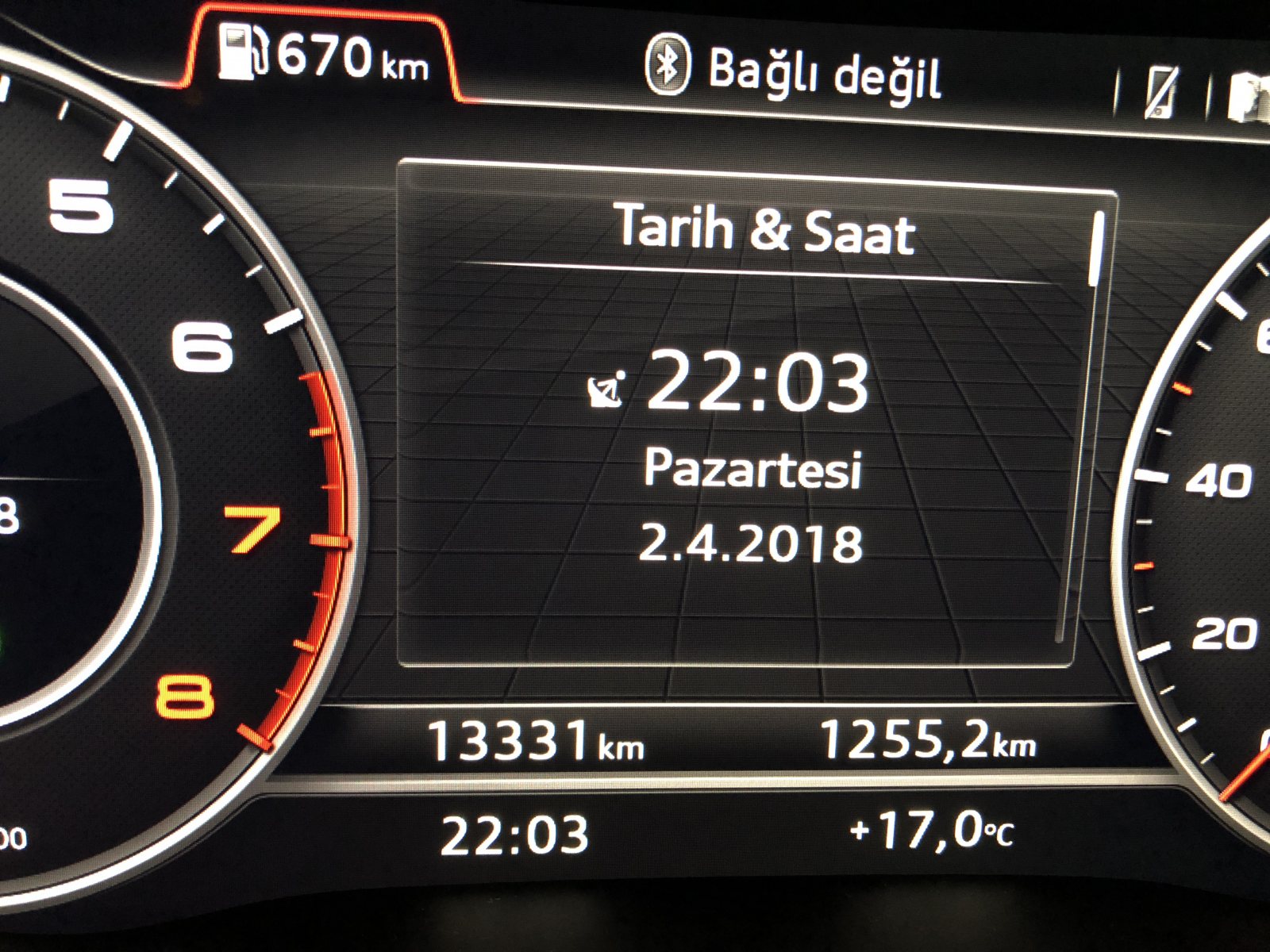
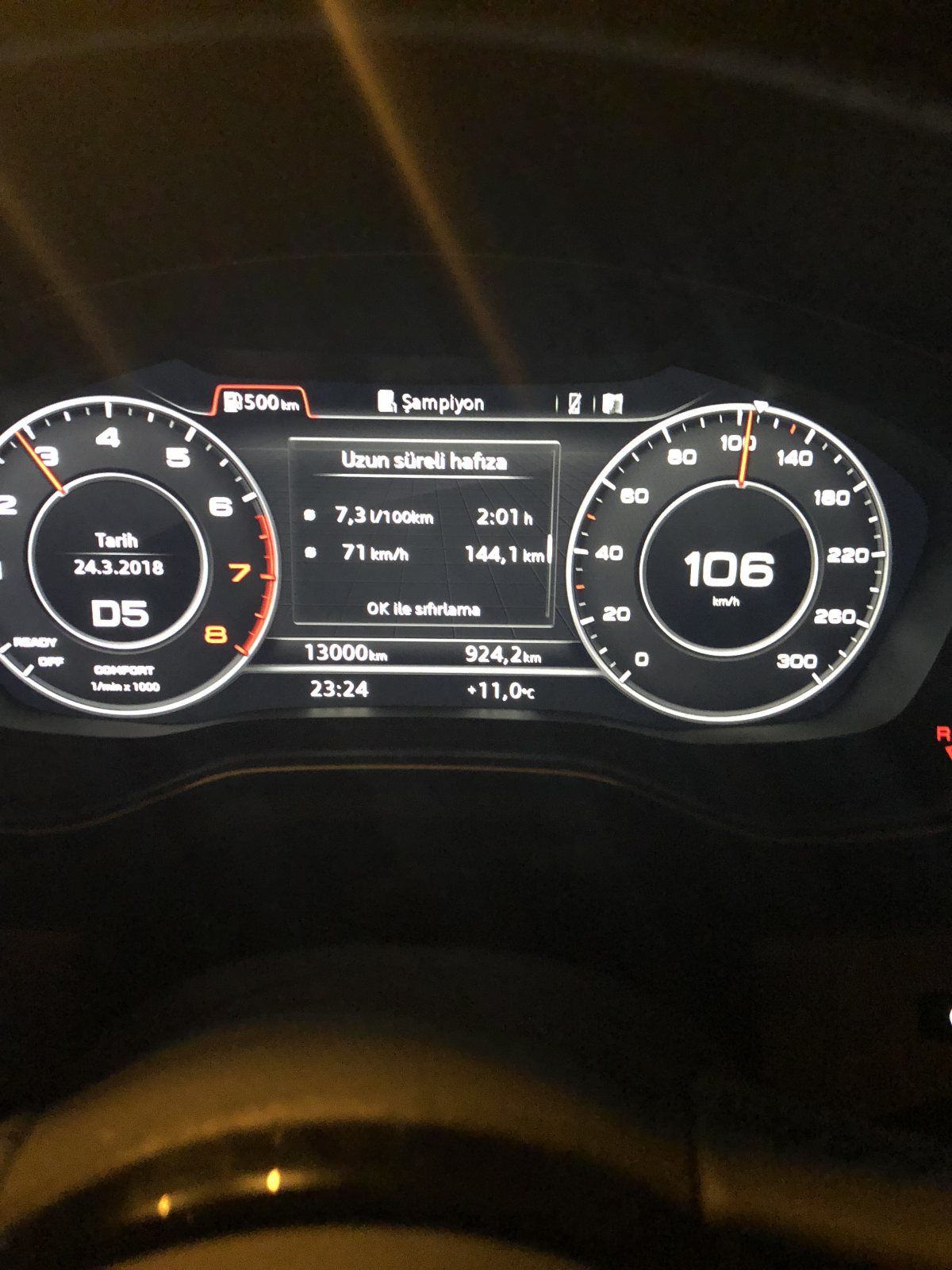
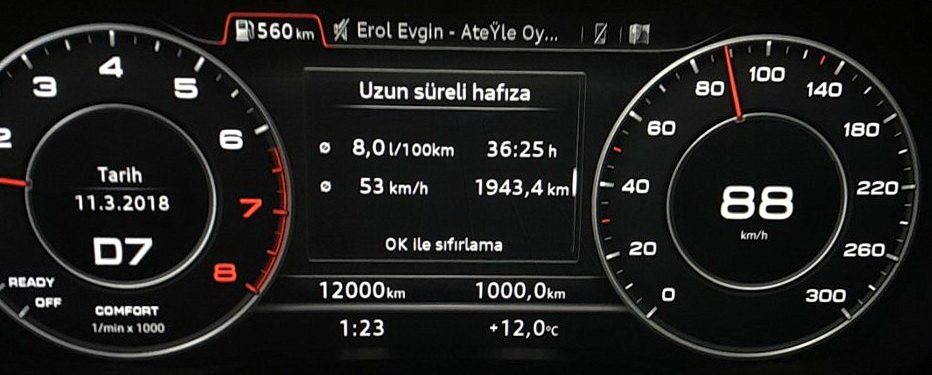
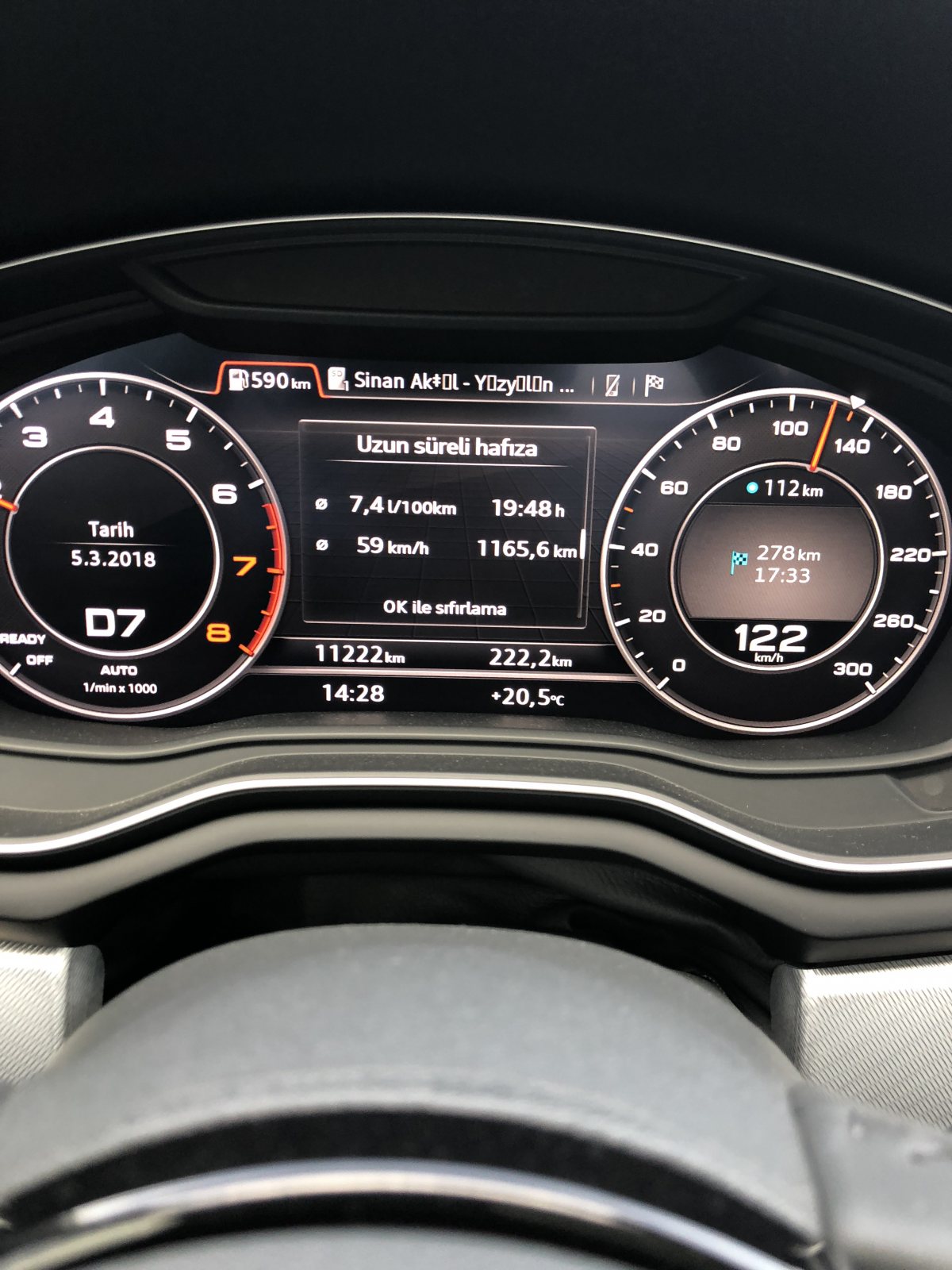
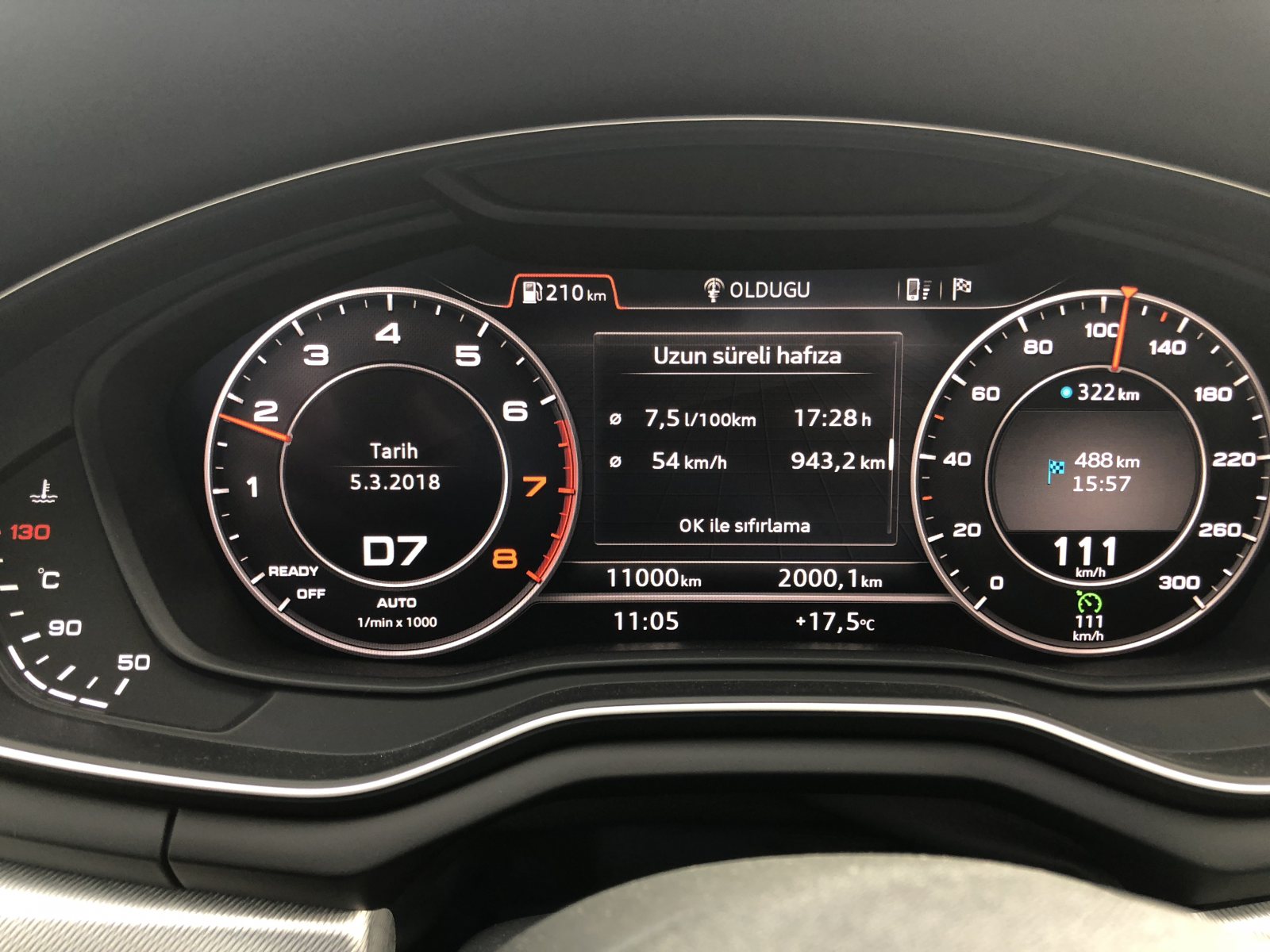
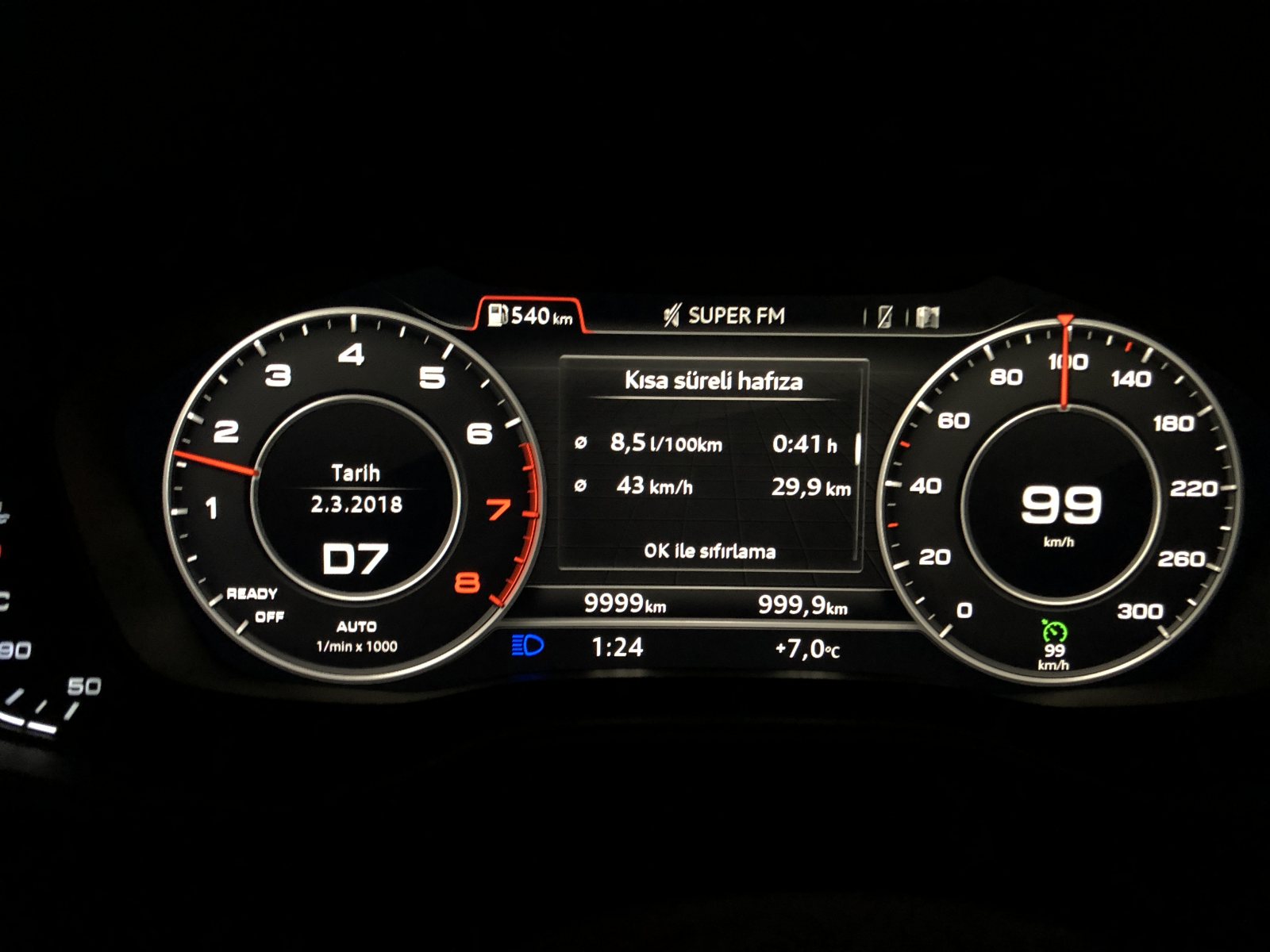
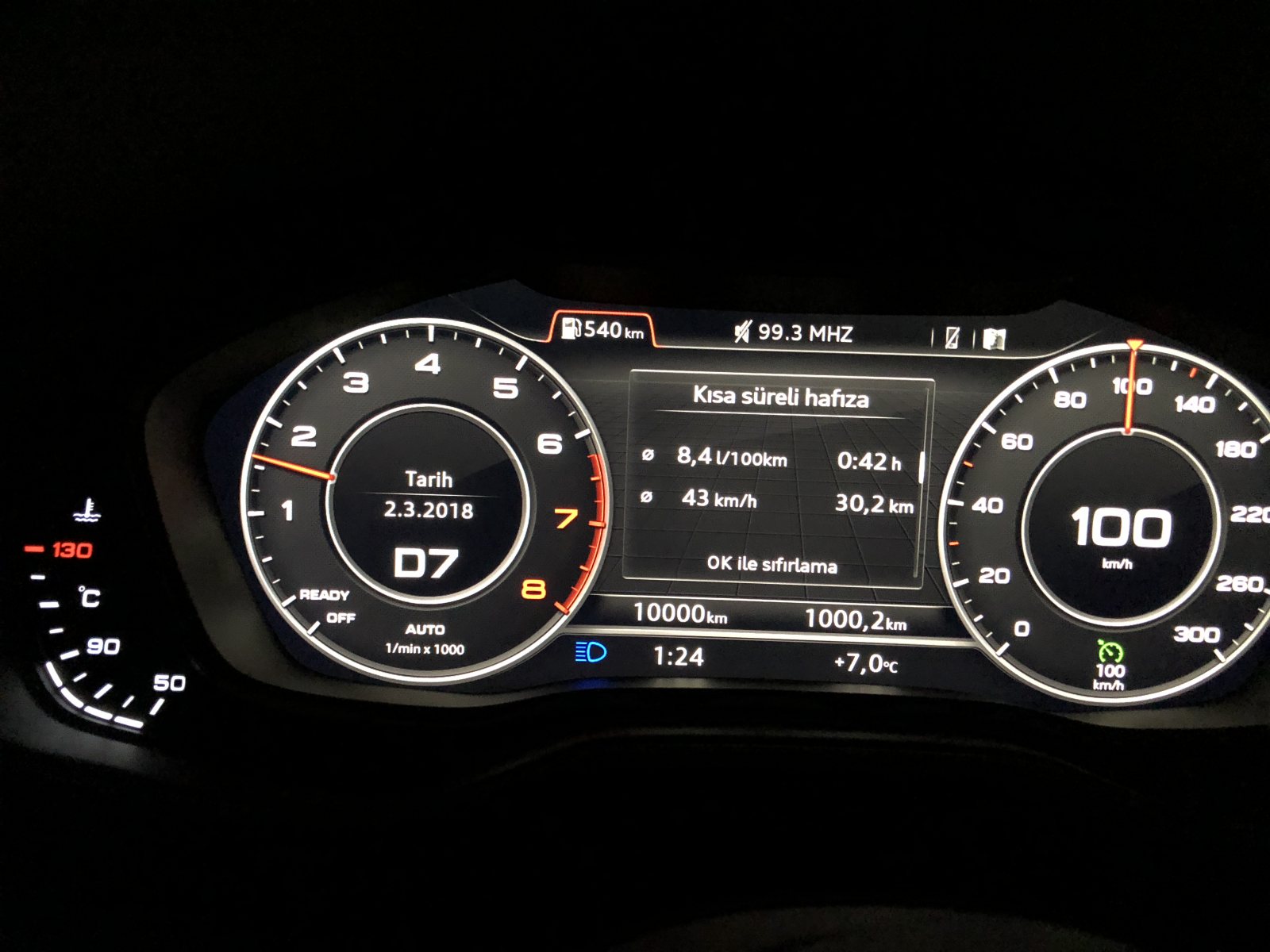
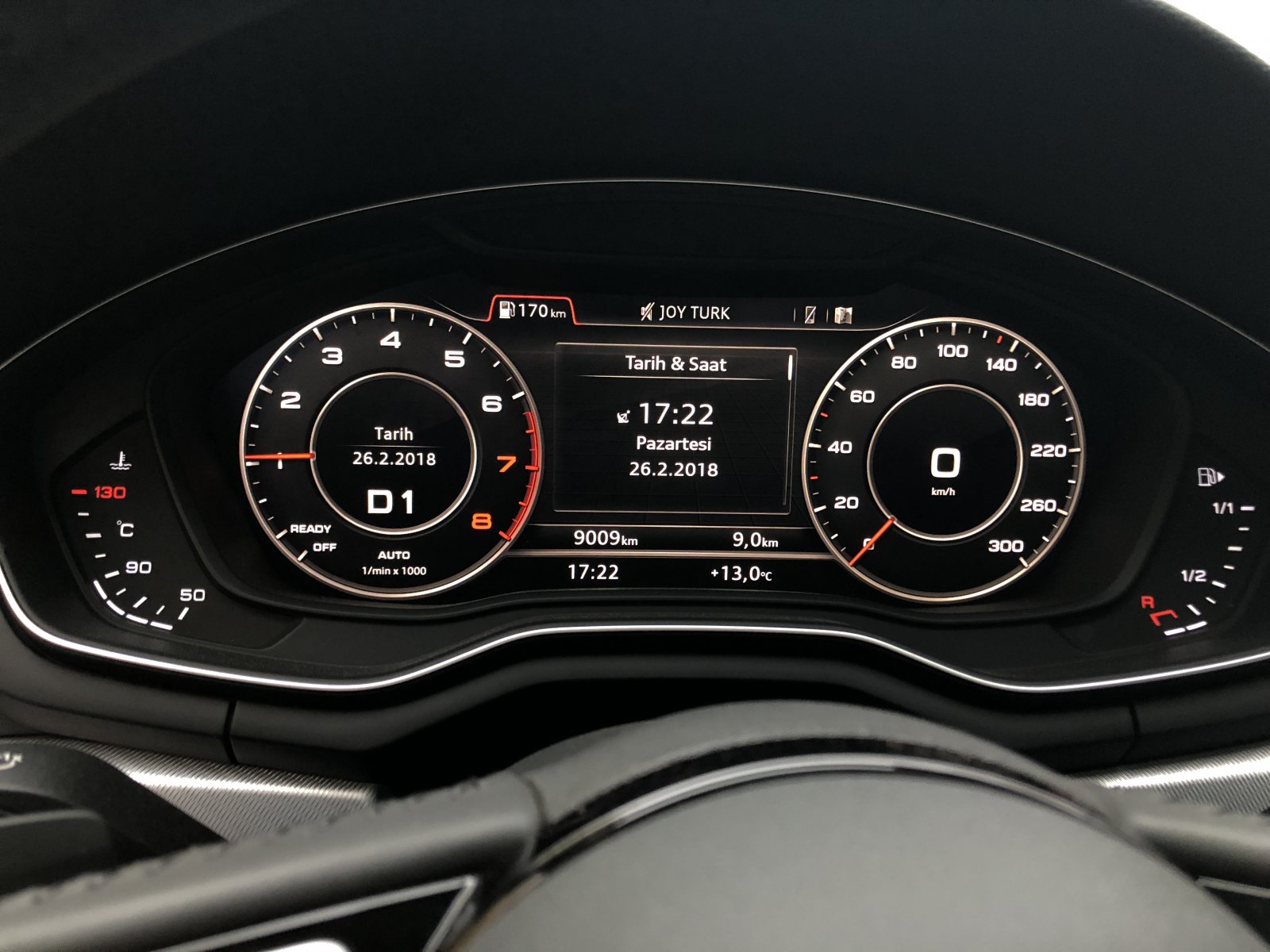
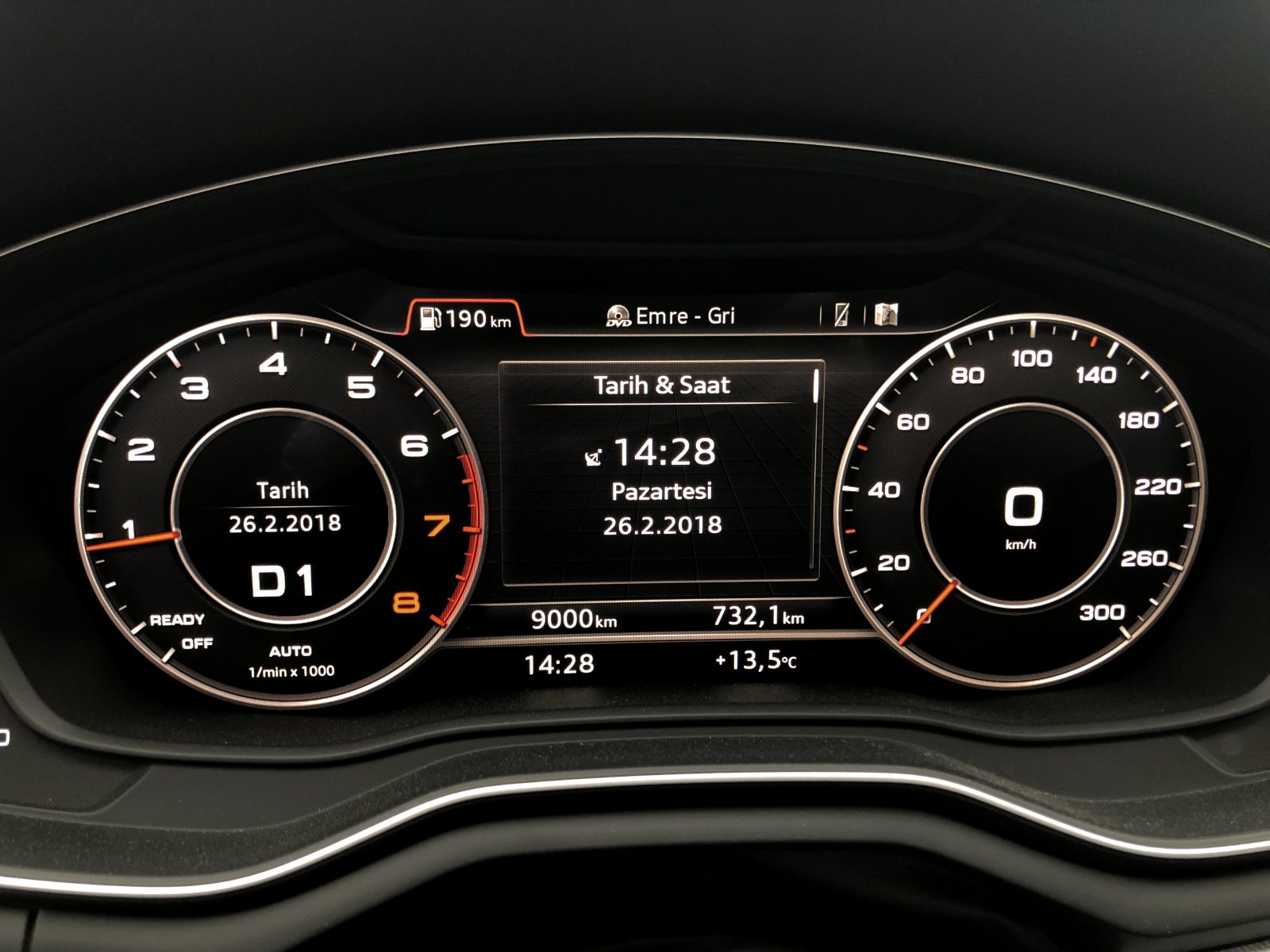
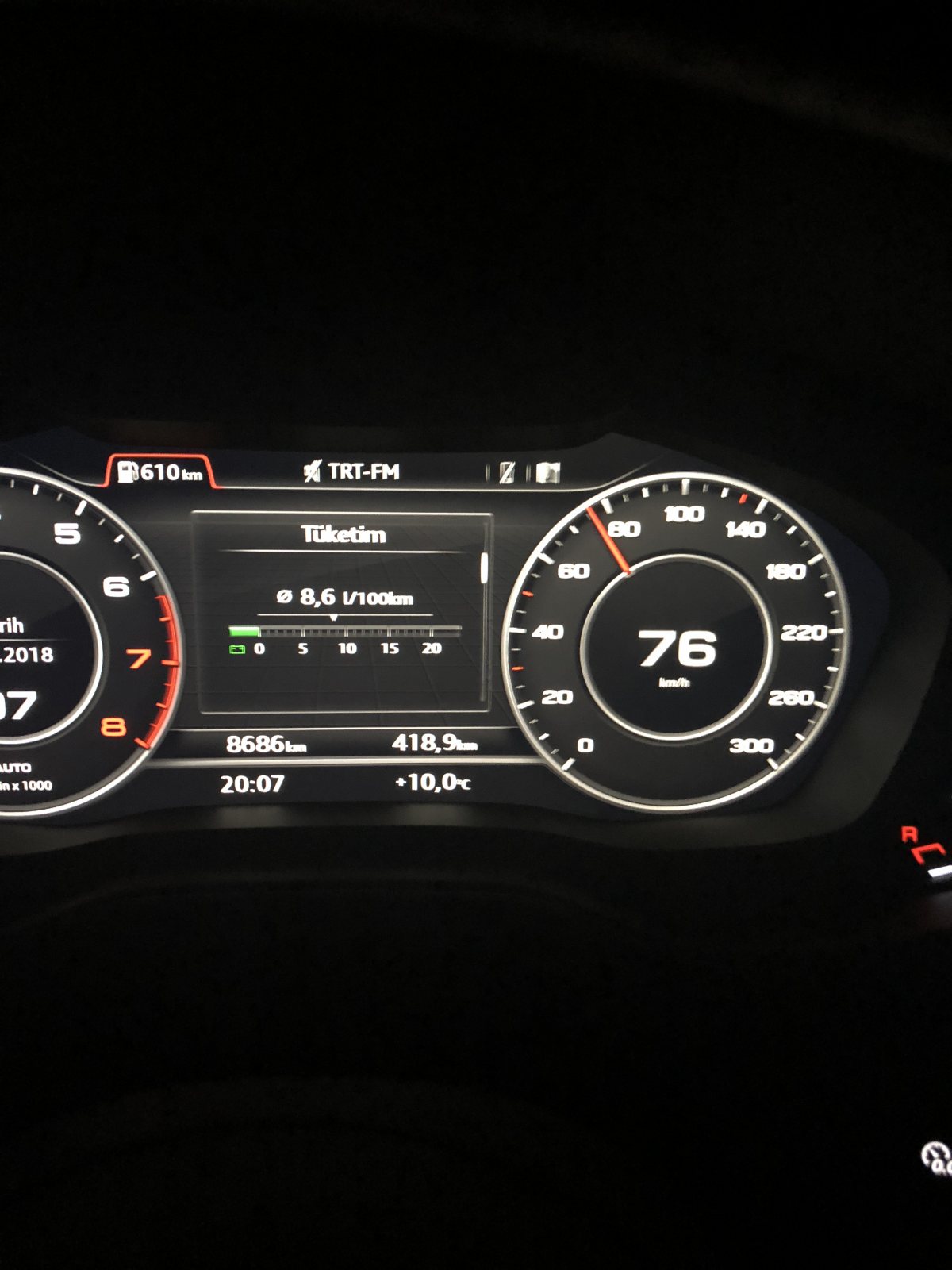
 Ahahaa2 ayda 10 bin oldu sonumuz iyi değil abiBekir abi ne zaman satıyoruz arabaları yine çok hızlı gidiyor kmler ??Ahahaha ortaya karışık @Bekir B. abi verdi zehiri
 Teşekkür ederim adaş ?Sormadım valla merakta etmiyorum nedense
Önemli Bilgi
Bu siteyi kullanarak, forum Gizlilik Politikasını kabul etmiş olursunuz.






Account
Navigation
Araştır
Configure browser push notifications
Chrome (Android)
- Tap the lock icon next to the address bar.
- Tap Permissions → Notifications.
- Adjust your preference.
Chrome (Desktop)
- Click the padlock icon in the address bar.
- Select Site settings.
- Find Notifications and adjust your preference.
Safari (iOS 16.4+)
- Ensure the site is installed via Add to Home Screen.
- Open Settings App → Notifications.
- Find your app name and adjust your preference.
Safari (macOS)
- Go to Safari → Preferences.
- Click the Websites tab.
- Select Notifications in the sidebar.
- Find this website and adjust your preference.
Edge (Android)
- Tap the lock icon next to the address bar.
- Tap Permissions.
- Find Notifications and adjust your preference.
Edge (Desktop)
- Click the padlock icon in the address bar.
- Click Permissions for this site.
- Find Notifications and adjust your preference.
Firefox (Android)
- Go to Settings → Site permissions.
- Tap Notifications.
- Find this site in the list and adjust your preference.
Firefox (Desktop)
- Open Firefox Settings.
- Search for Notifications.
- Find this site in the list and adjust your preference.